
AI動画生成器

AIジェネレーター
0/3000
10クレジット消費
作成物
サンプル3 / 3

Reference-guided campaign storyboard clip with cinematic pacing

より良いモーションブリーフから始める

マーケティングモーション用のAI動画生成器

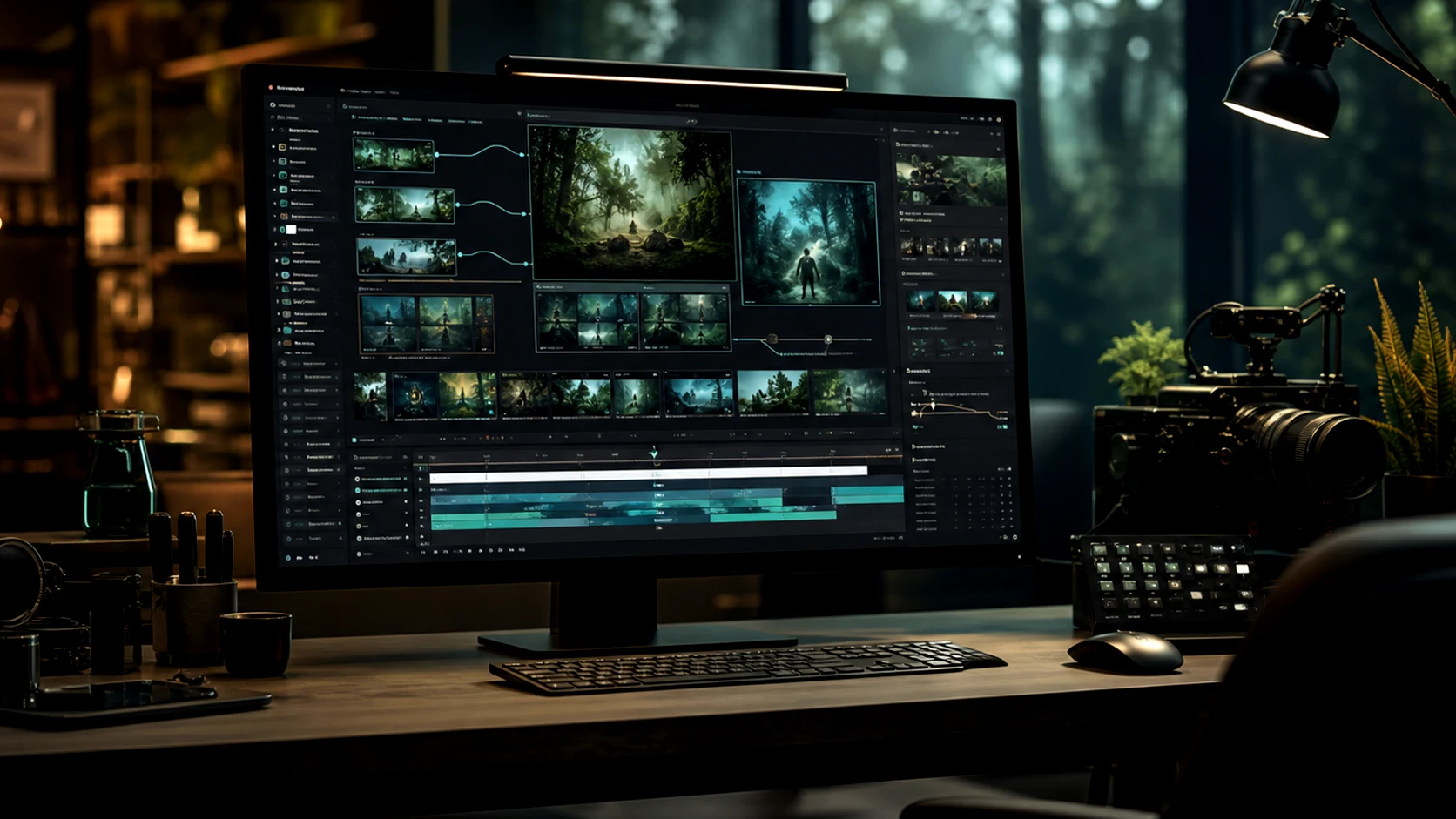
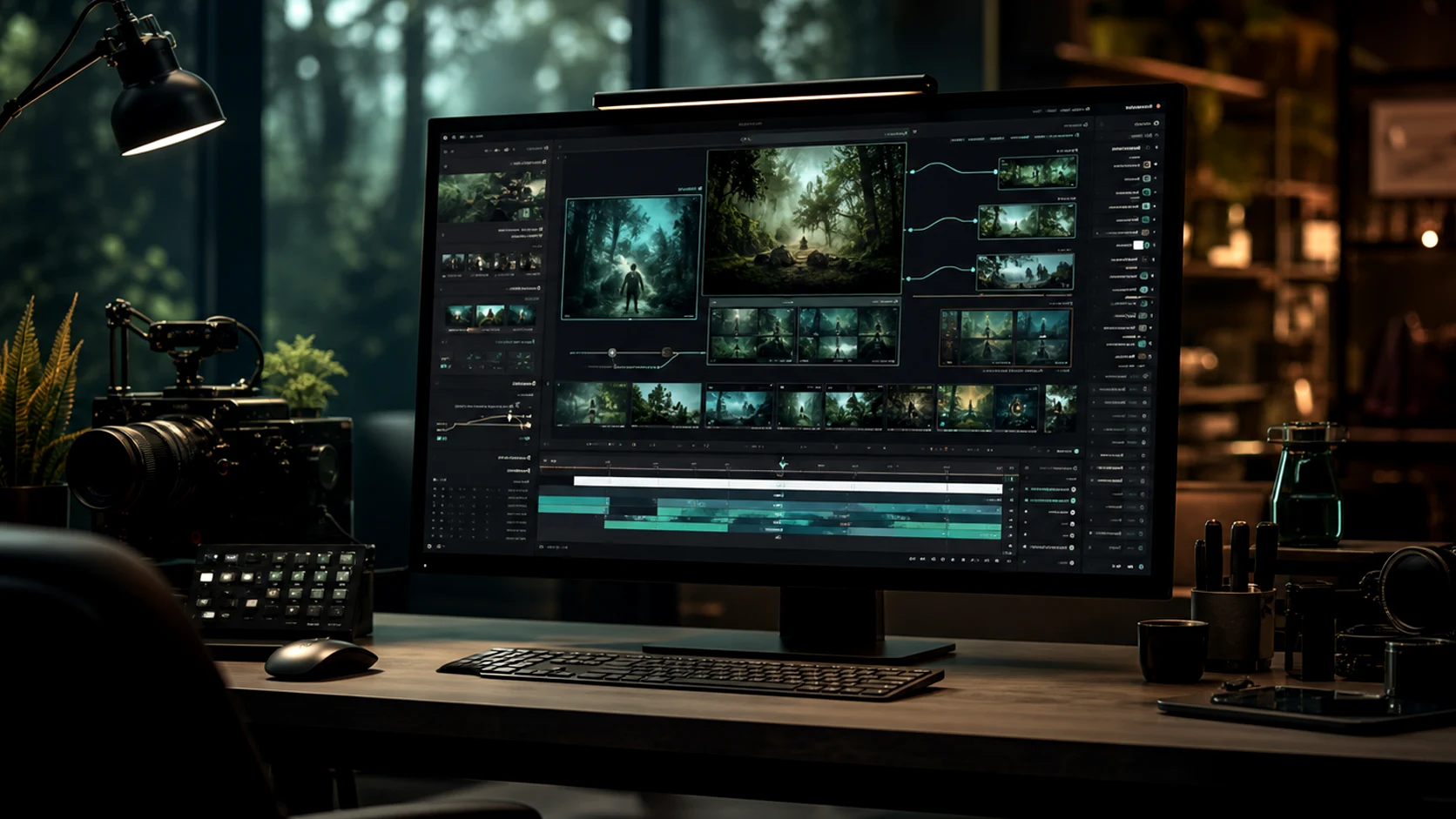
プロンプト、商品画像、キャラクター参照、キャンペーンブリーフから短い動画を作成。Omnivideoはテキストから動画、画像から動画、参照モーション、最終レビューを1つのomni video aiワークフローで管理。
Omnivideo AI動画生成器
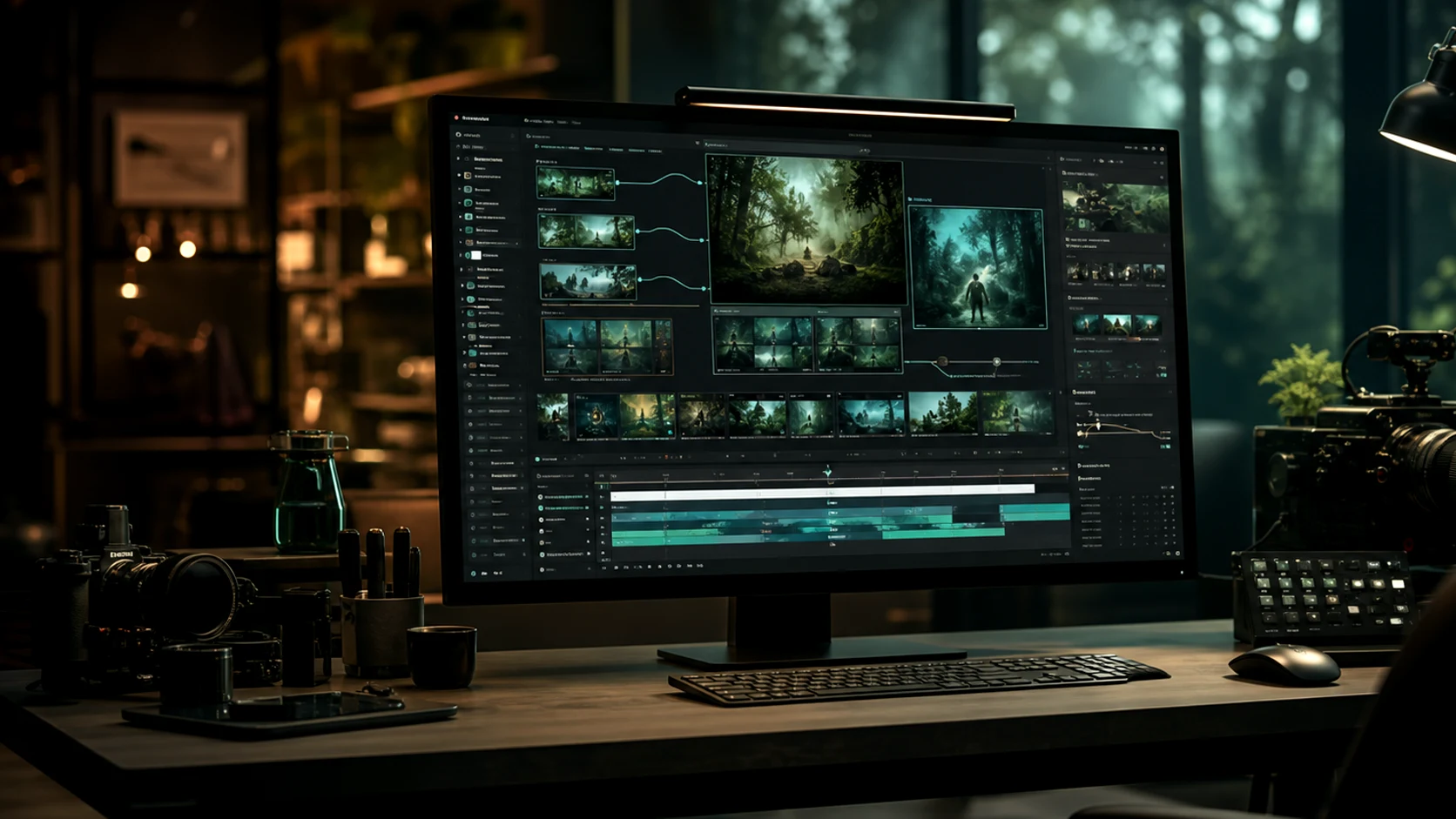
omnivideo Omni Video AI プラットフォーム概要

omni video ai 作成ツールを一箇所に

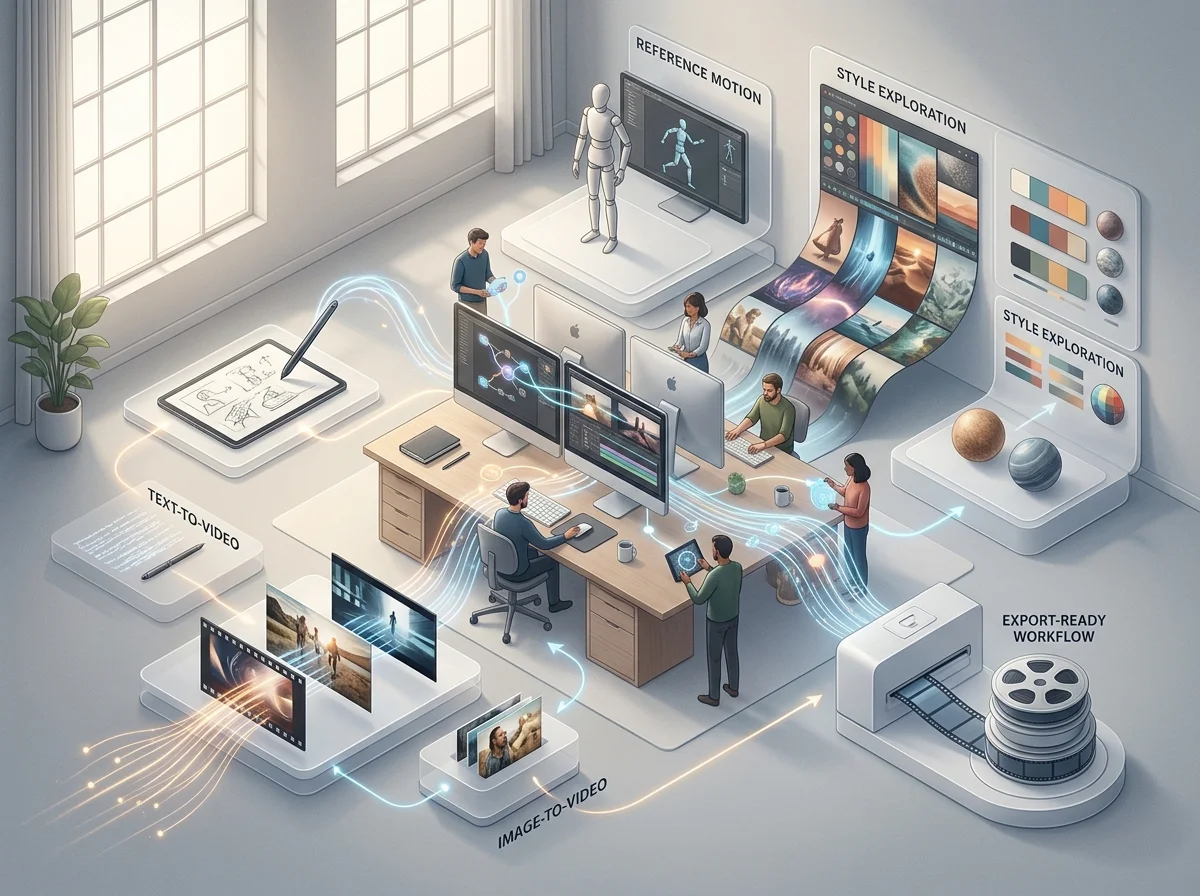
Omnivideo は text-to-video、image-to-video、参照モーション、プロンプト改良、スタイル探索、エクスポート準備完了のワークフローを 1 つの omni ai ビデオスタジオに統合します。

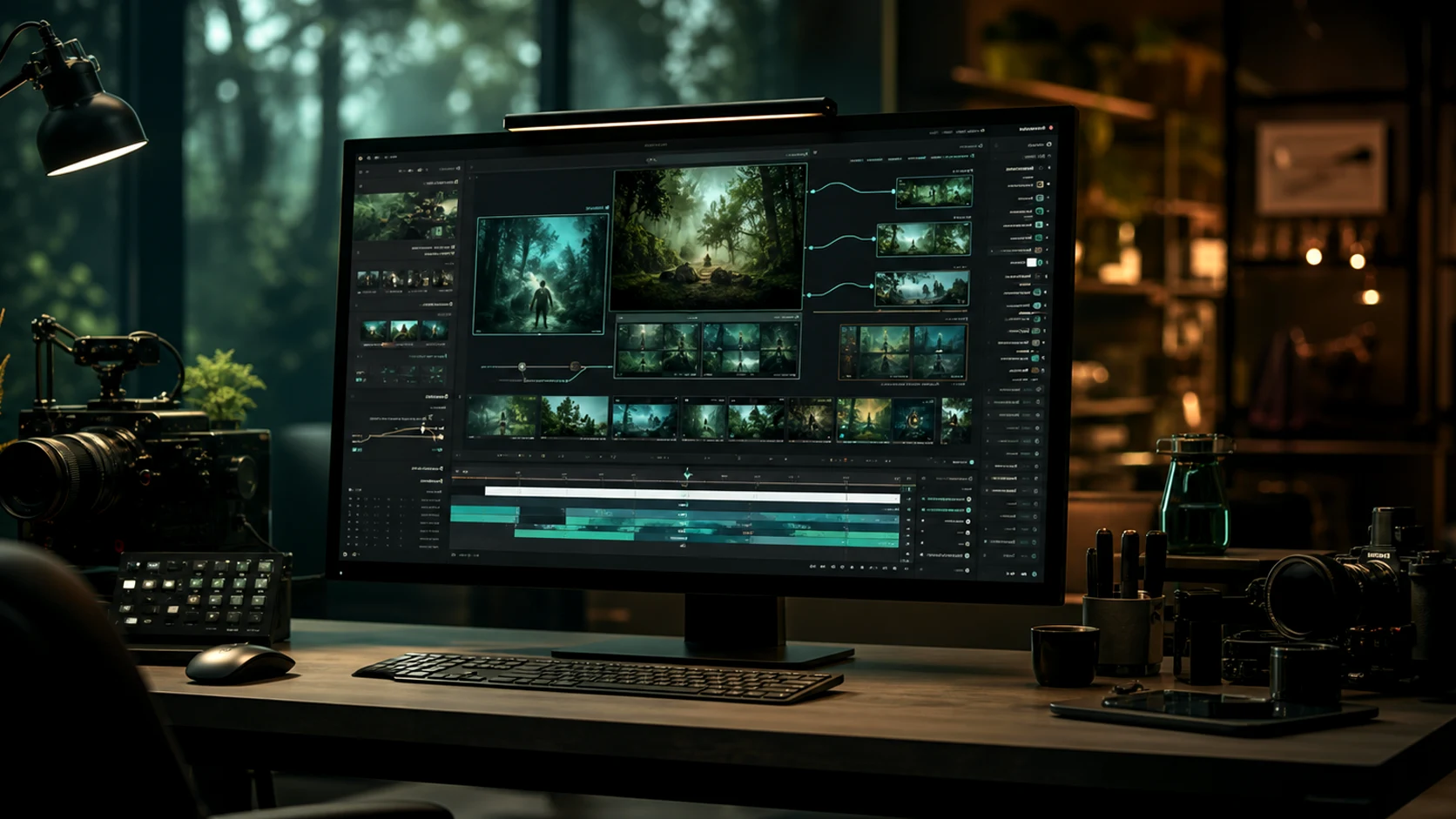
omnivideo Omni Video AI プロンプト生成ワークフロー

テキストからビデオへのプロンプトビルダー

Describe scene, subject, motion, camera, mood, duration, and audience, then generate polished omni video ai options quickly.

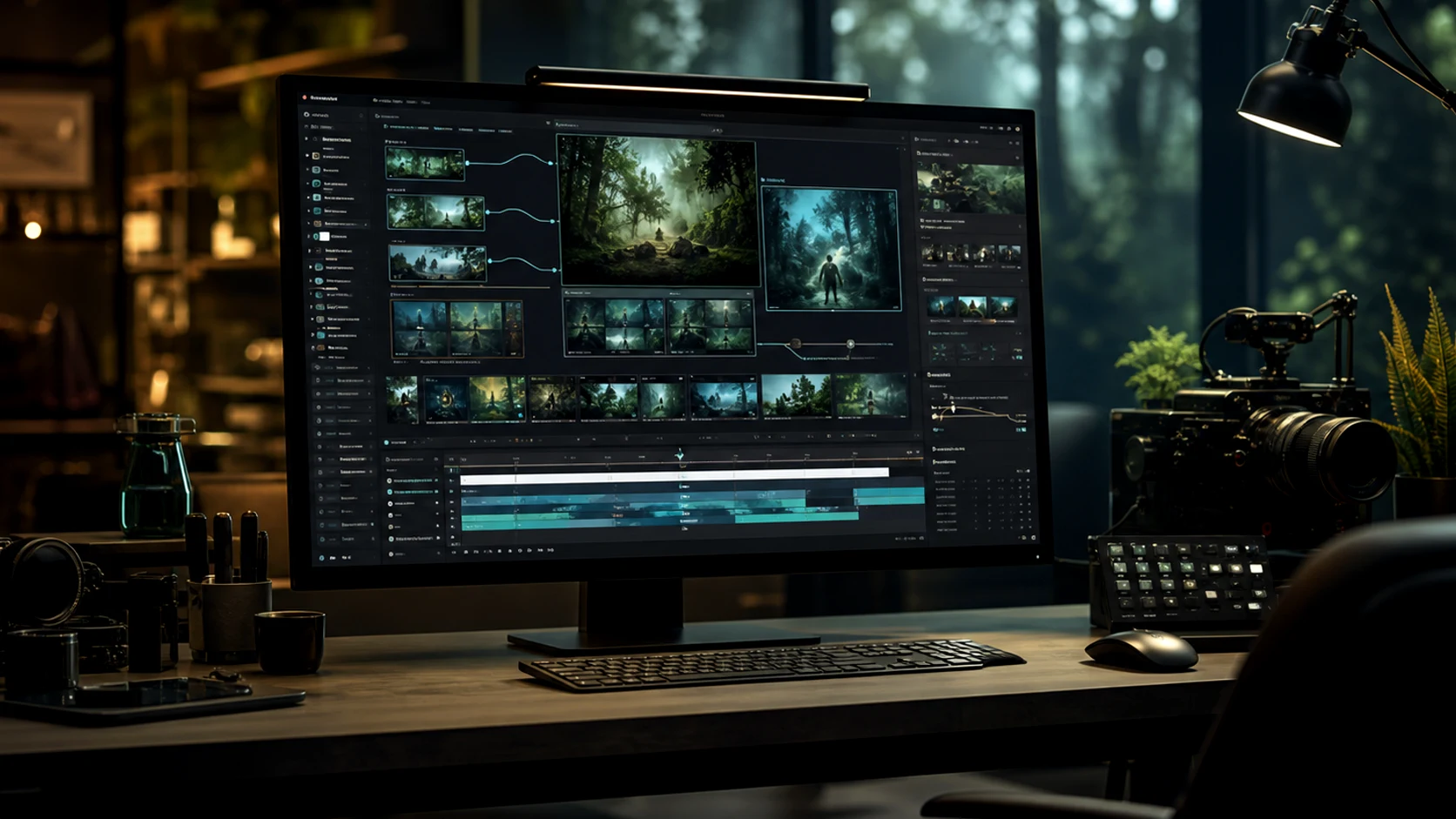
omnivideo リファレンスディレクションのワークフロー

画像からビデオへの参照コントロール

Guide composition, character, product detail, and motion from uploaded references when text alone is not enough for omni ai video.

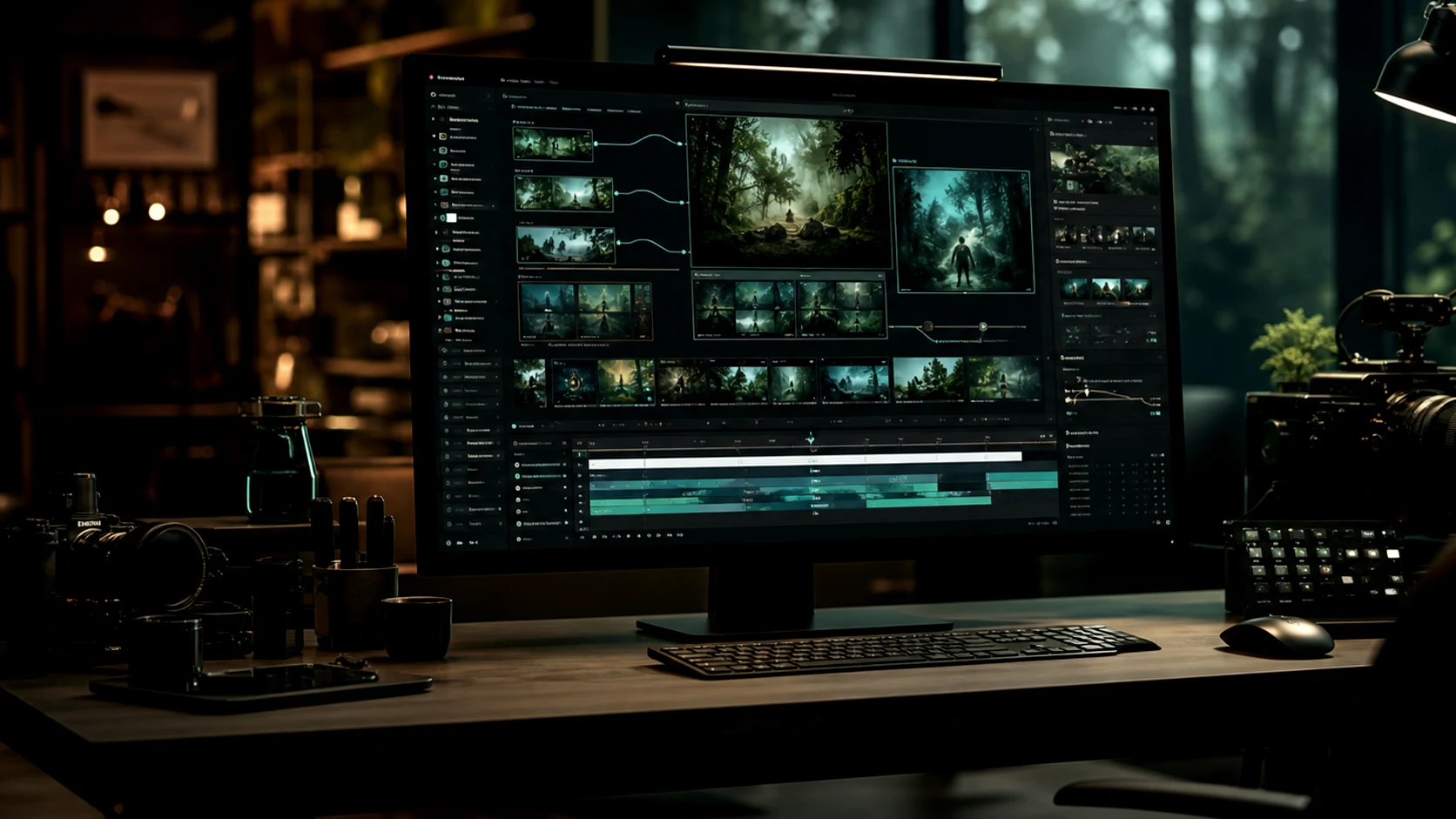
omnivideo スタイルバリエーションのワークフロー

スタイルとエフェクトの探索

Explore cinematic looks, product scenes, editorial treatments, and creative directions while keeping the omni video ai workflow in one place.

omnivideo ディテール仕上げのワークフロー

配信用の詳細調整

Clean backgrounds, remove distractions, refine motion direction, and prepare selected omni ai outputs for publishing.

Omnivideo が omni ai ビデオ制作に適している理由

切断されたツール間でプロジェクトを再構築することなく、1つのomni video aiワークフローでブリーフ作成、生成、比較、改善、モーションアセットの公開を行います。

Start with the omni video ai workflow you need, then choose the model and settings that fit the output without rebuilding the brief elsewhere.

omnivideo クリエイティブコントロール

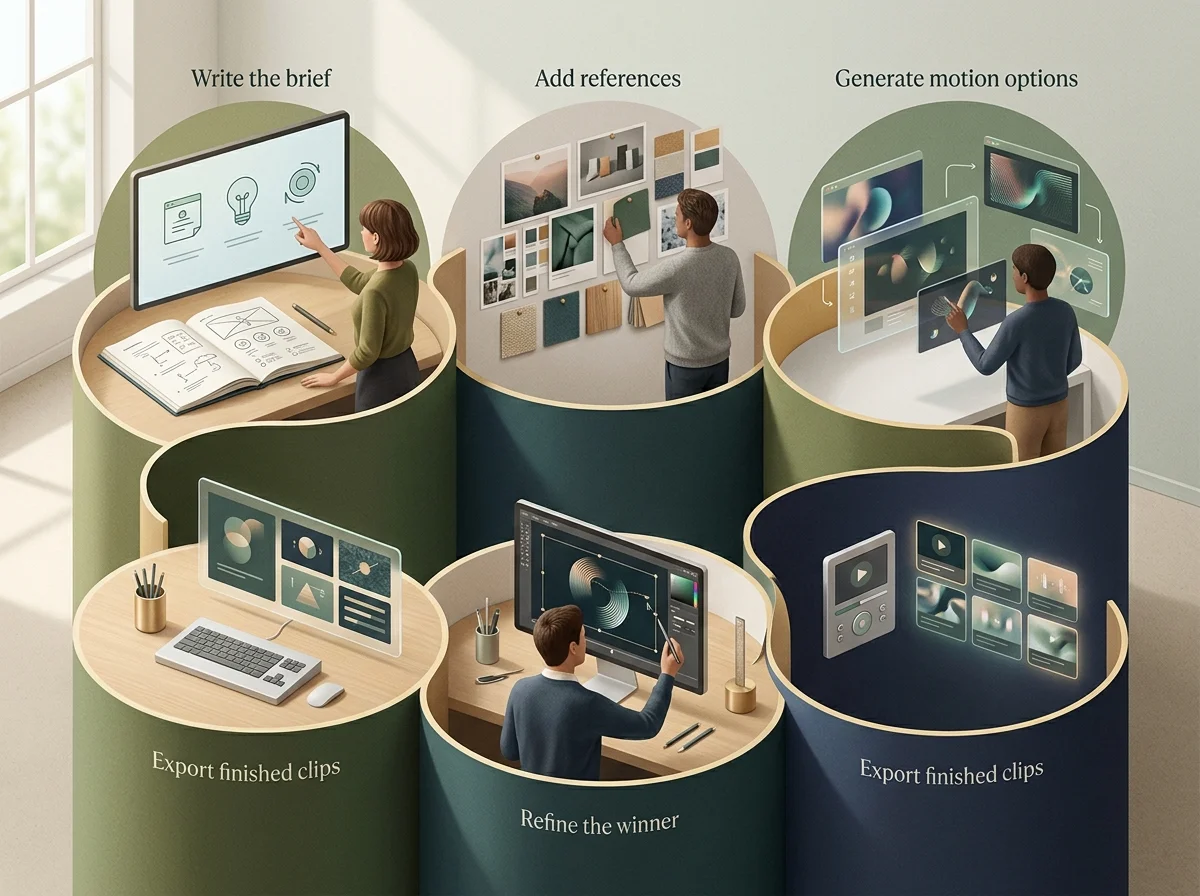
アイデアから完成したomni video aiへのシンプルなループ

ブリーフを書き、参照を追加し、モーションオプションを生成し、勝者を改善して、1つのomni ai制作フローから完成したクリップをエクスポートします。

omnivideo 画像ワークフロー概観
omnivideo ブリーフ定義ステップ

Describe the goal

Set the subject, format, audience, style, motion, and final use case before generating omni video ai outputs.

omnivideo リファレンスステップ

Add visual direction

Upload or reuse references for pose, product details, composition, palette, campaign consistency, and omni ai motion guidance.

omnivideo 絞り込みステップ

Generate and refine

Compare variations, adjust motion, improve backgrounds, remove distractions, and tighten the best omni video ai result.

omnivideo 書き出しステップ

Publish the asset

Use finished omni ai videos across ads, ecommerce pages, social posts, blogs, presentations, and product launches.

Omnivideo omni video ai機能

テキストから動画、画像から動画、参照ガイド生成、モーション改善、スタイル制御、公開対応エクスポートのための中核的なomni aiワークフロー。

omni video ai Generator

Create new videos from prompts for products, stories, ads, social posts, cinematic concepts, and launch creative.

Image-to-video Studio

Turn product shots, character references, thumbnails, and campaign visuals into controlled omni ai motion.

Reference Motion Control

Use visual references to keep style, identity, composition, and product details aligned across video generations.

Prompt Refinement

Improve camera moves, pacing, lighting, style, and negative constraints before spending more credits.

Creative Variations

Explore multiple looks and motion directions while keeping the same Omnivideo omni ai project context.

Export-ready Workflow

Prepare outputs for review, publishing, ads, social posts, landing pages, and product launch assets.

omni video aiおよびomni aiに関するよくある質問

omni video aiジェネレーター、omni aiクリエイティブワークスペース、オールインワンブラウザベース動画制作スタジオとしてのOmnivideoに関する回答。


Omnivideoで次のomni video aiを作成

Omnivideoを使用して、1つのワークスペースからより強力なomni ai動画アセットを生成、比較、改善、公開します。