


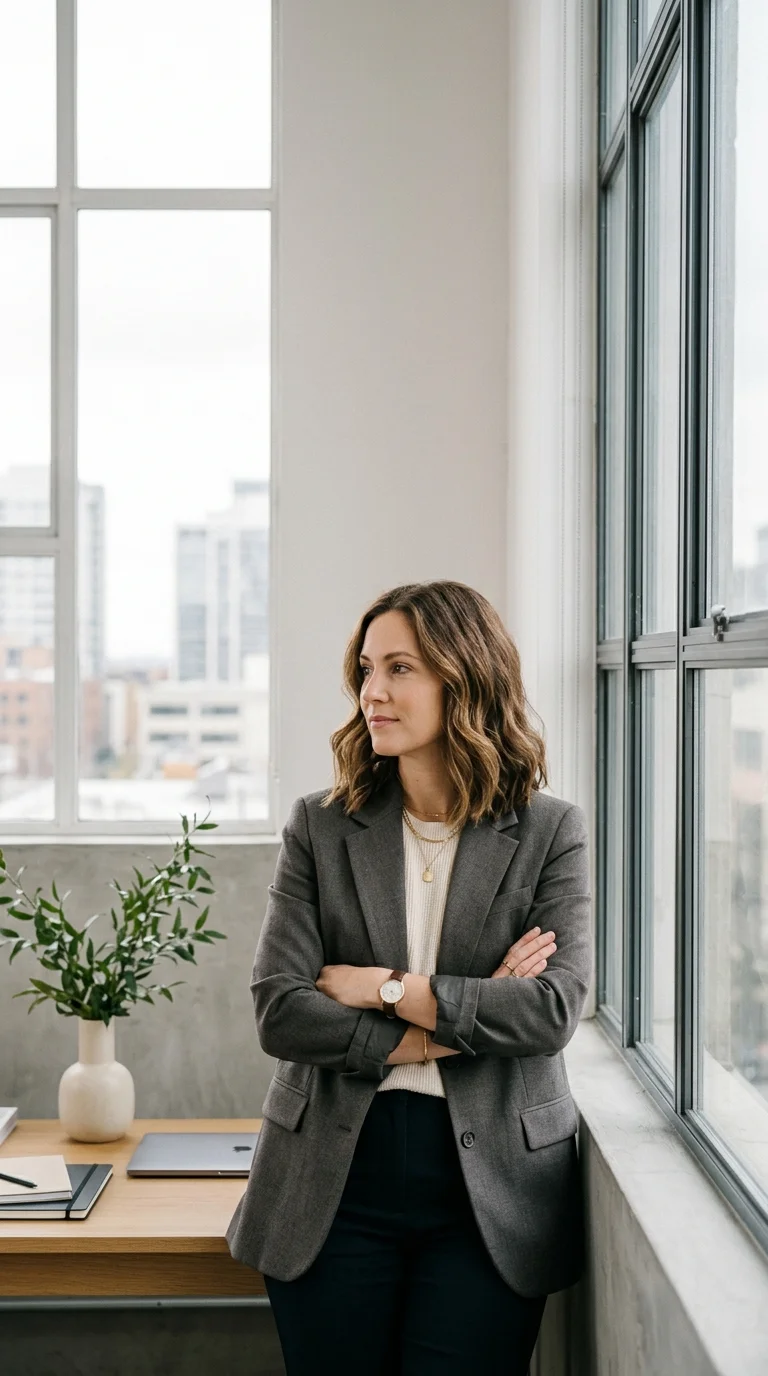
AI-afbeeldingengenerator voor Campagnevisuals
Maak productconcepten, sociale miniaturen, referentieframes, personage-looks en advertentievisuals voordat je de beste ideeën in video verandert. Deze pagina richt zich op beeld-eerst omni ai-workflows.
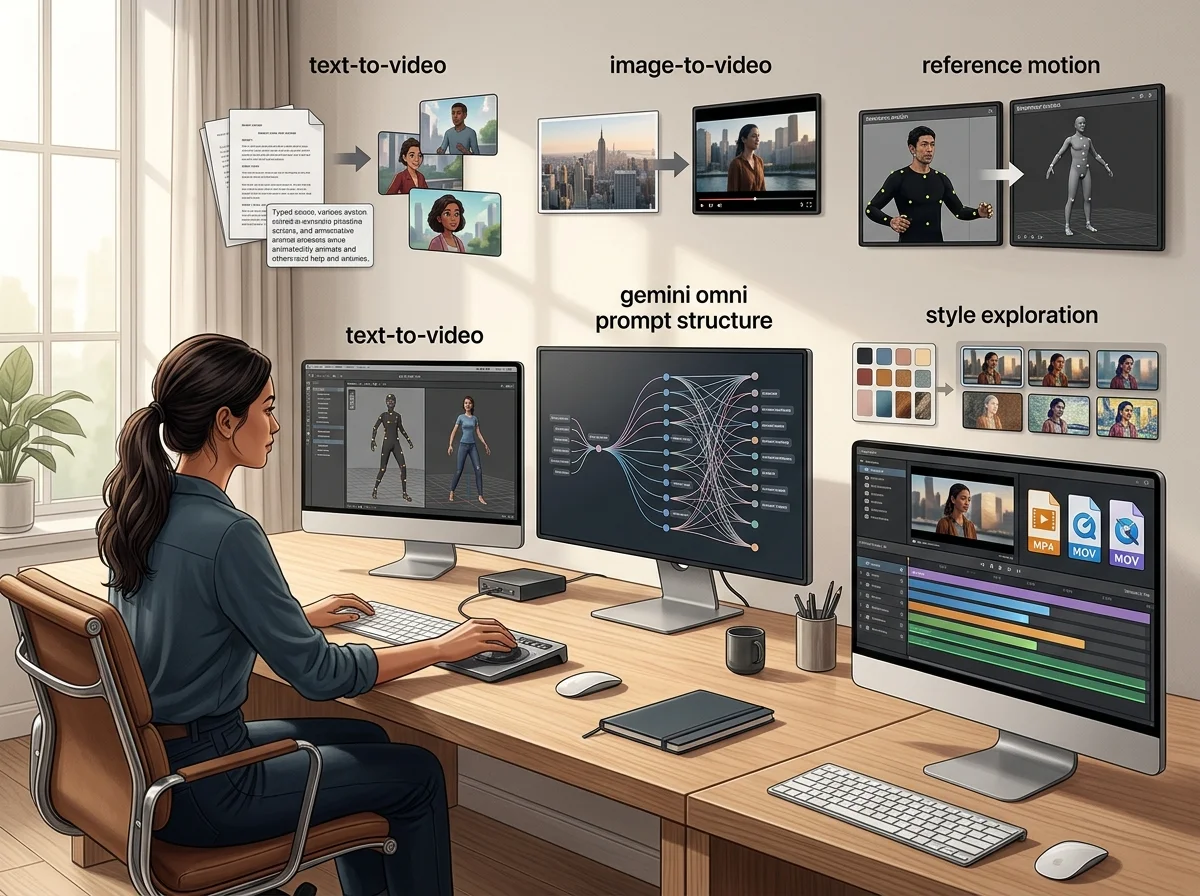
Een AI-beeldgenerator voor campagnevisuals
De Omnivideo AI-afbeeldingsgenerator produceert de stilstaande beelden waarop een campagne draait - productvisuals, key art, thumbnails en de referentiekaders die later beweging worden. Het is het stilstaande deel van de workflow en de output is gebouwd om geanimeerd te worden.
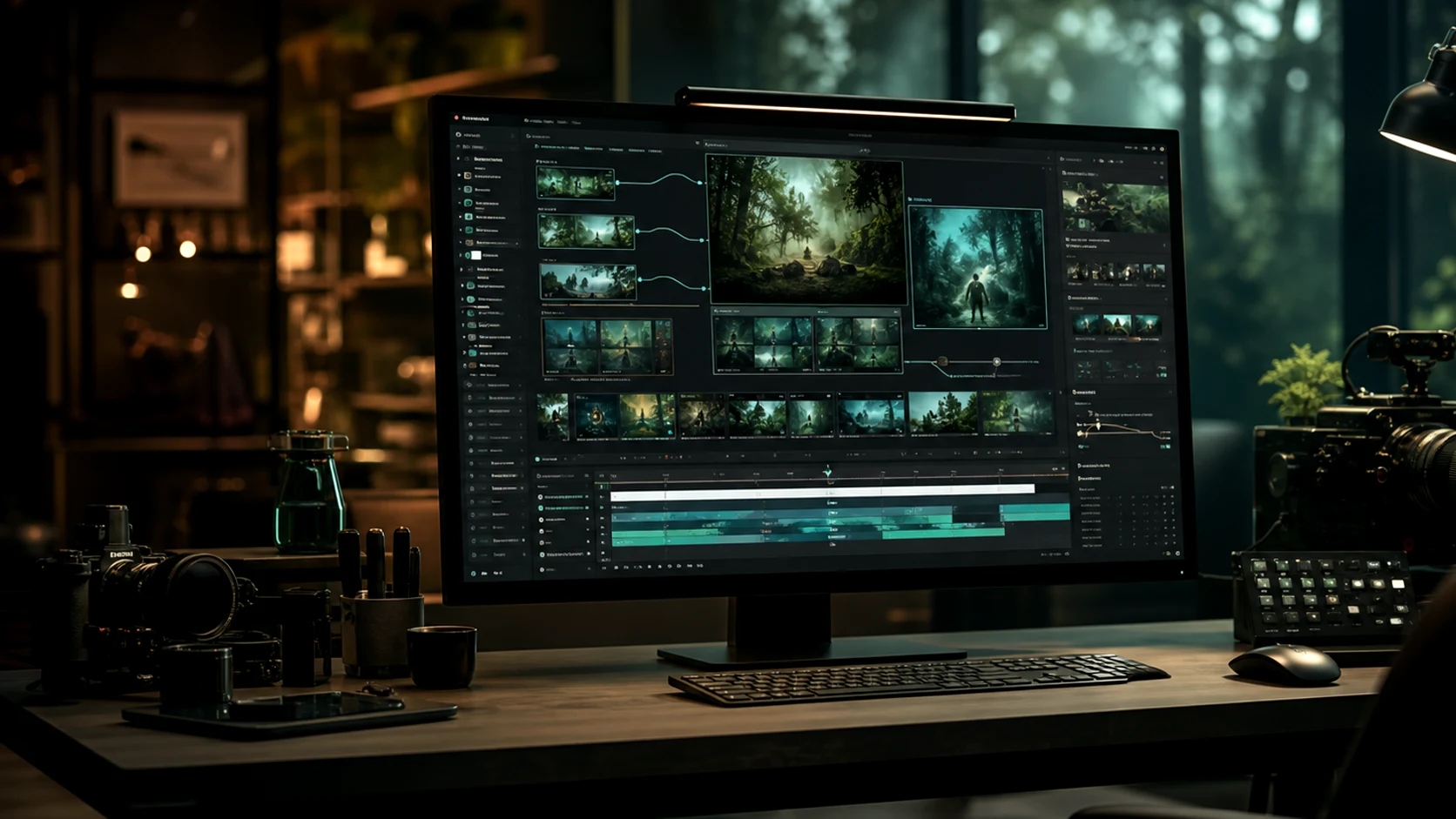
Tekst naar afbeelding
Beschrijf het onderwerp, formaat en behandeling en krijg een afgewerkt beeld, zonder dat er een bronbestand nodig is.
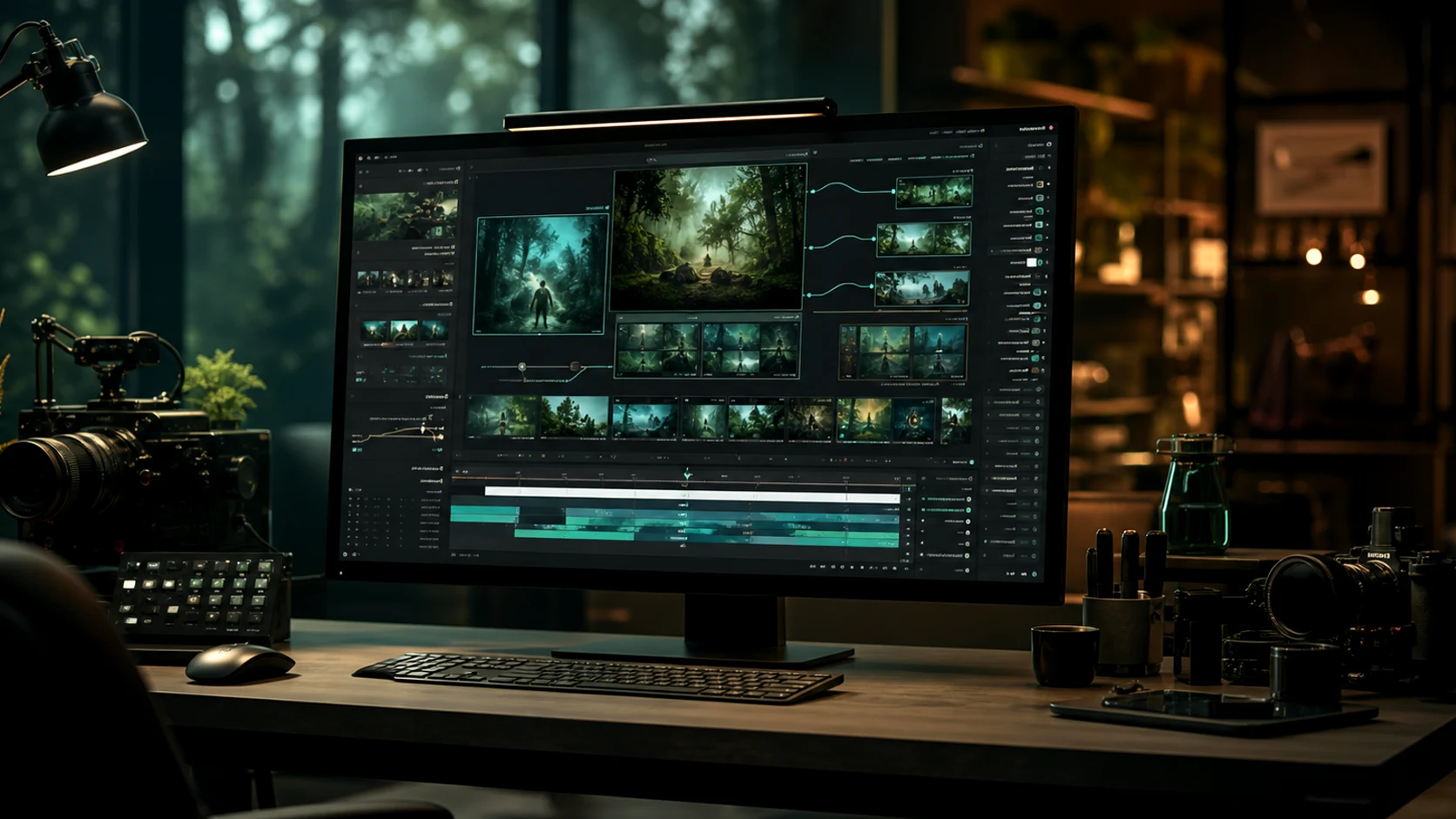
Referentie-gestuurde generatie
Upload visuals om het palet, productdetail en karakter te fixeren in plaats van ze te beschrijven en te hopen.
Frames bedoeld voor beweging
Hier gegenereerde stills zijn zo samengesteld dat ze kunnen animeren, zodat een key visual een clip kan worden zonder een nieuwe opname.
Consistent door een campagne heen
Gedeelde referenties houden productlijnen en campagnesets visueel gerelateerd over elk asset.
Waarom eerst de still genereren
Het uiterlijk bepalen vóór beweging is de goedkoopste plek om die beslissing te maken.
Werkproces
Hoe een campagnevisual te genereren
Vier stappen van een briefing naar een still die je kunt publiceren of animeren.
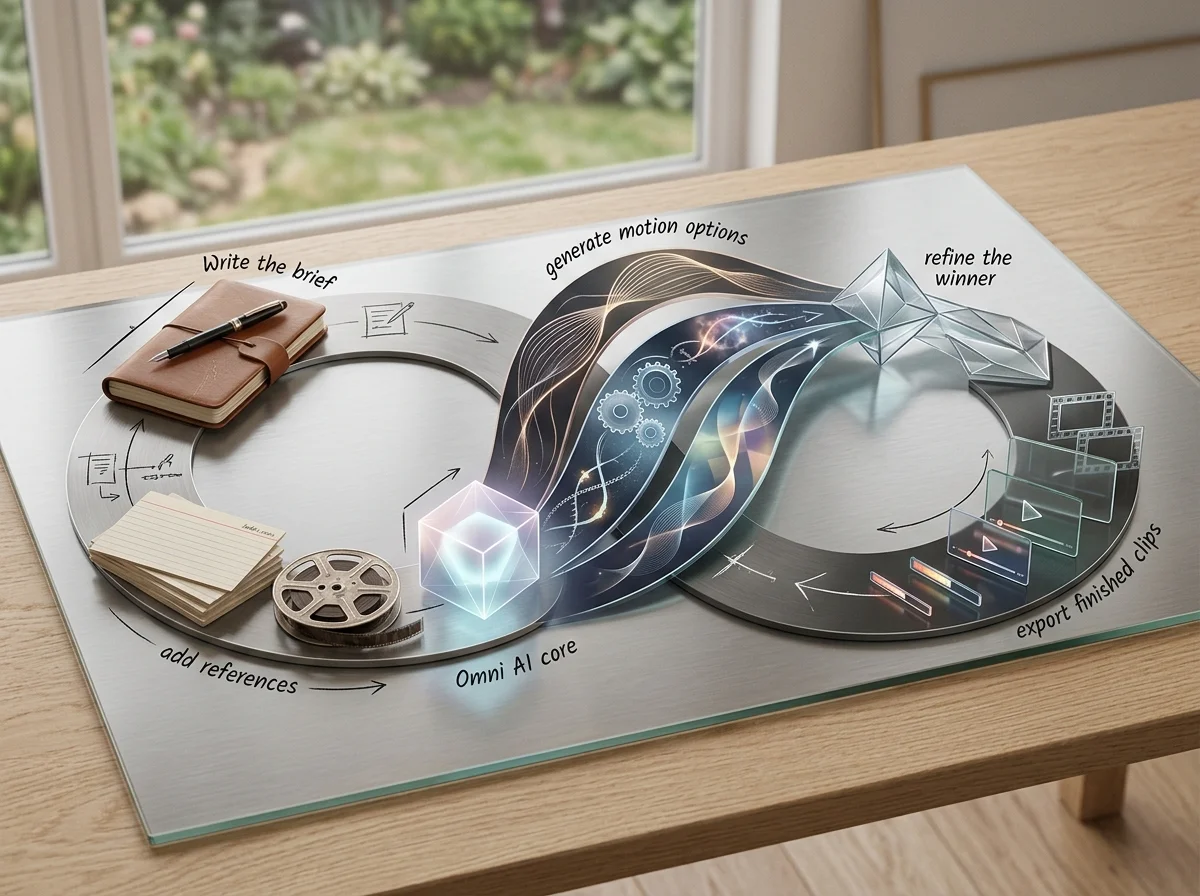
Stel het te leveren resultaat in
Onderwerp, formaat, doelgroep en plaatsing, vóór stijl en taal.
Voeg referenties toe
Upload de merkvisuals die het palet, productdetail en compositie moeten sturen.
Genereer opties
Vergelijk een set met de briefing in plaats van één poging te verfijnen.
Exporteer, of stuur naar video
Publiceer de still, of geef hem door aan de videogenerator als eerste frame.
Kenmerken van de AI Beeldgenerator
Wat de stilstaande kant van de werkruimte accepteert en produceert.
Tekst-naar-beeld generatie
Voltooide visuals op basis van een geschreven briefing.
Referentieafbeelding invoer
Stuur palet, productdetails en karakter aan met geüploade visuals.
Voorinstellingen beeldverhouding
Genereer in de verhouding van de plaatsing in plaats van later bij te snijden.
Campagneconsistentie
Herbruik referenties zodat een set assets samenhangend blijft.
Detailverbetering
Maak achtergronden schoon en verwijder afleidingen voor export.
Overdracht naar video
Stuur elk gegenereerd stilstaand beeld als eerste frame naar image-to-video.
Veelgestelde vragen over gemini omni, omni video ai en omni ai
Antwoorden over Omnivideo als een gemini omni-vriendelijke promptwerkruimte, een omni video ai-generator en een alles-in-één browsergebaseerde omni ai-productiestudio.
Genereer het campagne-stilstaand beeld
Schrijf de briefing, voeg de merkreferenties toe en krijg een visual die publiceert of animeert.
GPT Image 2.5: will separate stills stay consistent?
No continuity guarantee is documented. Use references and stable descriptions to guide the appearance, then inspect each result before assembling a sequence.