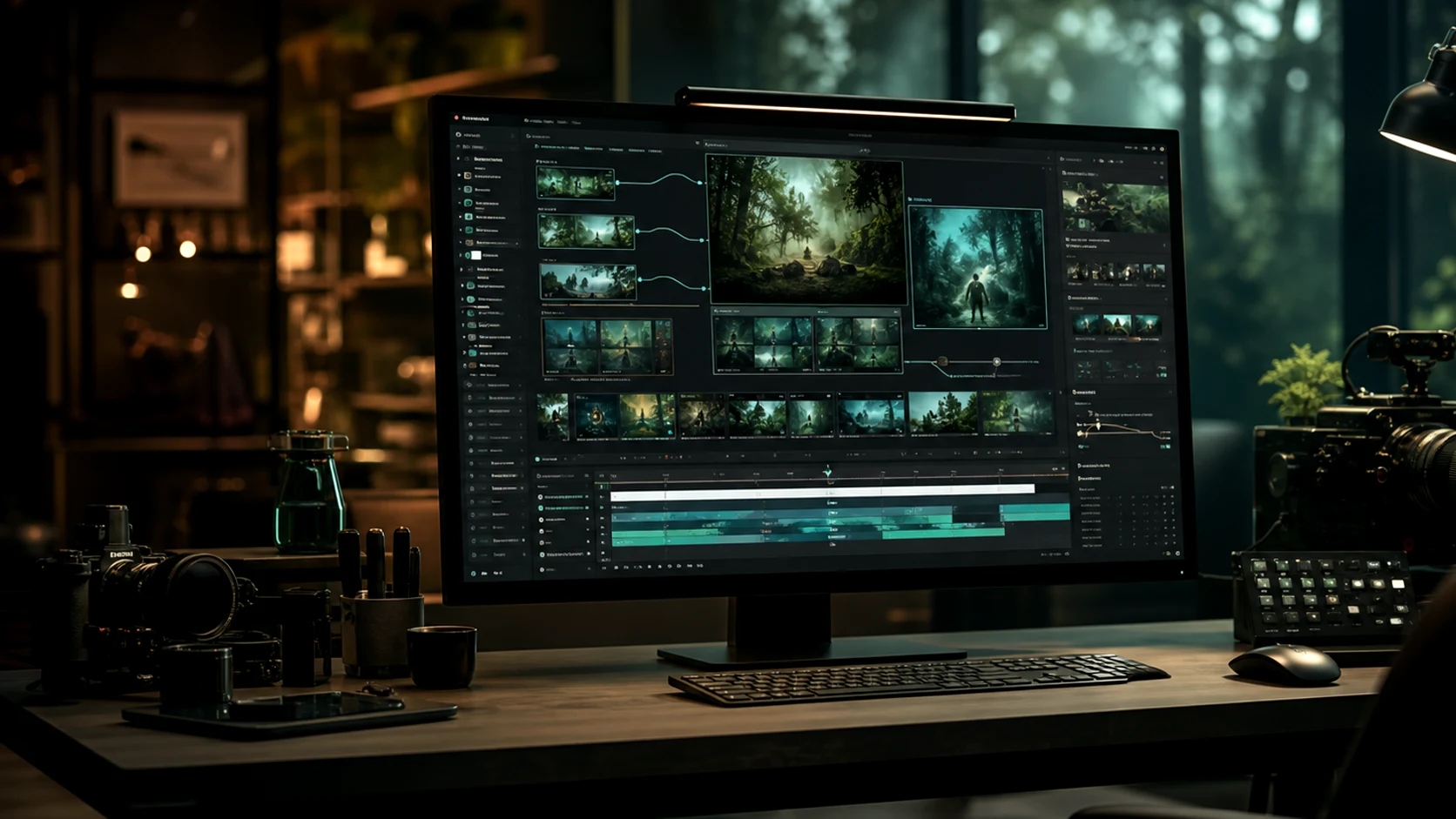
AI图像生成器

AI 生成器
0/20000
消耗 10 积分
作品
示例图片
示例图片
示例图片
示例图片
示例2 / 2
将完成的视觉效果转化为动态

用于活动视觉效果的AI图像生成器

在将最佳创意转化为视频之前,创建产品概念、社交缩略图、参考帧、角色外观和广告视觉效果。此页面针对图像优先的omni ai工作流。
Omnivideo AI图像生成器
omnivideo Omni Video AI 平台概览

omni video ai 创作工具一站式提供

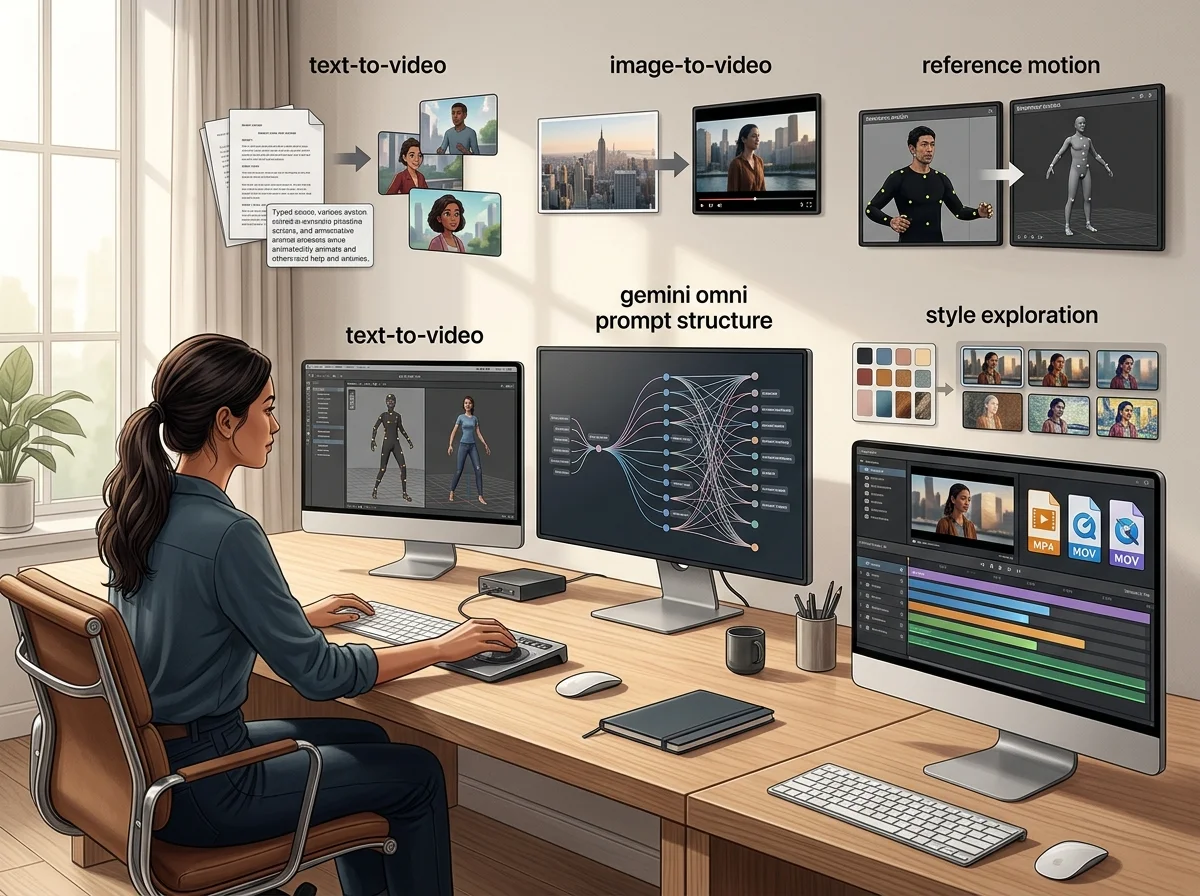
Omnivideo 将文生视频、图生视频、参考动态、提示词优化、风格探索和可导出工作流整合到一个 omni ai 视频工作室中。

omnivideo Omni Video AI 提示词生成器工作流

文生视频提示词构建器

Describe scene, subject, motion, camera, mood, duration, and audience, then generate polished omni video ai options quickly.

omnivideo 参考图引导工作流

图生视频参考控制

Guide composition, character, product detail, and motion from uploaded references when text alone is not enough for omni ai video.

omnivideo 风格变体工作流

风格与效果探索

Explore cinematic looks, product scenes, editorial treatments, and creative directions while keeping the omni video ai workflow in one place.

omnivideo 细节打磨工作流

交付细节优化

Clean backgrounds, remove distractions, refine motion direction, and prepare selected omni ai outputs for publishing.

为什么 Omnivideo 适用于 omni ai 视频制作

使用一个omni video ai工作流来完成简报、生成、比较、优化和发布动态资产,无需在断开的工具之间重建项目。

Start with the omni video ai workflow you need, then choose the model and settings that fit the output without rebuilding the brief elsewhere.

omnivideo 创意控制力

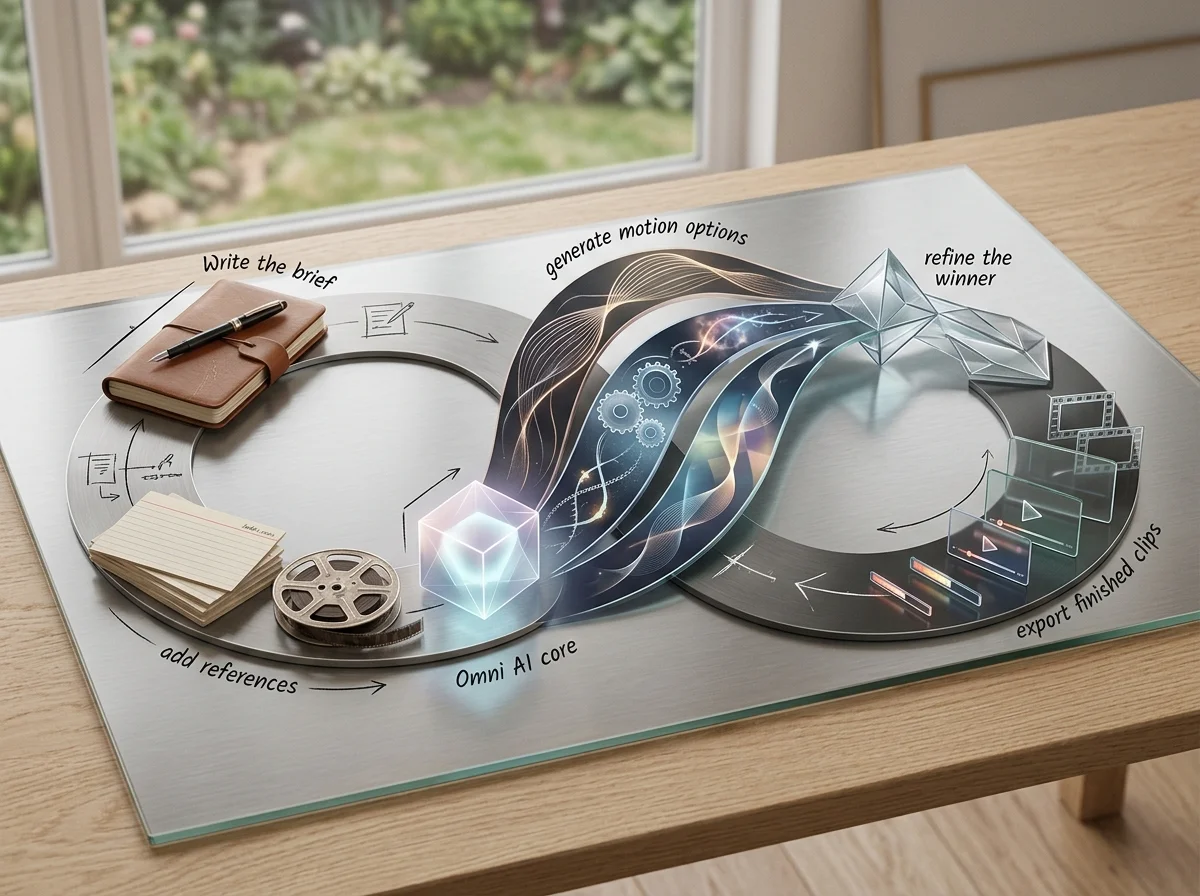
从创意到完成的omni video ai的简单循环

撰写简报,添加参考,生成动态选项,优化最佳方案,并从一个omni ai制作流程中导出完成的剪辑。

omnivideo 图像工作流概览
omnivideo 简报梳理步骤

Describe the goal

Set the subject, format, audience, style, motion, and final use case before generating omni video ai outputs.

omnivideo 参考图步骤

Add visual direction

Upload or reuse references for pose, product details, composition, palette, campaign consistency, and omni ai motion guidance.

omnivideo 收敛步骤

Generate and refine

Compare variations, adjust motion, improve backgrounds, remove distractions, and tighten the best omni video ai result.

omnivideo 导出步骤

Publish the asset

Use finished omni ai videos across ads, ecommerce pages, social posts, blogs, presentations, and product launches.

Omnivideo omni video ai功能

omni ai核心工作流:文本转视频、图像转视频、参考引导生成、动态优化、风格控制和发布就绪导出。

omni video ai Generator

Create new videos from prompts for products, stories, ads, social posts, cinematic concepts, and launch creative.

Image-to-video Studio

Turn product shots, character references, thumbnails, and campaign visuals into controlled omni ai motion.

Reference Motion Control

Use visual references to keep style, identity, composition, and product details aligned across video generations.

Prompt Refinement

Improve camera moves, pacing, lighting, style, and negative constraints before spending more credits.

Creative Variations

Explore multiple looks and motion directions while keeping the same Omnivideo omni ai project context.

Export-ready Workflow

Prepare outputs for review, publishing, ads, social posts, landing pages, and product launch assets.

关于omni video ai和omni ai的常见问题

关于Omnivideo作为omni video ai生成器、omni ai创意工作空间和一体化基于浏览器的视频制作工作室的回答。


使用Omnivideo创建您的下一个omni video ai

使用Omnivideo从一个工作空间生成、比较、优化和发布更强大的omni ai视频资产。