


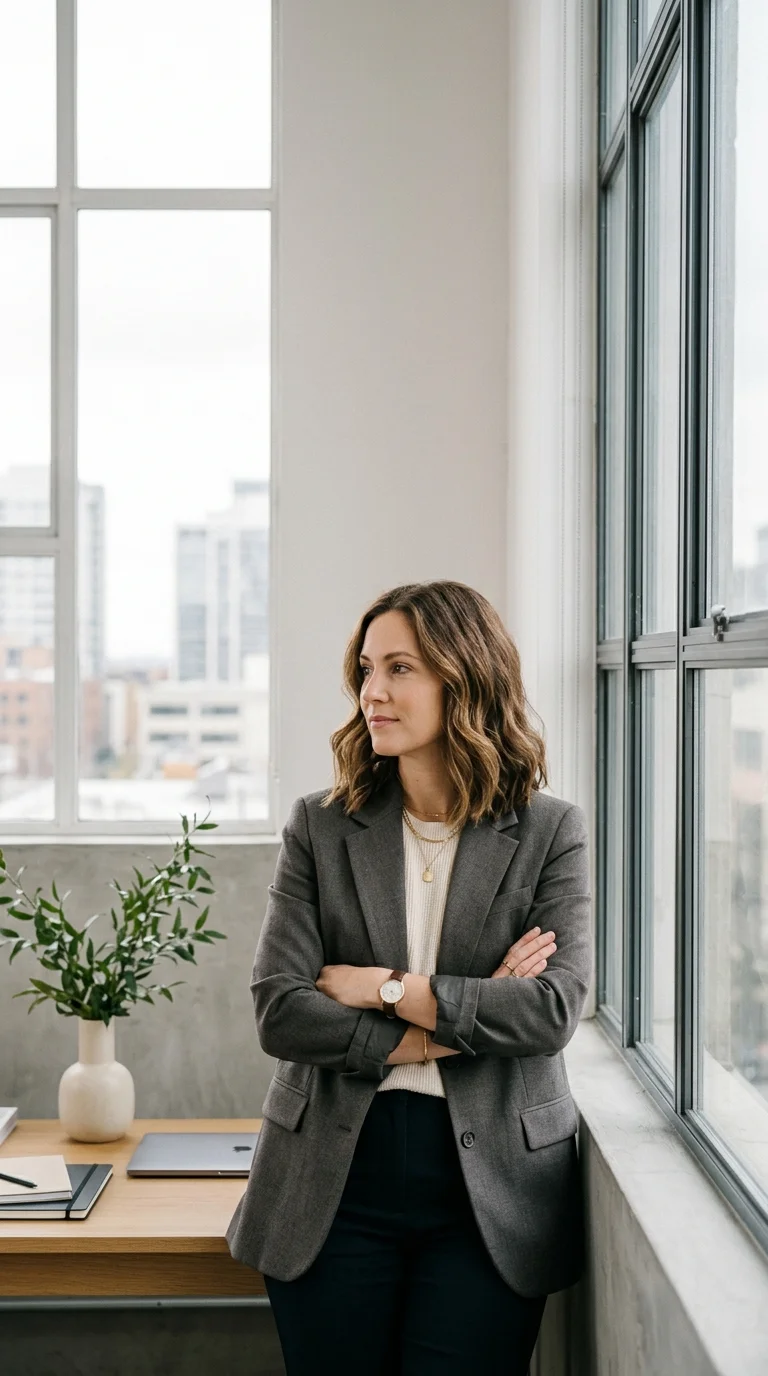
AI-Bildgenerator für Kampagnenvisuals
Erstellen Sie Produktkonzepte, Social-Thumbnails, Referenzframes, Charakter-Looks und Anzeigenvisuals, bevor Sie die besten Ideen in Video verwandeln. Diese Seite konzentriert sich auf bild-zuerst omni ai-Workflows.
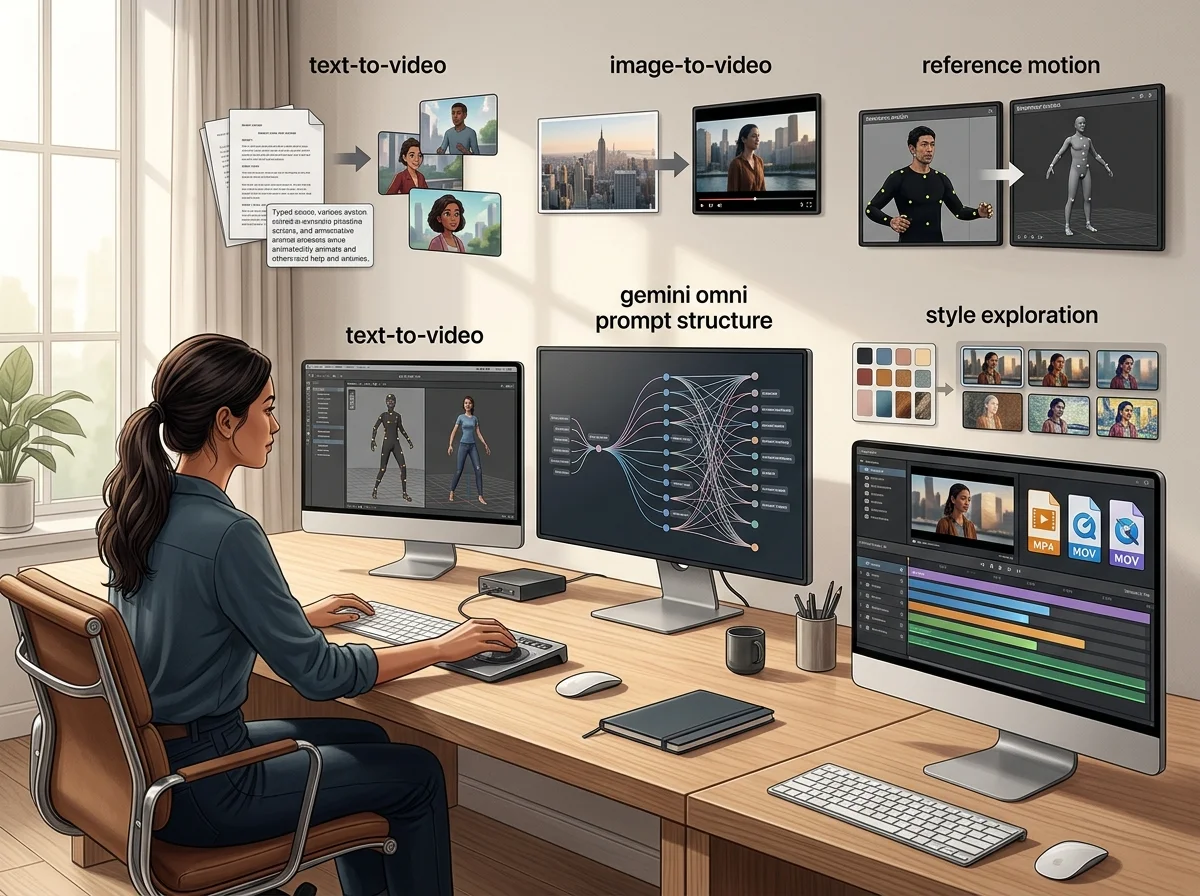
Ein KI-Bildgenerator für Kampagnenbilder
Der Omnivideo AI Bildgenerator erzeugt die Standbilder, auf denen eine Kampagne basiert – Produktvisuals, Key Art, Thumbnails und Referenzframes, die später zur Bewegung werden. Er ist die statische Hälfte des Workflows, und seine Ausgabe ist für Animationen ausgelegt.
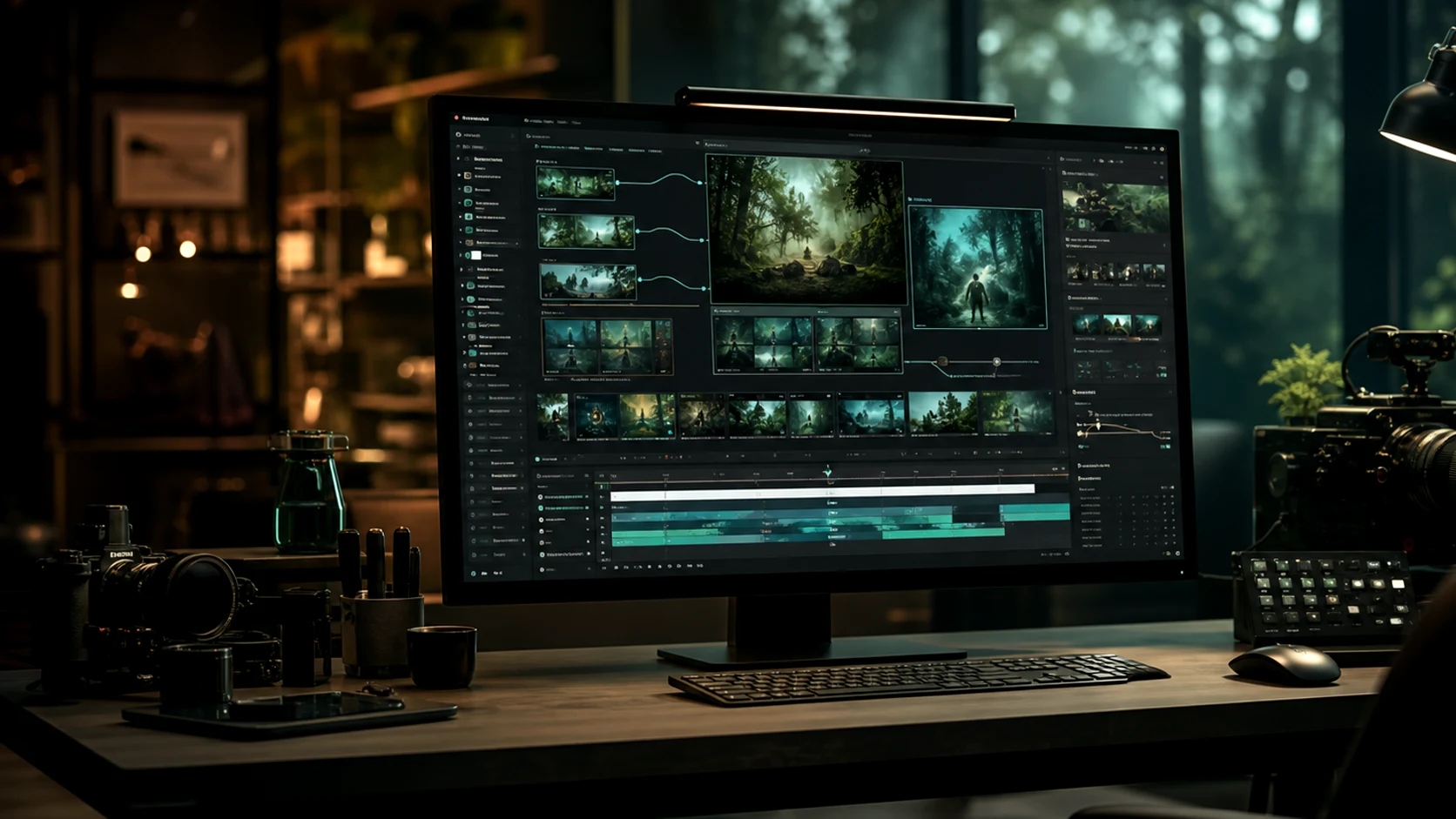
Text zu Bild
Beschreiben Sie Motiv, Format und Behandlung und erhalten Sie ein fertiges Bild, ohne Quellmaterial zu benötigen.
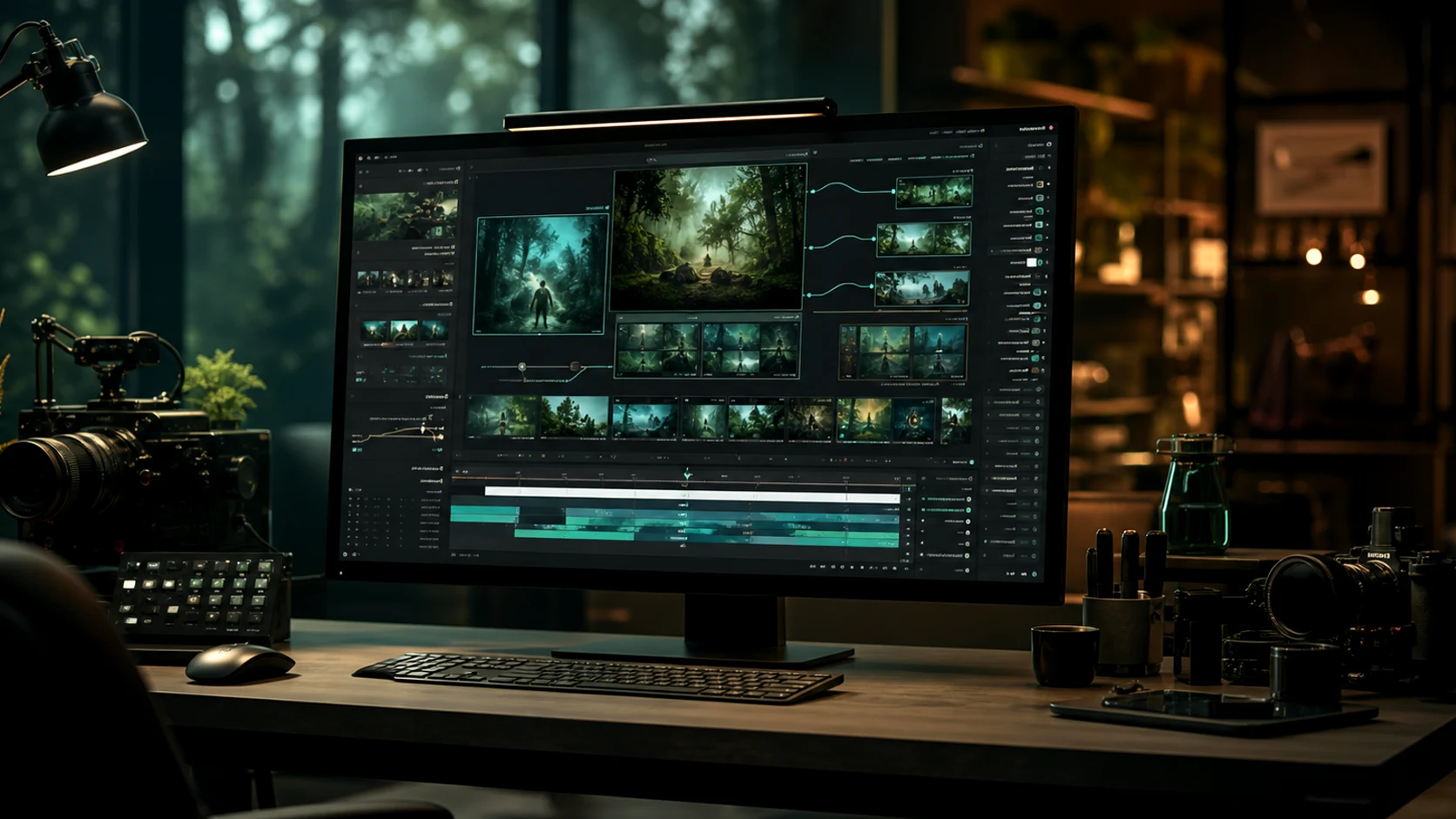
Referenzgesteuerte Generierung
Laden Sie Bilder hoch, um Farbpalette, Produktdetails und Charakter zu fixieren, anstatt sie zu beschreiben und zu hoffen.
Frames, die für Bewegung vorgesehen sind
Hier erzeugte Standbilder sind so komponiert, dass sie animiert werden können, sodass ein Key Visual ohne Nachdrehen zum Clip wird.
Konsistent über eine Kampagne hinweg
Gemeinsame Referenzen halten Produktlinien und Kampagnensets visuell über alle Assets hinweg verbunden.
Warum zuerst das Standbild erzeugen
Das Aussehen vor der Bewegung festzulegen ist der günstigste Zeitpunkt für diese Entscheidung.
Arbeitsablauf
Wie man ein Kampagnenvisual erzeugt
Vier Schritte von einem Briefing zu einem Standbild, das entweder veröffentlicht oder animiert werden kann.
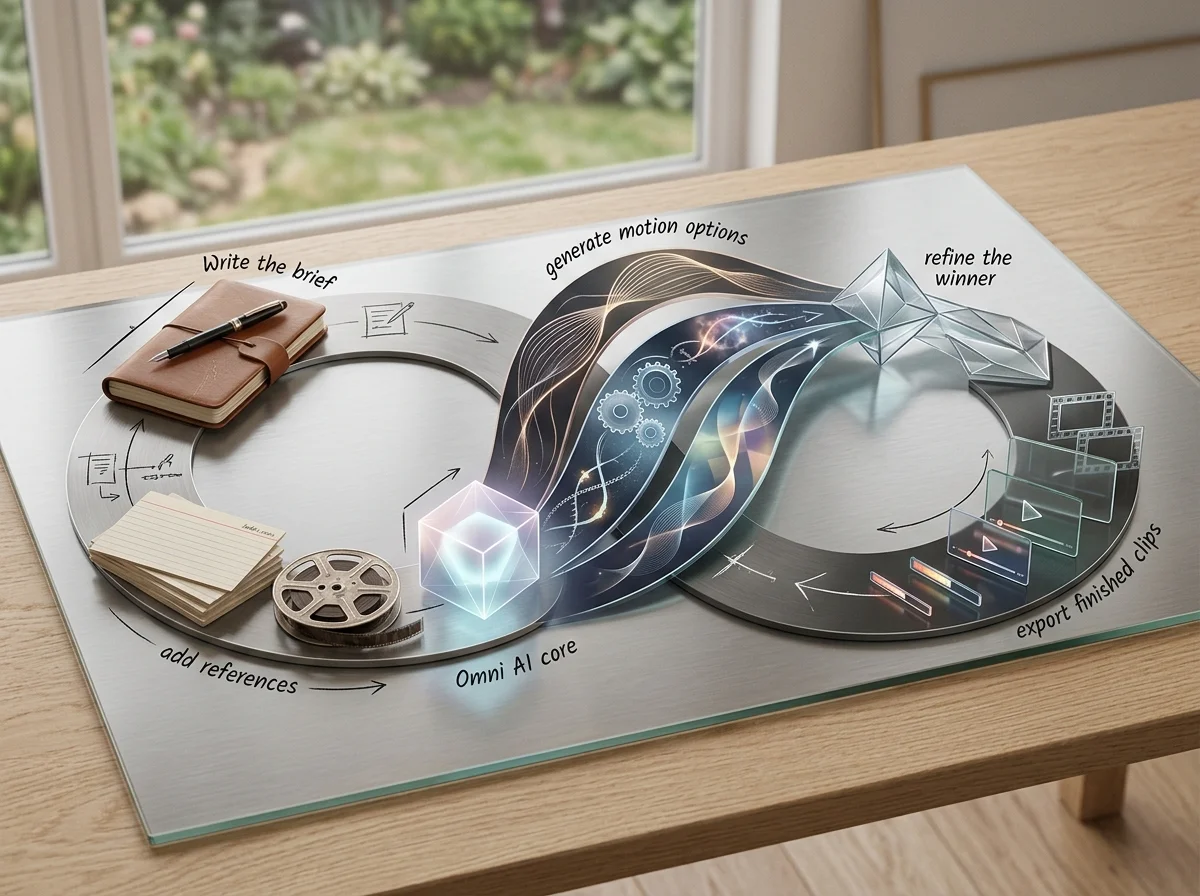
Das Ergebnis festlegen
Motiv, Format, Zielgruppe und Platzierung vor dem Stil.
Referenzen hinzufügen
Laden Sie die Markenvisuals hoch, die Farbpalette, Produktdetails und Komposition steuern sollen.
Optionen generieren
Vergleichen Sie eine Auswahl mit dem Briefing, statt einen Versuch zu verfeinern.
Exportieren oder an Video senden
Veröffentlichen Sie das Standbild oder übergeben Sie es als erstes Bild an den Video-Generator.
Funktionen des KI-Bildgenerators
Was die Standbildseite des Workspaces akzeptiert und produziert.
Text-zu-Bild-Generierung
Fertige Visuals aus einem schriftlichen Briefing.
Referenzbild-Eingabe
Steuern Sie Farbpalette, Produktdetails und Charakter mit hochgeladenen Bildern.
Voreinstellungen für Seitenverhältnisse
Generieren Sie im Seitenverhältnis der Platzierung, anstatt später zuzuschneiden.
Kampagnenkonsistenz
Verwenden Sie Referenzen erneut, damit ein Satz von Assets zusammenhält.
Detailverfeinerung
Reinigen Sie Hintergründe und entfernen Sie Ablenkungen vor dem Export.
Übergabe an Video
Senden Sie jedes erzeugte Standbild als ersten Frame in die Bild-zu-Video-Funktion.
Häufig gestellte Fragen zu gemini omni, omni video ai und omni ai
Antworten zu Omnivideo als gemini omni-freundlicher Prompt-Arbeitsbereich, omni Video AI-Generator und All-in-One browserbasierte omni AI-Produktionsstudio.
Erstellen Sie das Kampagnen-Still
Schreiben Sie das Briefing, fügen Sie die Markenreferenzen hinzu und erhalten Sie ein Bild, das veröffentlicht oder animiert wird.
GPT Image 2.5: will separate stills stay consistent?
No continuity guarantee is documented. Use references and stable descriptions to guide the appearance, then inspect each result before assembling a sequence.