

AI-Videogenerator für Marketing-Dynamik
Erstellen Sie Kurzvideos aus Prompts, Produktbildern, Charakterreferenzen und Kampagnenbriefings. Omnivideo vereint Text-zu-Video, Bild-zu-Video, Referenzbewegung und finale Überprüfung in einem omni video ai-Workflow.
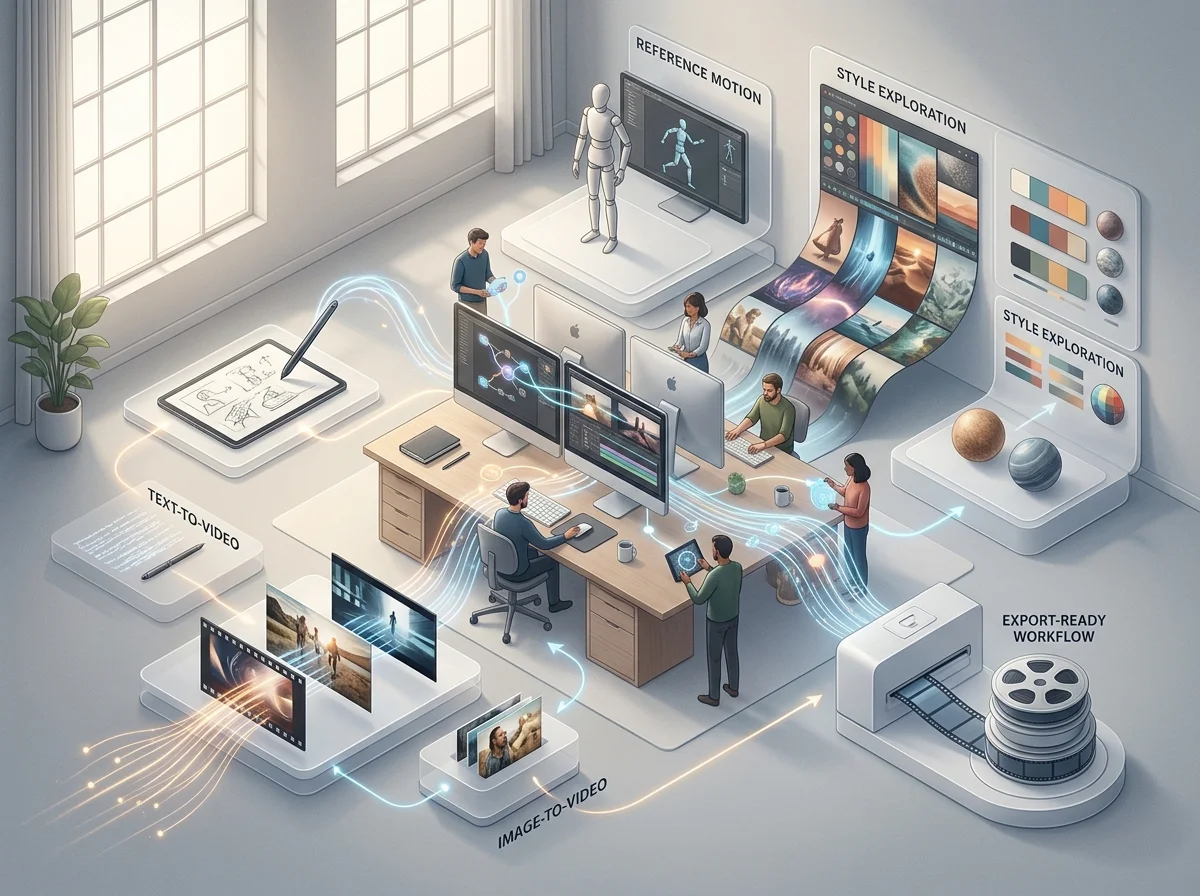
Ein KI-Video-Generator für Marketing-Bewegung
Der Omnivideo AI Video-Generator erstellt die kurzen Clips, die das Marketing tatsächlich ausliefert – Produktbewegung, Social Cuts, Anzeigenvarianten. Er nimmt eine geschriebene Szene oder einen genehmigten Frame, und die Wahl zwischen beiden ist eine Frage, wie viel Kontrolle Sie wünschen.
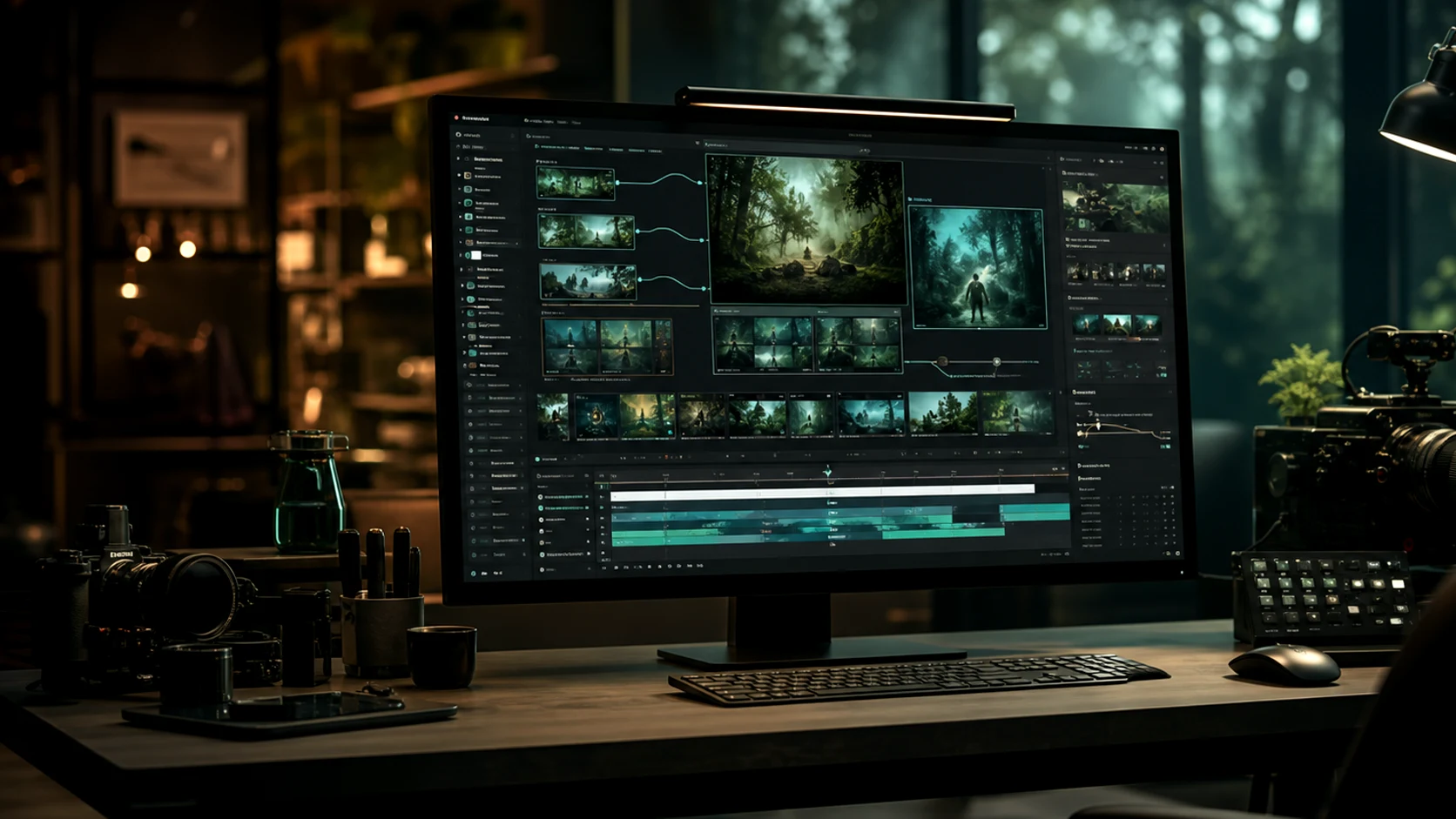
Bild zu Video für genehmigte Looks
Beginnen Sie mit dem Key Visual, das bereits überprüft wurde, und konzentrieren Sie den gesamten Prompt auf Bewegung.
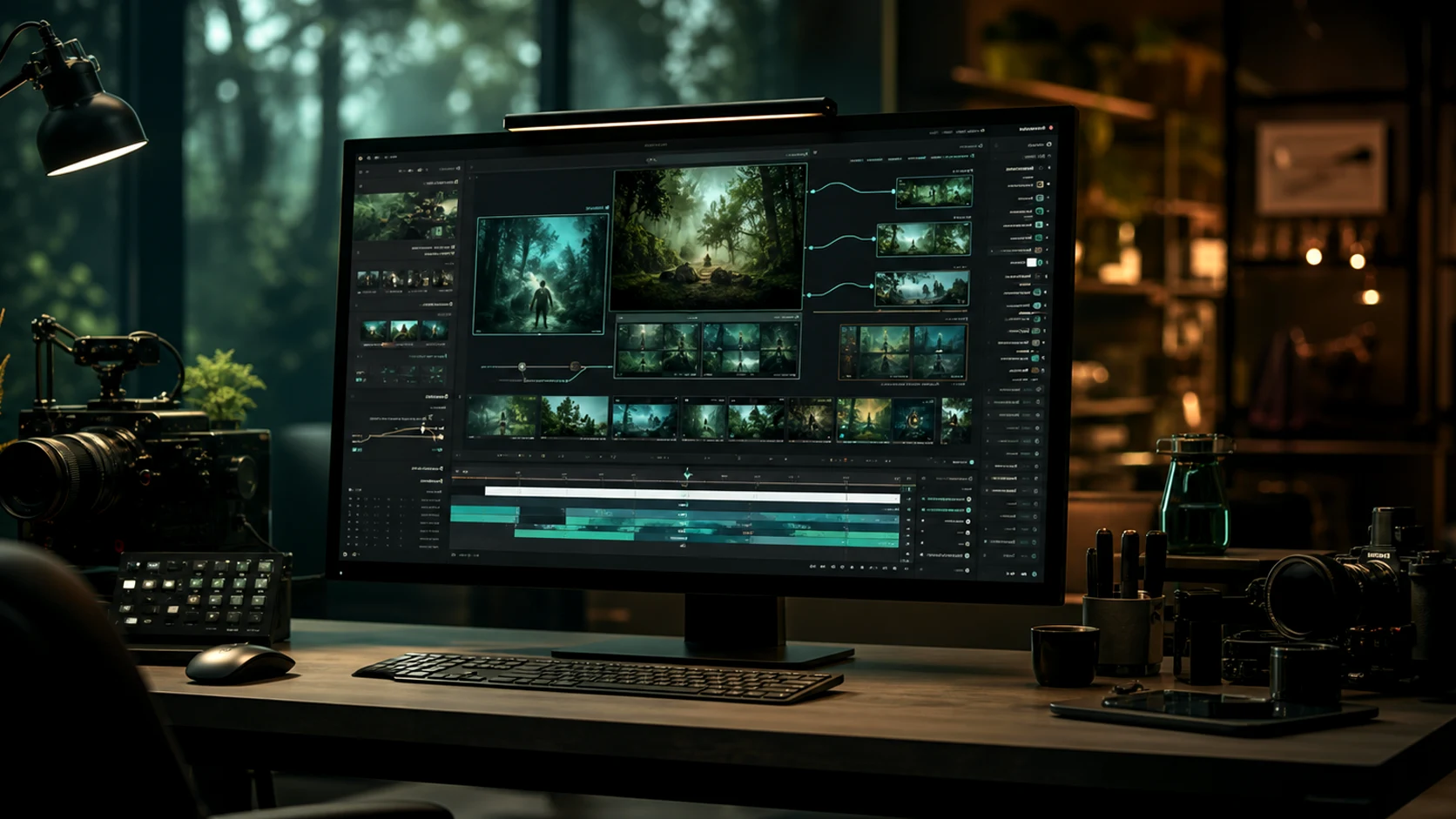
Text zu Video zur Erkundung
Beginnen Sie mit einer Beschreibung, wenn die Richtung noch offen ist und die Erstellung eines Standbilds Sie verlangsamen würde.
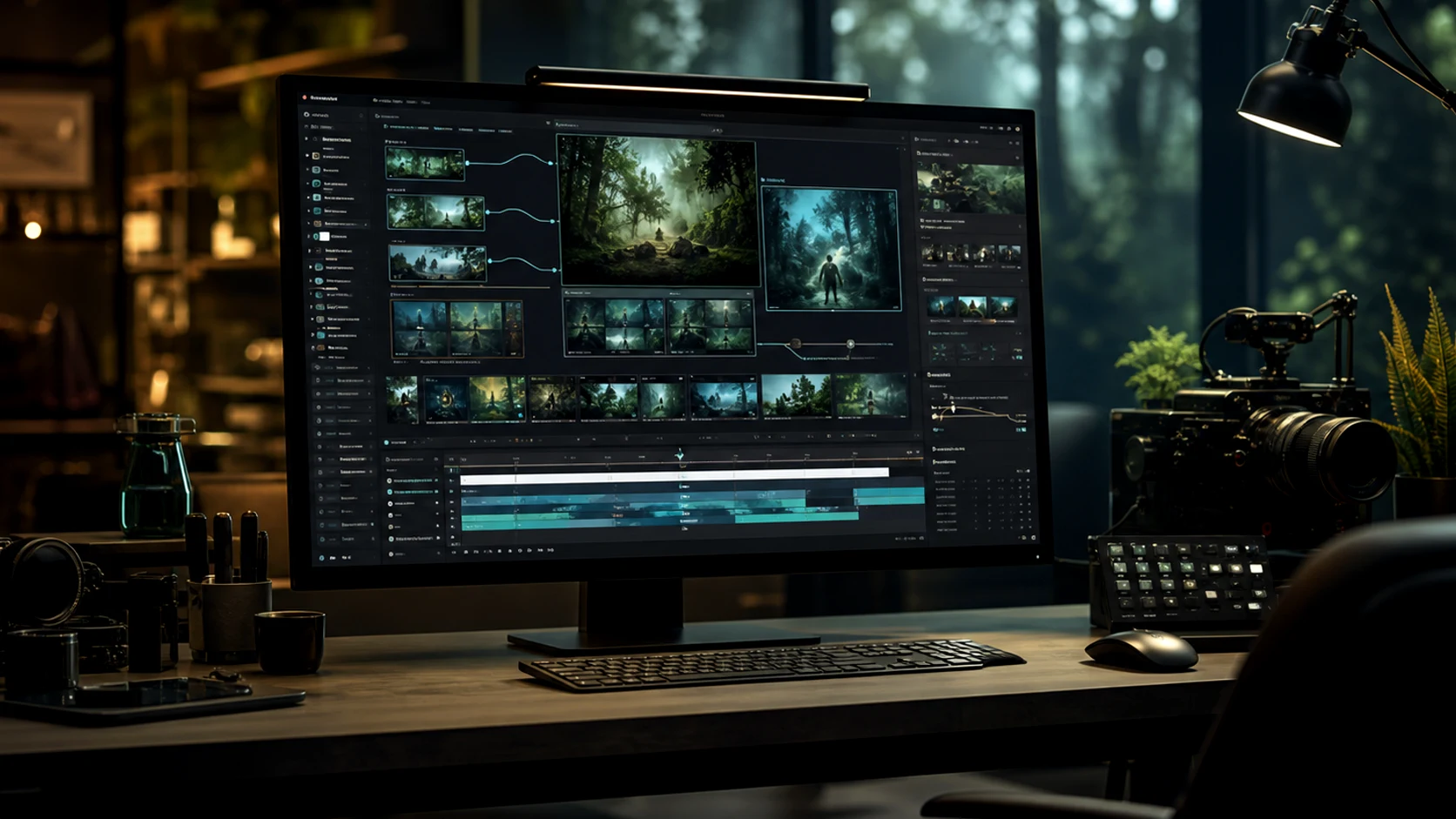
Varianten ohne Nachdrehen
Das Erstellen von fünf Versionen eines Werbekonzepts kostet fünf Prompts, was beeinflusst, was sich zum Testen lohnt.
Für die Platzierung gerahmt
Vertikal, quadratisch und breit werden vor der Generierung gewählt, damit der Clip zum vorgesehenen Feed passt.
Warum hier Marketing-Bewegung generieren
Die wichtigen Einschränkungen im Marketing sind Volumen, Konsistenz und Durchlaufzeit.
Arbeitsablauf
Wie man einen Marketing-Clip generiert
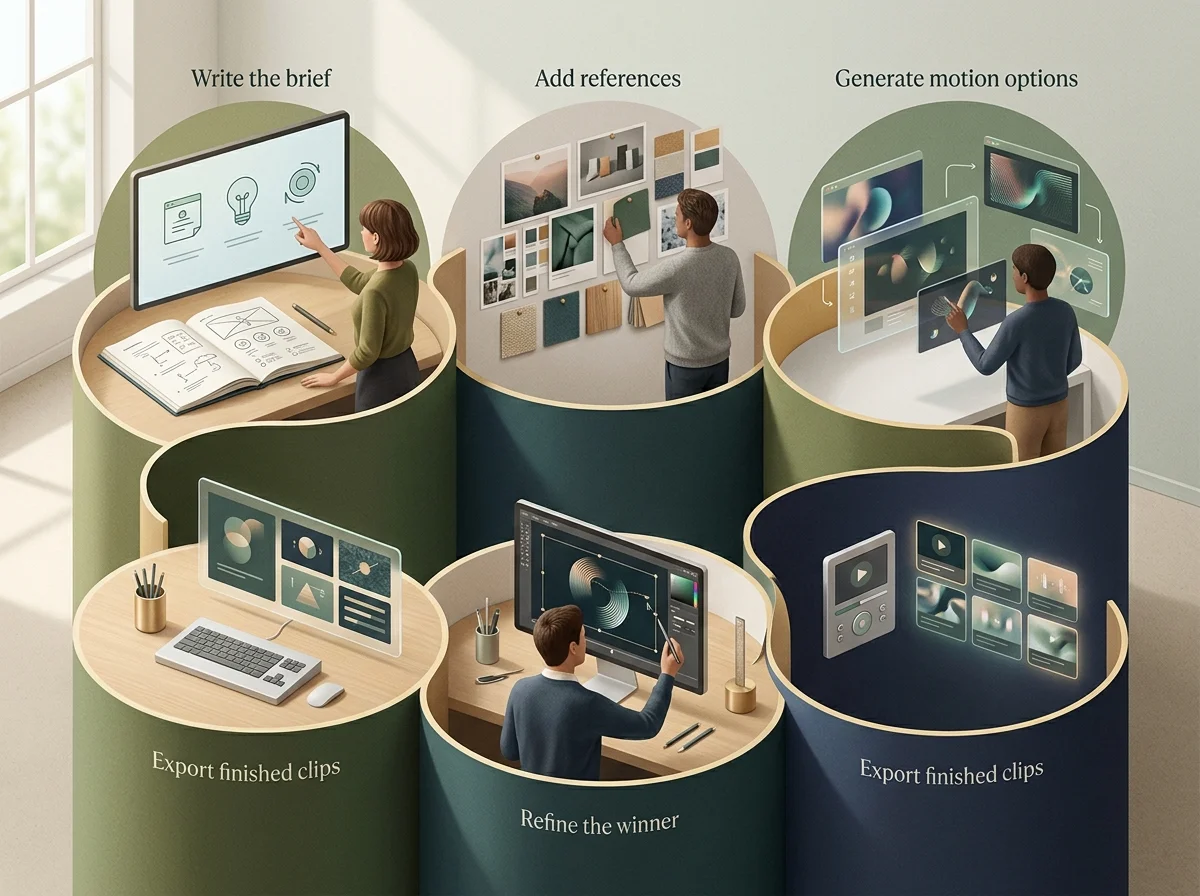
Vier Schritte vom Briefing bis zu etwas, das Sie in einem Werbeplatz verwenden können.
Wählen Sie Ihren Input
Ein genehmigtes Bild, wenn der Look feststeht; eine geschriebene Szene, wenn nicht. Das entscheidet alles über den Prompt.
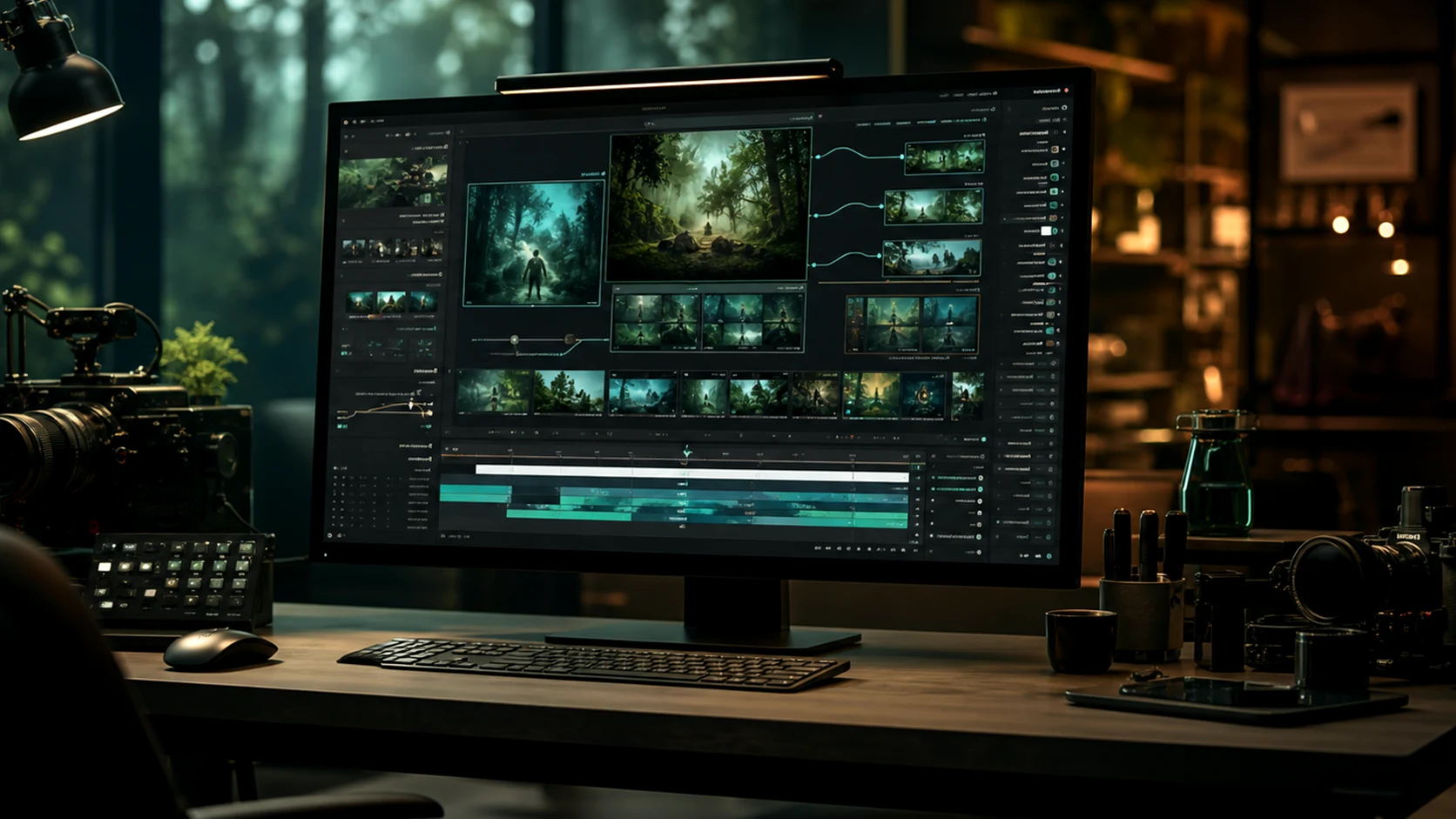
Schreiben Sie Subjekt, Aktion, Kamera
In dieser Reihenfolge. Stil verfeinert eine klare Aufnahme und kann eine unklare nicht retten.
Legen Sie zuerst Seitenverhältnis und Dauer fest
Beides verändert die Bildkomposition, daher bedeutet eine Wahl nach der Generierung eine erneute Generierung.
Vergleichen, verfeinern, exportieren
Generieren Sie ein kleines Set, wählen Sie nach Bewegung aus und exportieren Sie im Seitenverhältnis der Platzierung.
Funktionen des KI-Video-Generators
Die Eingaben und Steuerungen bei der Bewegungserzeugung.
Text-zu-Video-Erzeugung
Ein Clip aus einer geschriebenen Szene, keine Quellressource erforderlich.
Bild-zu-Video-Generierung
Animieren Sie einen genehmigten Frame und bewahren Sie dabei dessen Komposition.
Referenz-Bewegungskontrolle
Halten Sie Stil, Identität und Produktdetails über eine Reihe von Clips konstant.
Kamera- und Tempoanweisungen
Benannte Bewegungen und Timing werden aus der Eingabe gelesen.
Voreinstellungen für Seitenverhältnisse
Vertikal, quadratisch und breit von Anfang an gerahmt.
Exportfertige Ausgabe
Clips vorbereitet für Anzeigen, Social-Media-Beiträge und Landingpages.
Häufig gestellte Fragen zu gemini omni, omni video ai und omni ai
Informationen zu Omnivideo als gemini omni-freundlichem Prompt-Arbeitsbereich, omni Video KI-Generator und All-in-One browserbasiertem omni KI-Produktionsstudio.
Clip generieren
Bringen Sie einen genehmigten Frame oder eine geschriebene Szene, legen Sie das Format fest und erhalten Sie Marketing-Bewegung in Minuten.