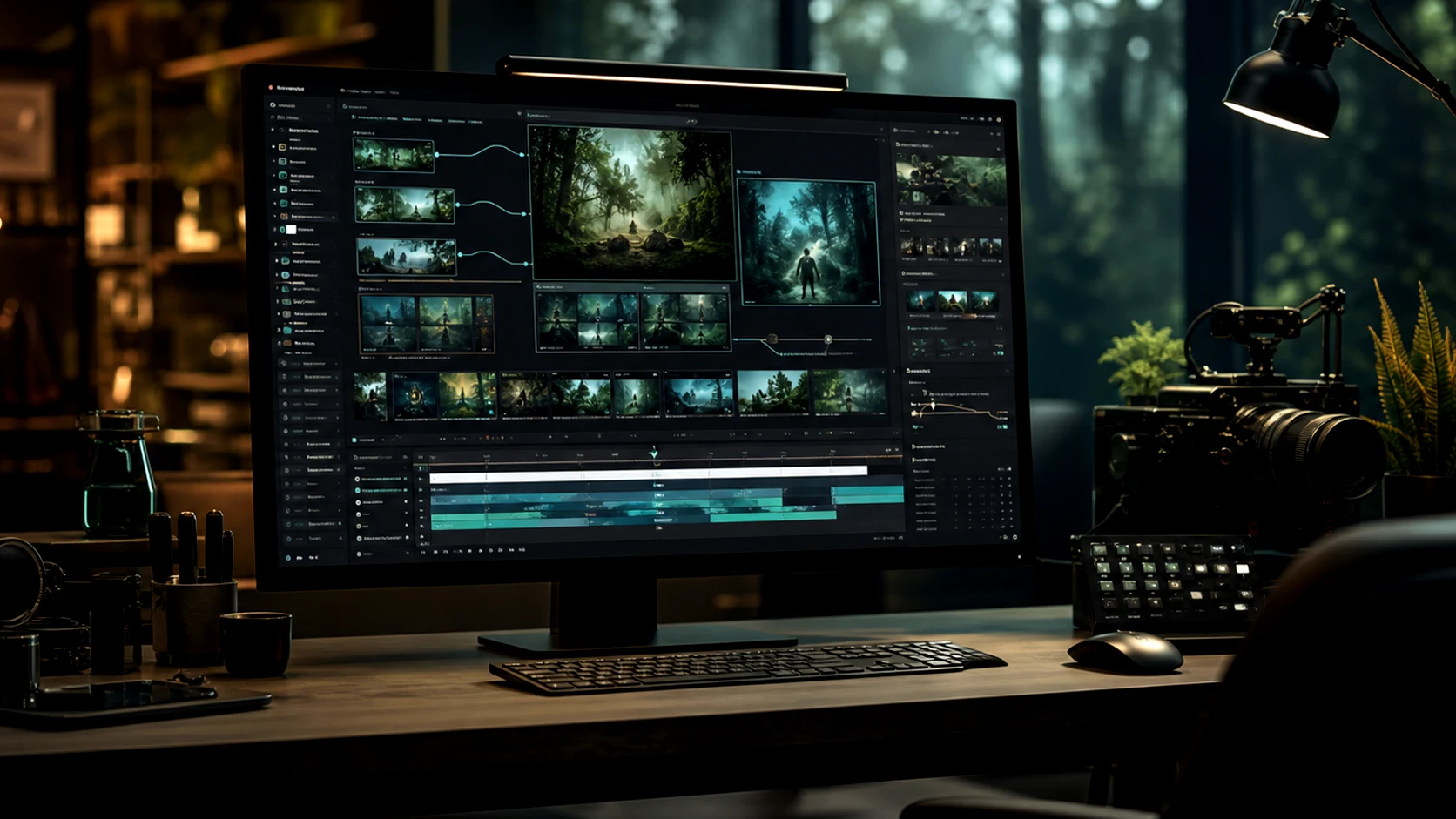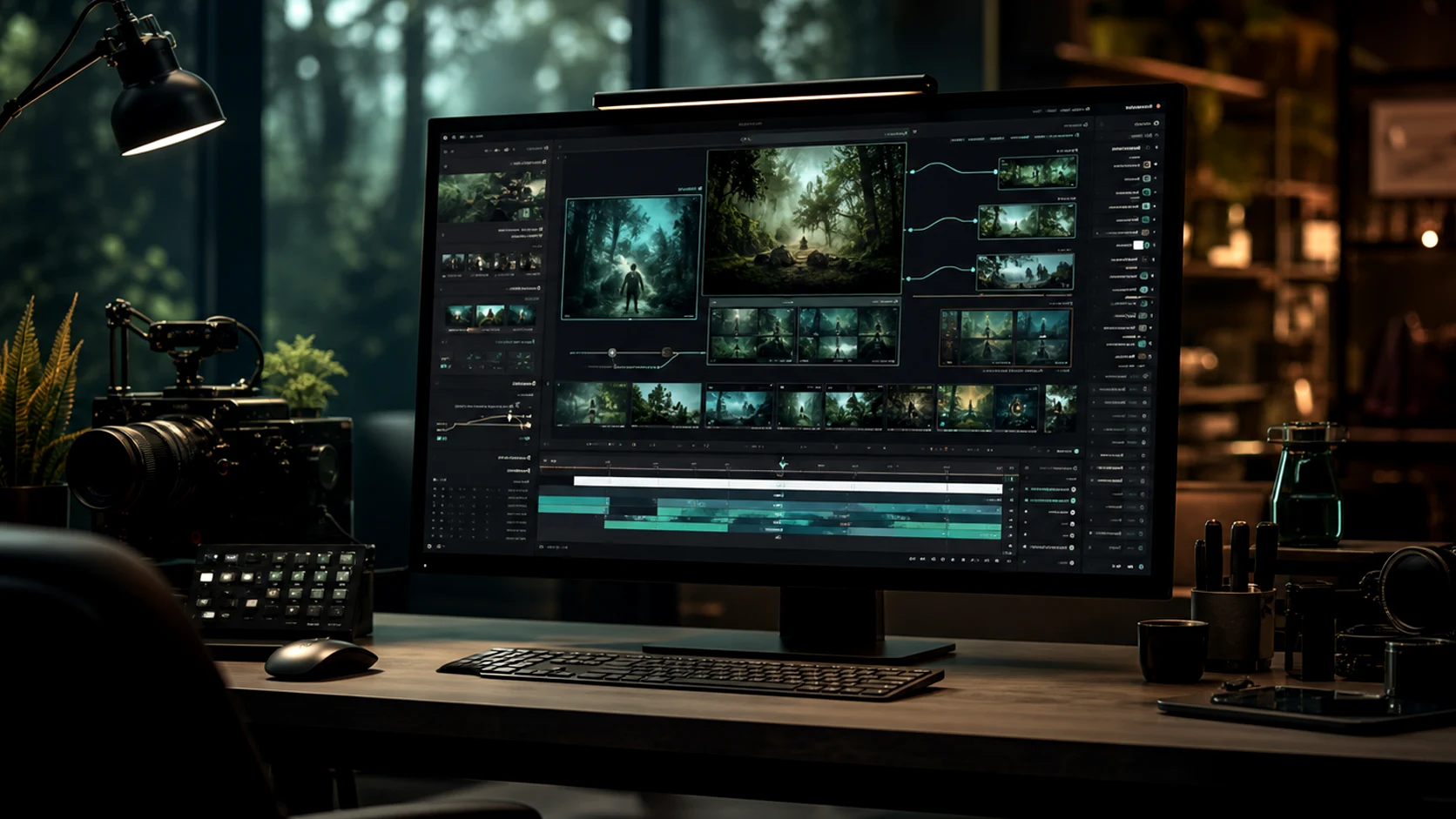
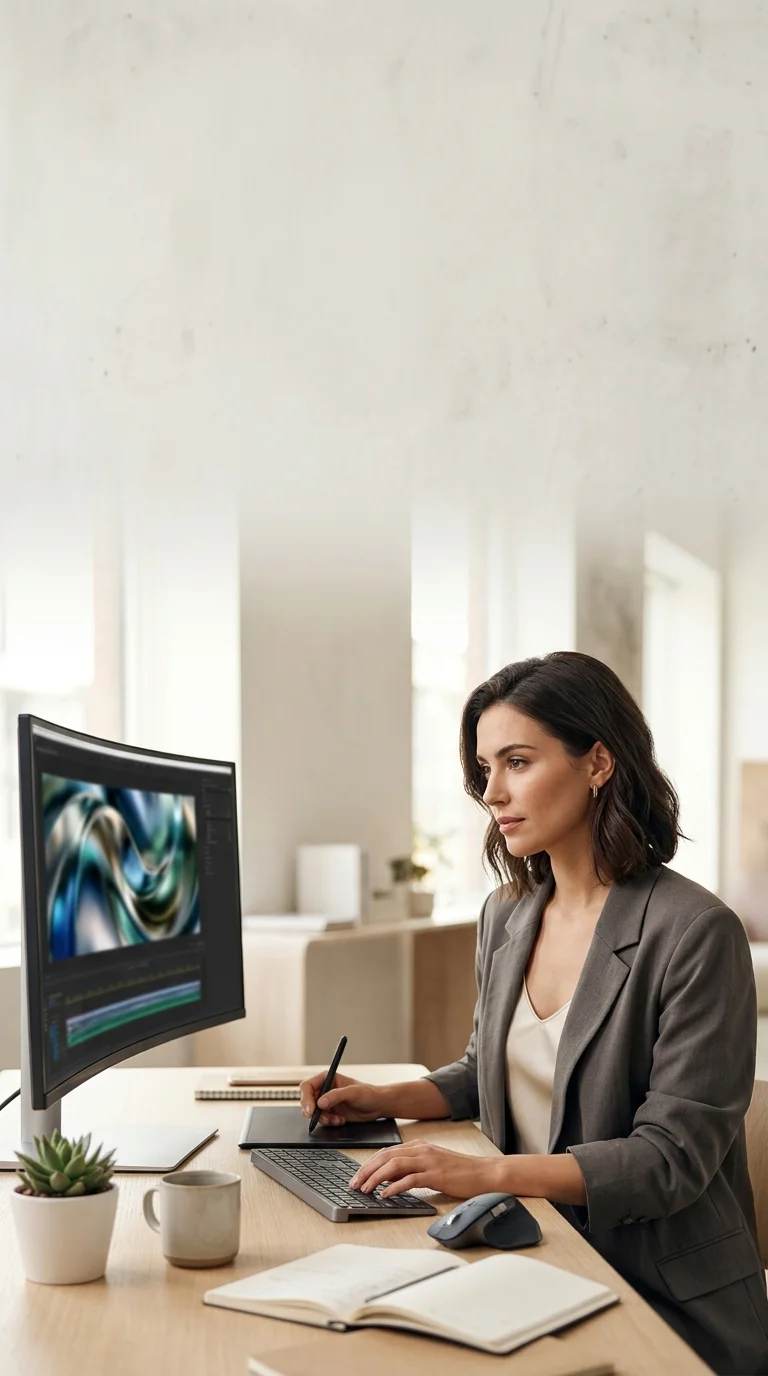
AI 비디오 생성기

AI 생성기
0/3000
10 크레딧 소모
제작물
샘플3 / 3

Reference-guided campaign storyboard clip with cinematic pacing

더 나은 모션 브리프부터 시작하세요

마케팅 모션용 AI 비디오 생성기

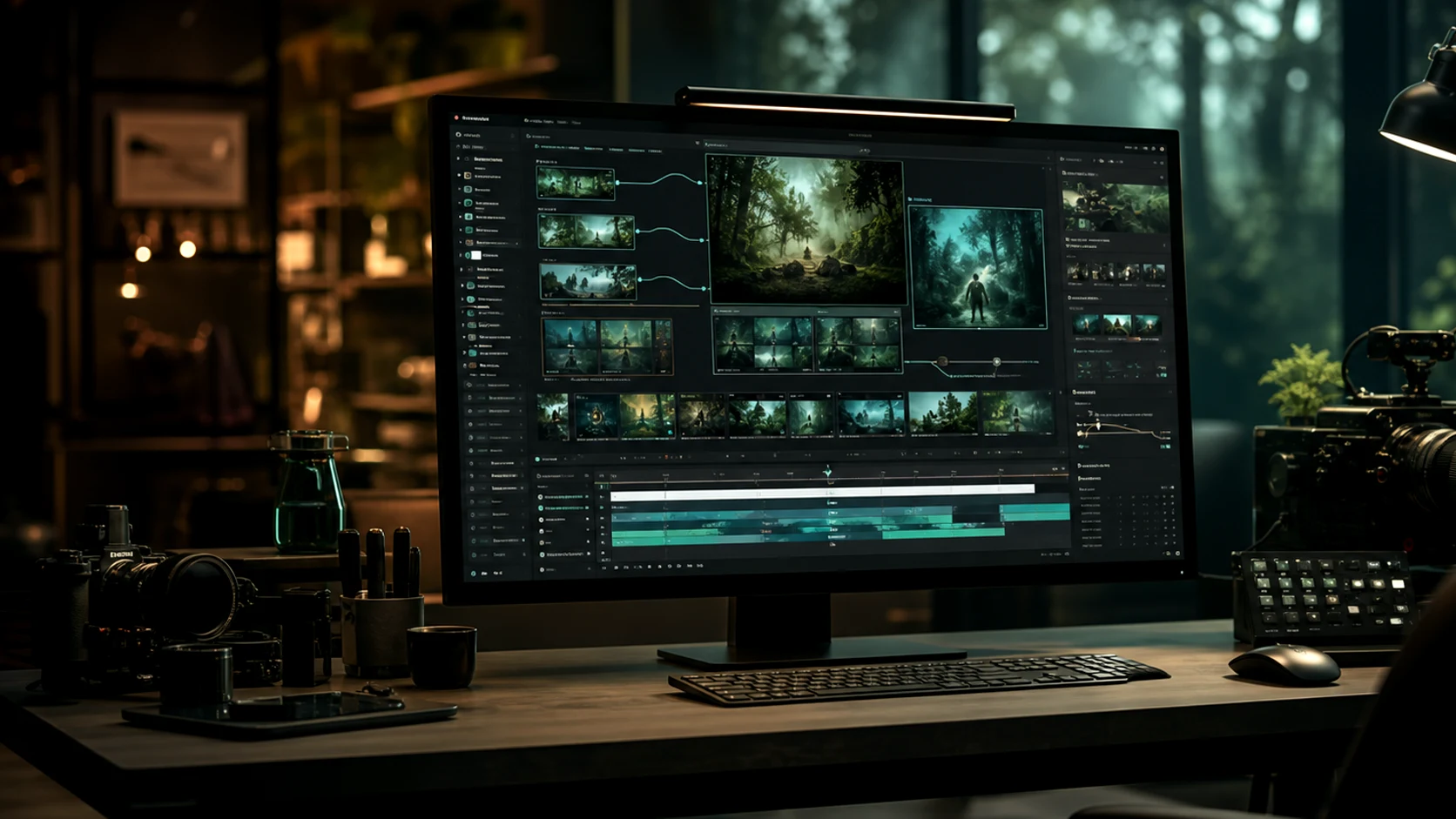
프롬프트, 제품 이미지, 캐릭터 참조 및 캠페인 브리프에서 짧은 비디오를 만드세요. Omnivideo는 텍스트를 영상으로, 이미지를 영상으로, 참조 모션 및 최종 검토를 하나의 omni video ai 워크플로우에서 관리합니다.
Omnivideo AI 비디오 생성기
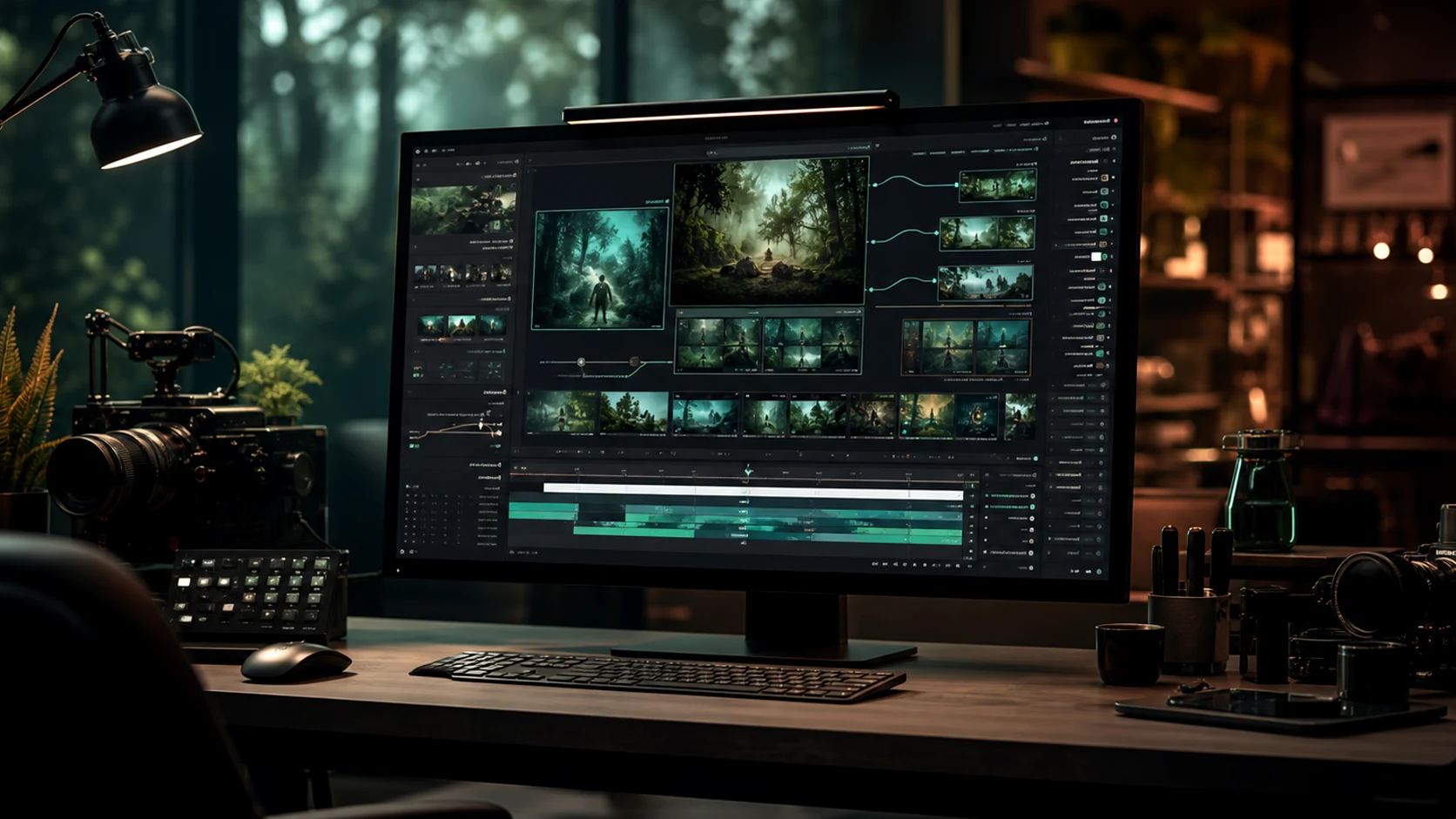
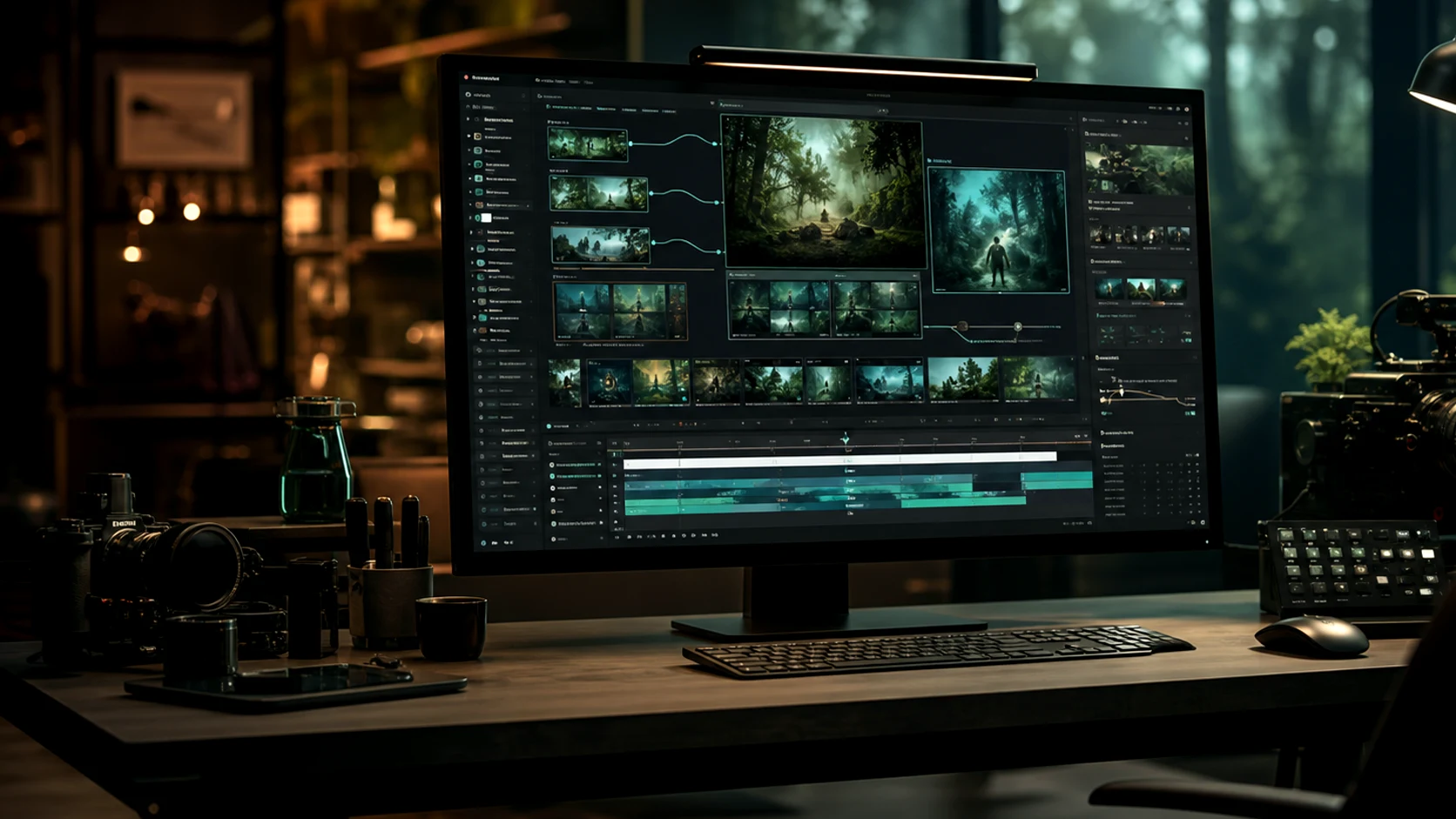
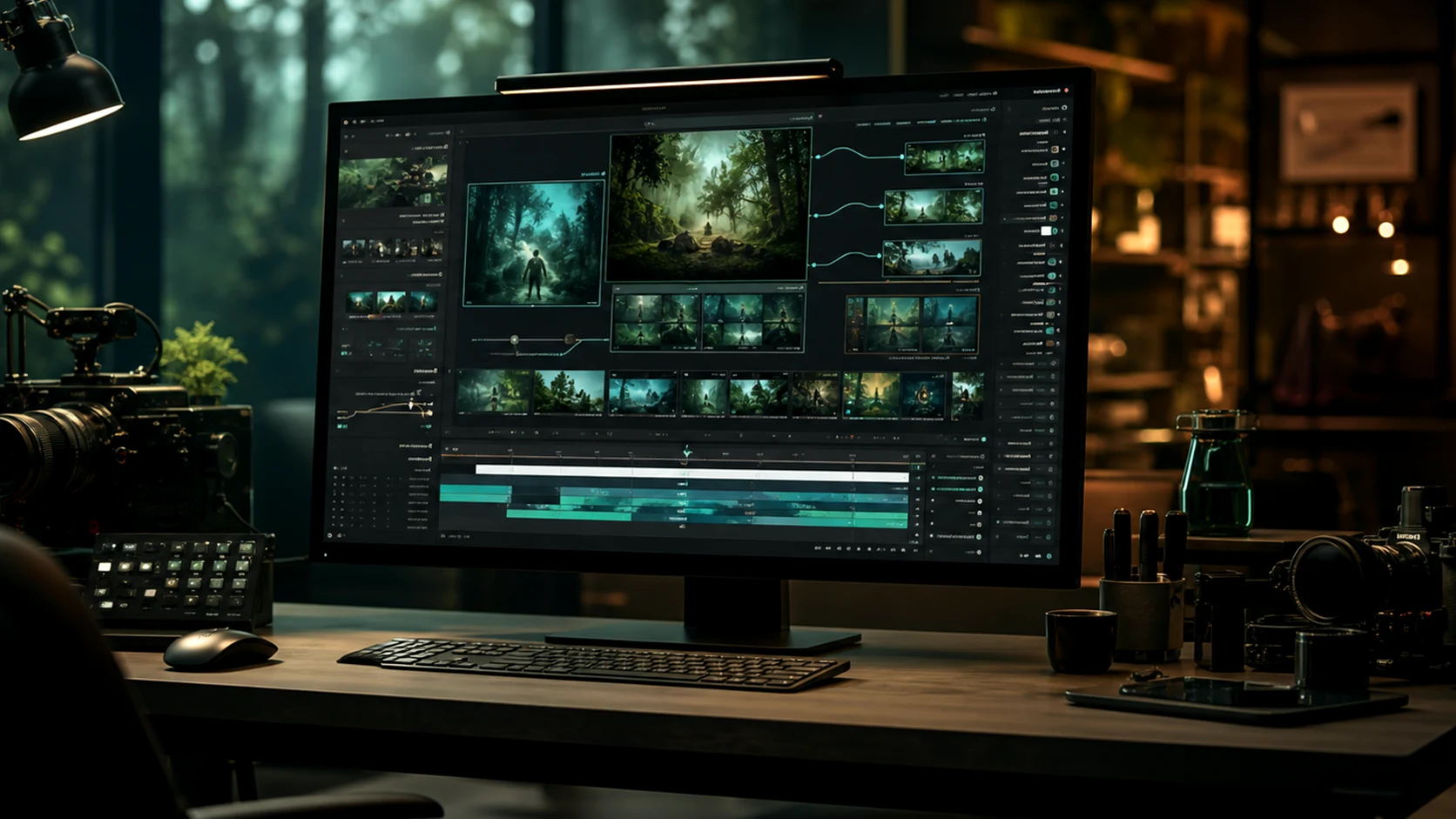
omnivideo Omni Video AI 플랫폼 개요

omni video ai 제작 도구를 한 곳에서

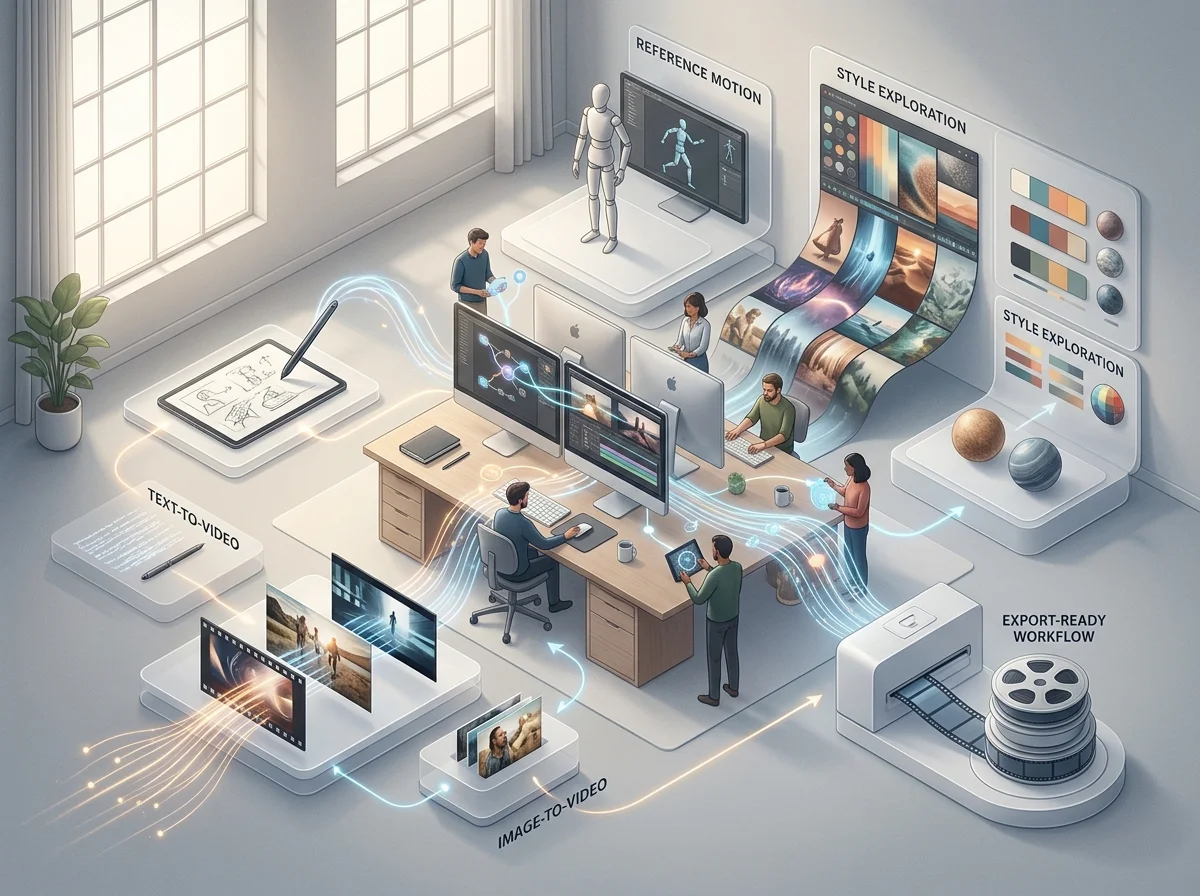
Omnivideo는 텍스트를 비디오로, 이미지를 비디오로, 참조 모션, 프롬프트 개선, 스타일 탐색 및 내보내기 준비 워크플로를 하나의 omni ai 비디오 스튜디오로 통합합니다.

omnivideo Omni Video AI 프롬프트 생성 워크플로

텍스트를 비디오로 프롬프트 빌더

Describe scene, subject, motion, camera, mood, duration, and audience, then generate polished omni video ai options quickly.

omnivideo 레퍼런스 디렉션 워크플로

이미지를 비디오로 참조 제어

Guide composition, character, product detail, and motion from uploaded references when text alone is not enough for omni ai video.

omnivideo 스타일 변형 워크플로

스타일 및 효과 탐색

Explore cinematic looks, product scenes, editorial treatments, and creative directions while keeping the omni video ai workflow in one place.

omnivideo 디테일 정제 워크플로

전달을 위한 세부 사항 다듬기

Clean backgrounds, remove distractions, refine motion direction, and prepare selected omni ai outputs for publishing.

Omnivideo가 omni ai 비디오 제작에 적합한 이유

분리된 도구 간에 프로젝트를 재구축하지 않고 하나의 omni video ai 워크플로우로 브리프 작성, 생성, 비교, 개선 및 모션 자산 게시를 수행하세요.

Start with the omni video ai workflow you need, then choose the model and settings that fit the output without rebuilding the brief elsewhere.

omnivideo 크리에이티브 컨트롤

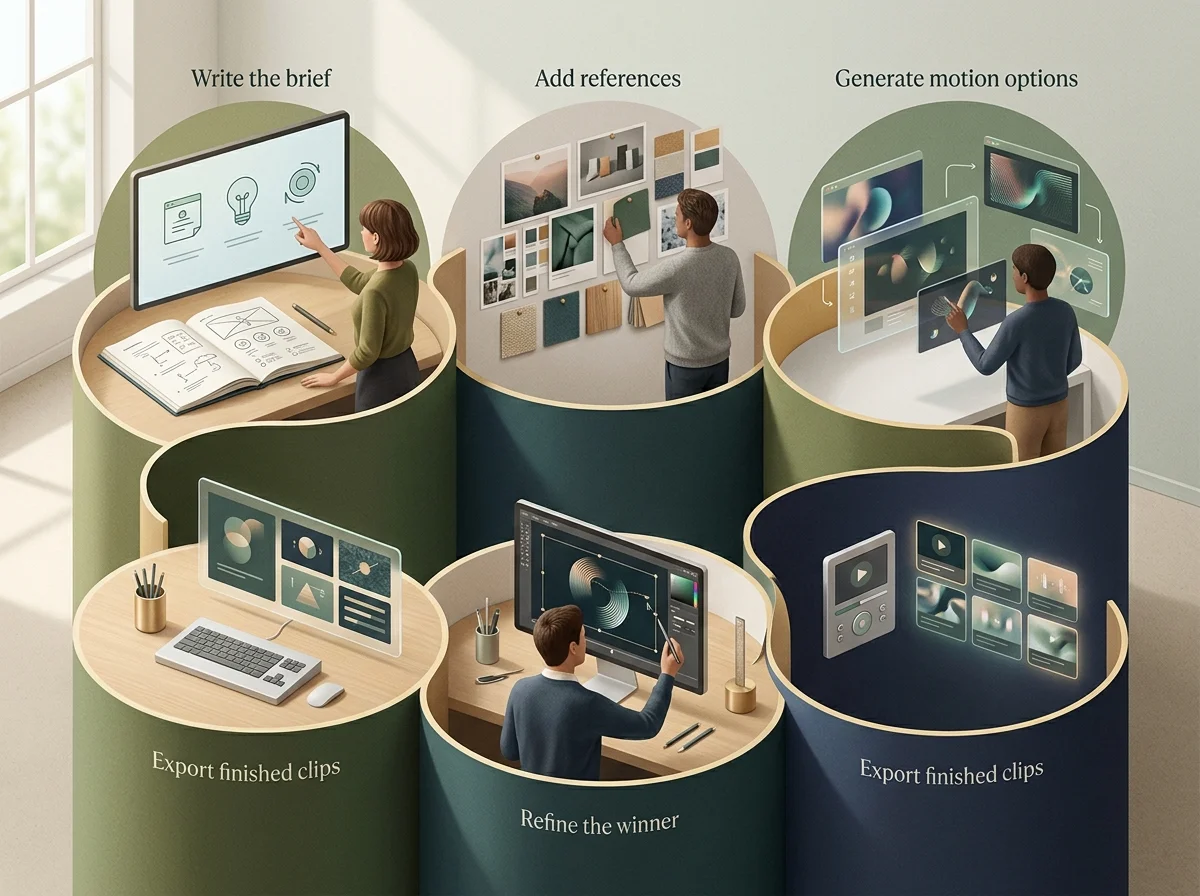
아이디어에서 완성된 omni video ai까지의 간단한 루프

브리프를 작성하고, 참조를 추가하고, 모션 옵션을 생성하고, 우승작을 개선하고, 하나의 omni ai 제작 흐름에서 완성된 클립을 낳출하세요.

omnivideo 이미지 워크플로 개요
omnivideo 브리프 정의 단계

Describe the goal

Set the subject, format, audience, style, motion, and final use case before generating omni video ai outputs.

omnivideo 레퍼런스 단계

Add visual direction

Upload or reuse references for pose, product details, composition, palette, campaign consistency, and omni ai motion guidance.

omnivideo 정제 단계

Generate and refine

Compare variations, adjust motion, improve backgrounds, remove distractions, and tighten the best omni video ai result.

omnivideo 내보내기 단계

Publish the asset

Use finished omni ai videos across ads, ecommerce pages, social posts, blogs, presentations, and product launches.

Omnivideo omni video ai 기능

텍스트를 비디오로, 이미지를 비디오로, 참조 기반 생성, 모션 개선, 스타일 제어, 게시 준비된 낳출을 위한 핵심 omni ai 워크플로우.

omni video ai Generator

Create new videos from prompts for products, stories, ads, social posts, cinematic concepts, and launch creative.

Image-to-video Studio

Turn product shots, character references, thumbnails, and campaign visuals into controlled omni ai motion.

Reference Motion Control

Use visual references to keep style, identity, composition, and product details aligned across video generations.

Prompt Refinement

Improve camera moves, pacing, lighting, style, and negative constraints before spending more credits.

Creative Variations

Explore multiple looks and motion directions while keeping the same Omnivideo omni ai project context.

Export-ready Workflow

Prepare outputs for review, publishing, ads, social posts, landing pages, and product launch assets.

omni video ai 및 omni ai에 대한 자주 묻는 질문

omni video ai 생성기, omni ai 크리에이티브 워크스페이스, 올인원 브라우저 기반 비디오 제작 스튜디오로서의 Omnivideo에 대한 답변.


Omnivideo로 다음 omni video ai를 만드세요

하나의 워크스페이스에서 더 강력한 omni ai 비디오 자산을 생성, 비교, 개선 및 게시하려면 Omnivideo를 사용하세요.