
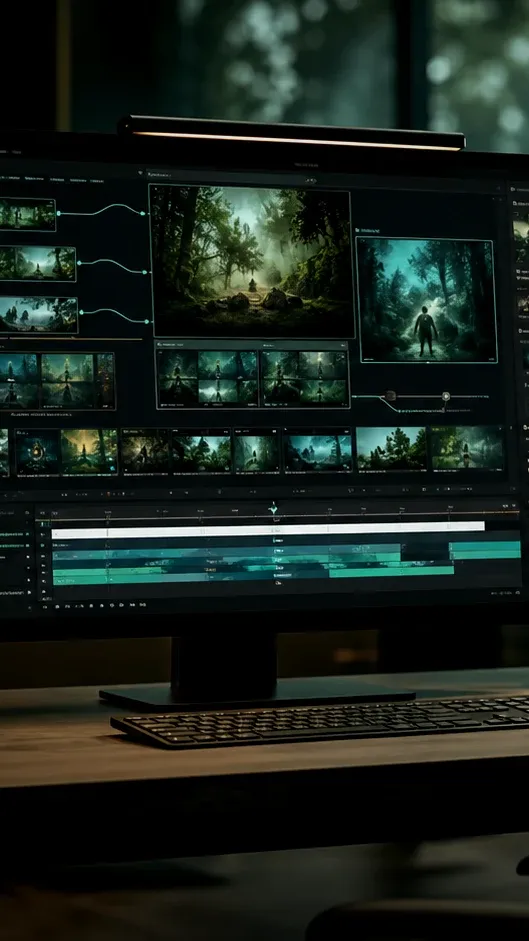
Gemini Omni Video AI Generator - Omnivideo
Omnivideo turns prompts, images, and references into polished motion - a gemini omni and omni video ai workspace for everyday production.
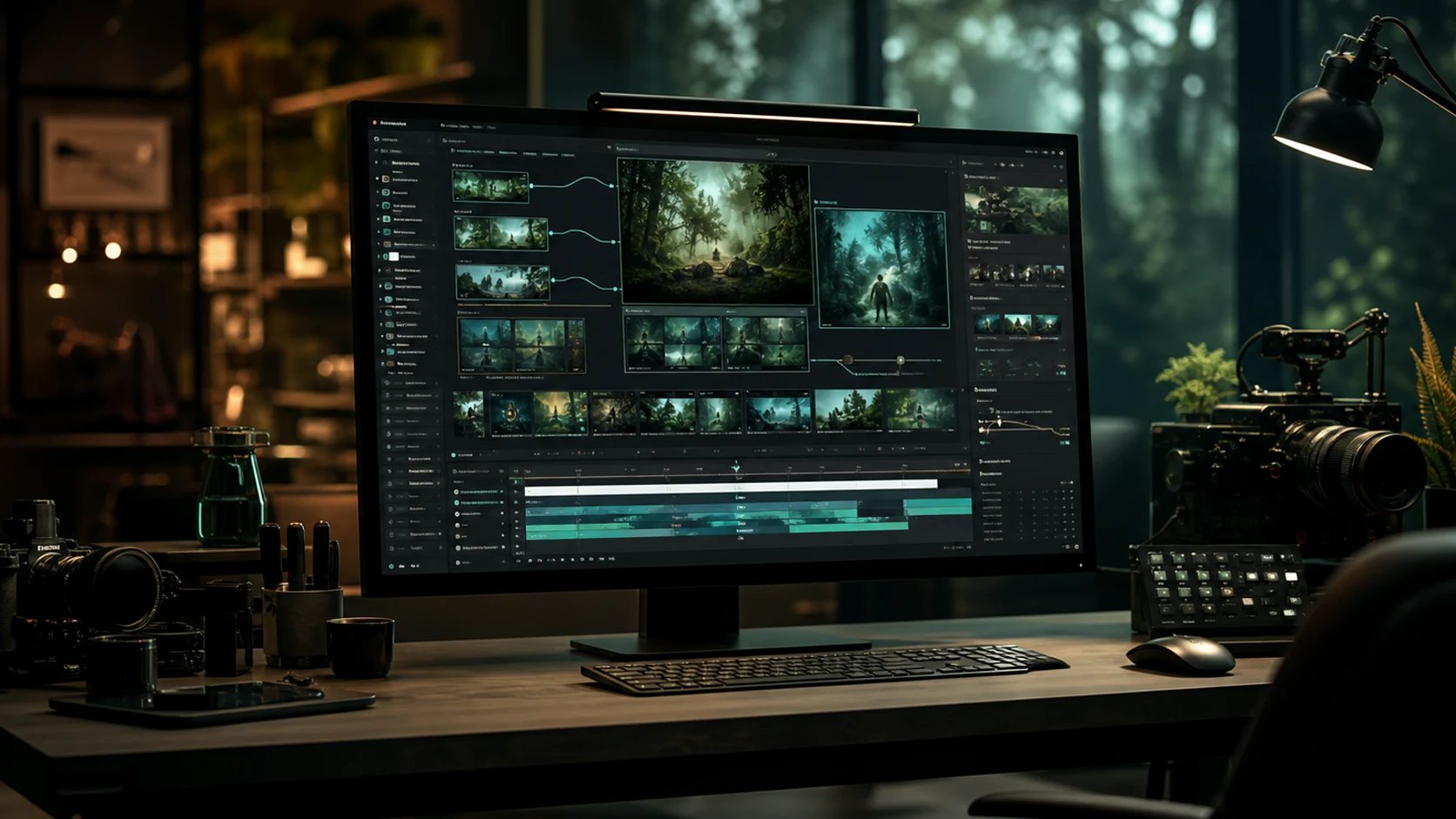
Gemini Omni and omni video ai Tools in One Place
Omnivideo brings text-to-video, image-to-video, reference motion, gemini omni prompt structure, style exploration, and export-ready workflows into one omni ai video studio.
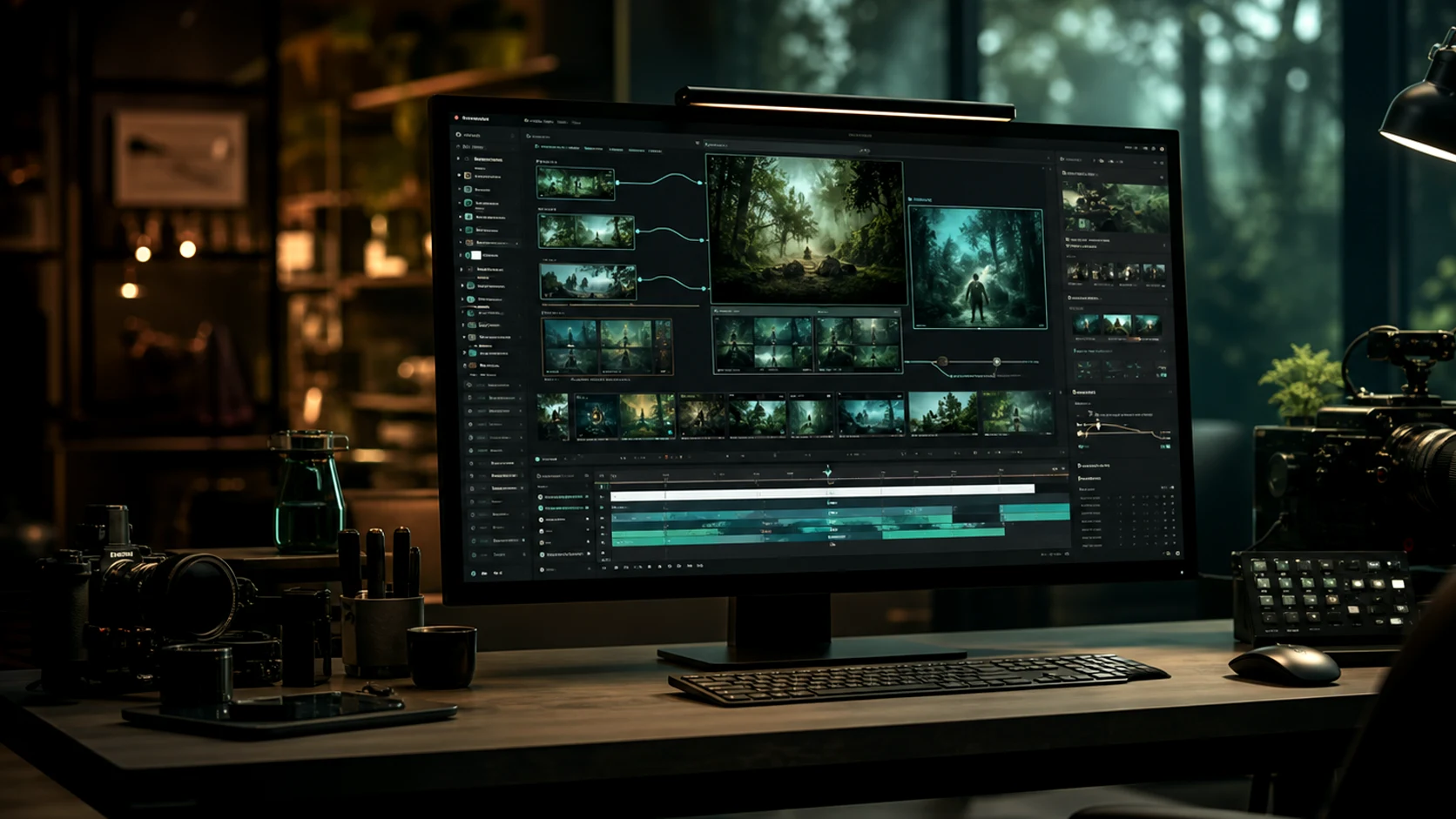
Text-to-video prompt builder
Describe scene, subject, motion, camera, mood, duration, and audience, then generate polished omni video ai options with clearer gemini omni prompt direction.
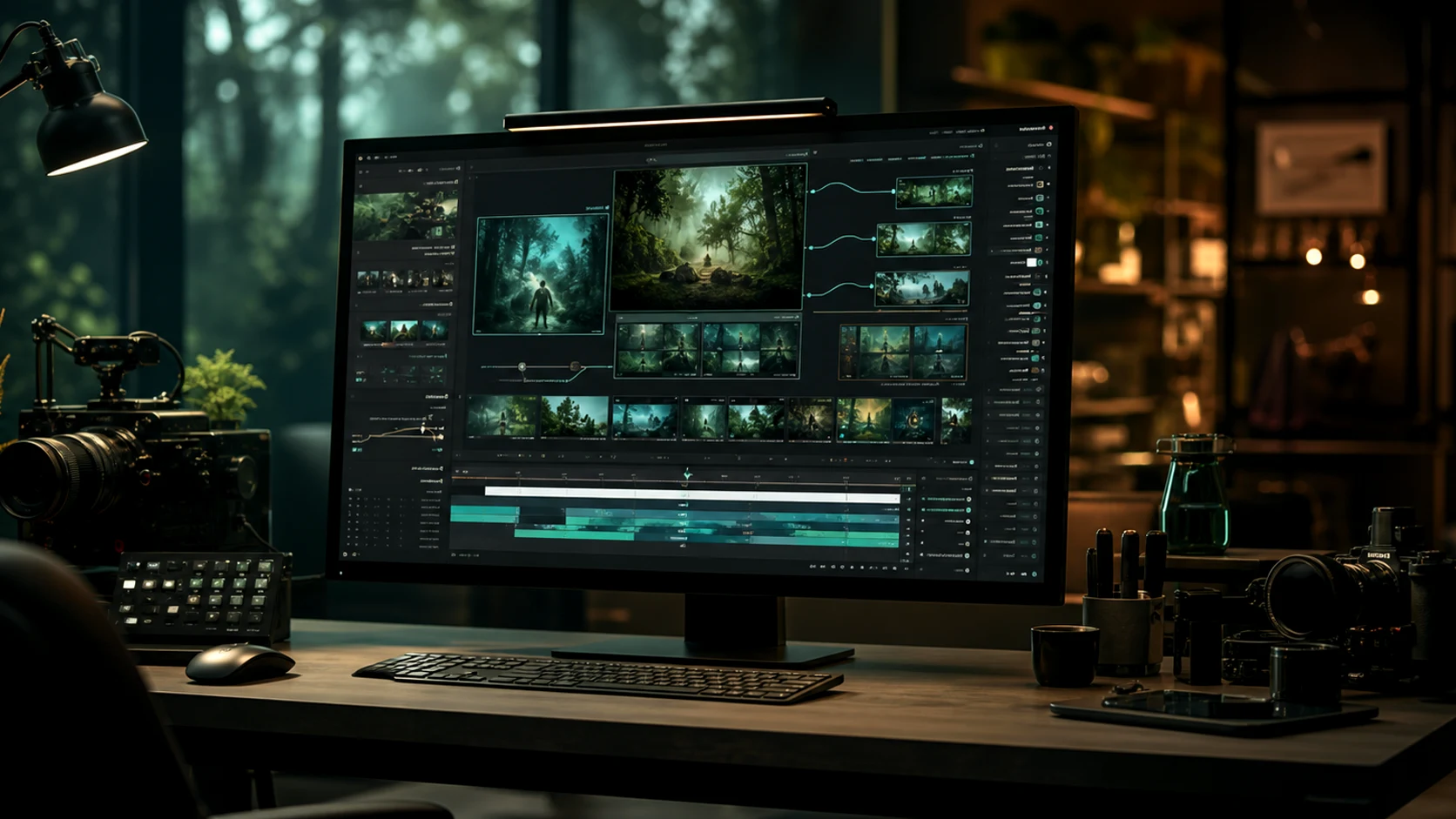
Image-to-video reference control
Guide composition, character, product detail, and motion from uploaded references when text alone is not enough for omni ai video.
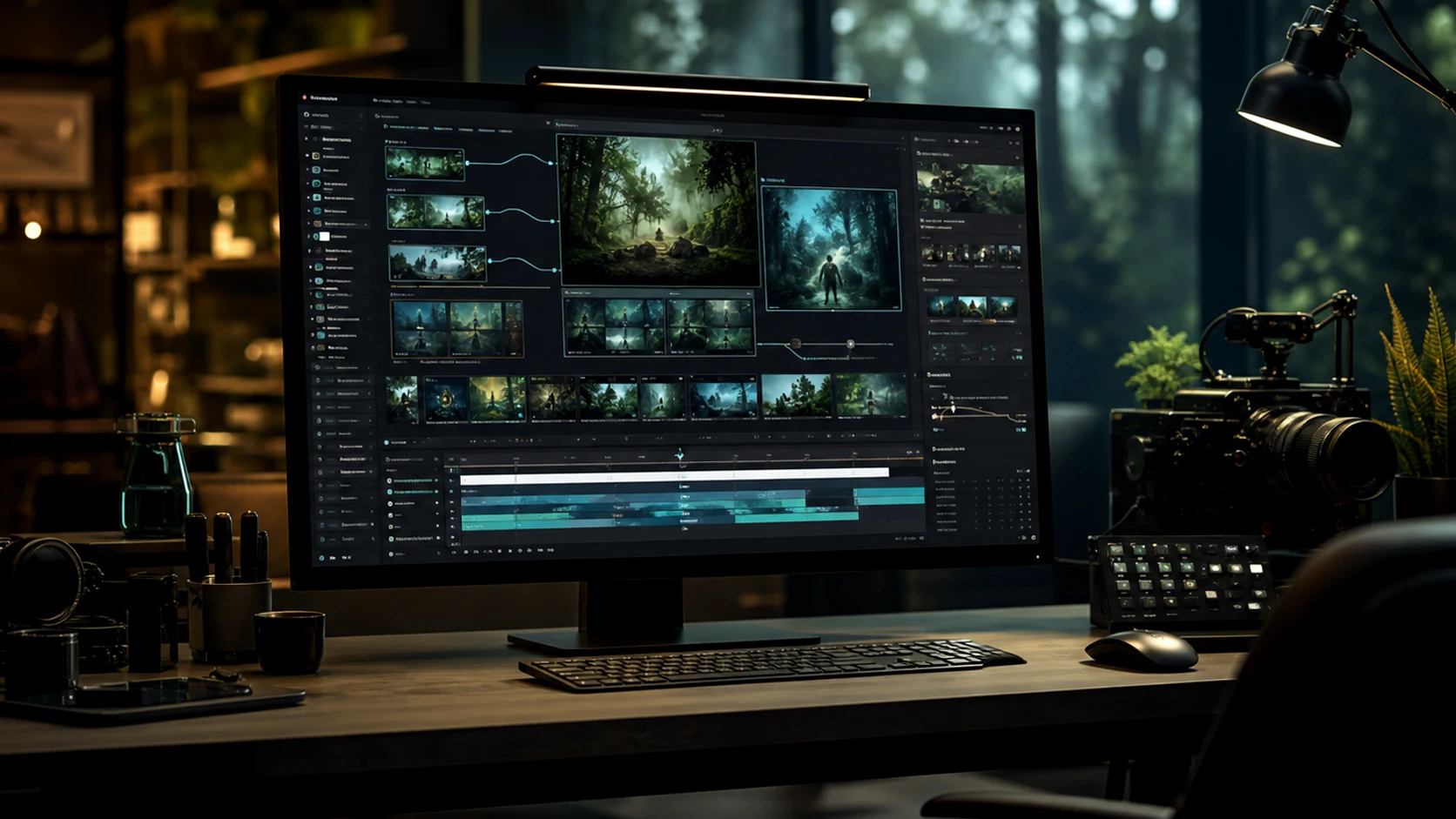
Style and effect exploration
Explore cinematic looks, product scenes, editorial treatments, and creative directions while keeping the omni video ai workflow in one place.
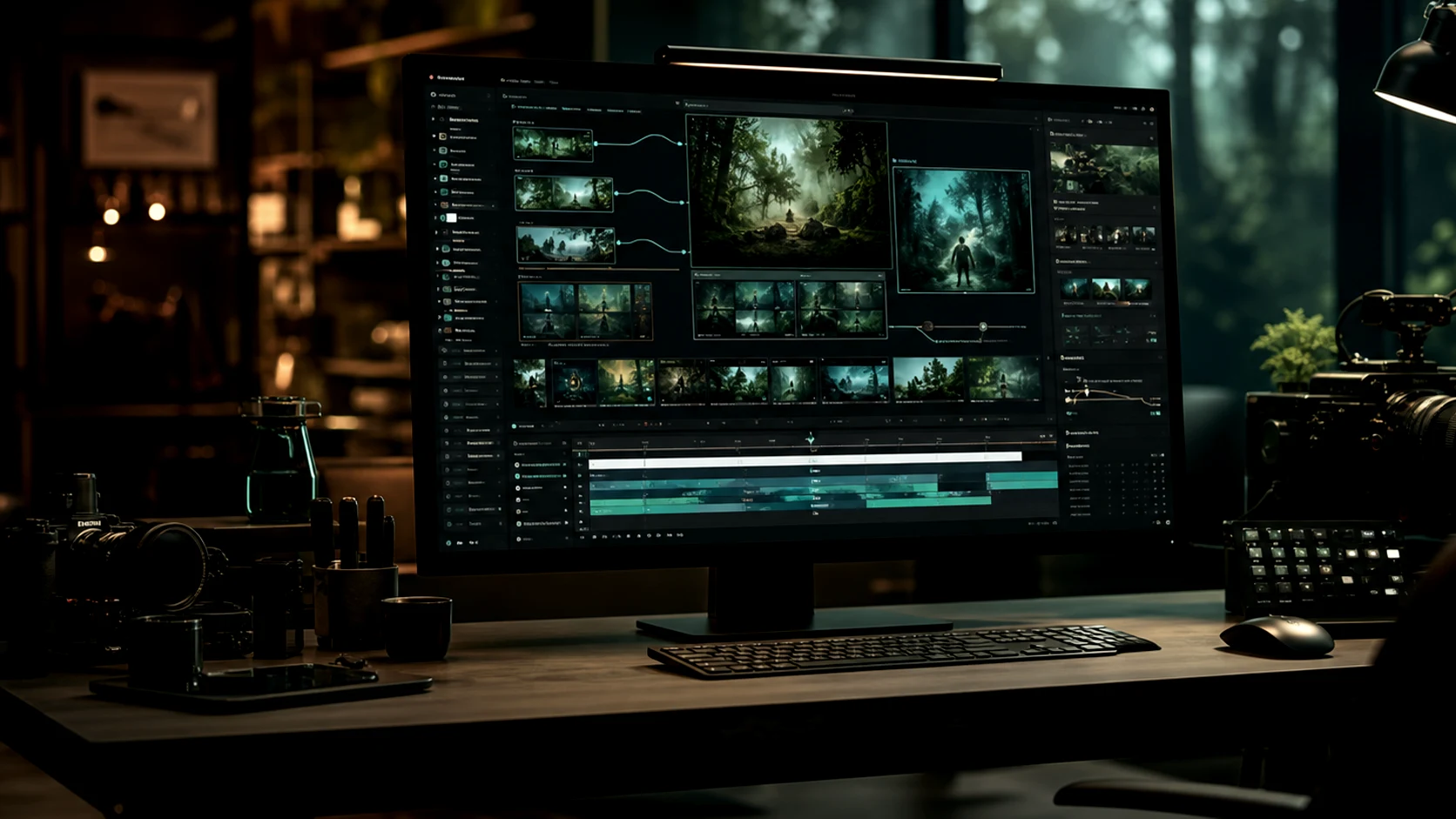
Detail refinement for delivery
Clean backgrounds, remove distractions, refine motion direction, and prepare selected omni ai outputs for publishing.
Why Omnivideo Works for Gemini Omni Video Production
Use one omni video ai workflow to brief, generate, compare, refine, and publish motion assets without rebuilding your omni ai project across disconnected tools.
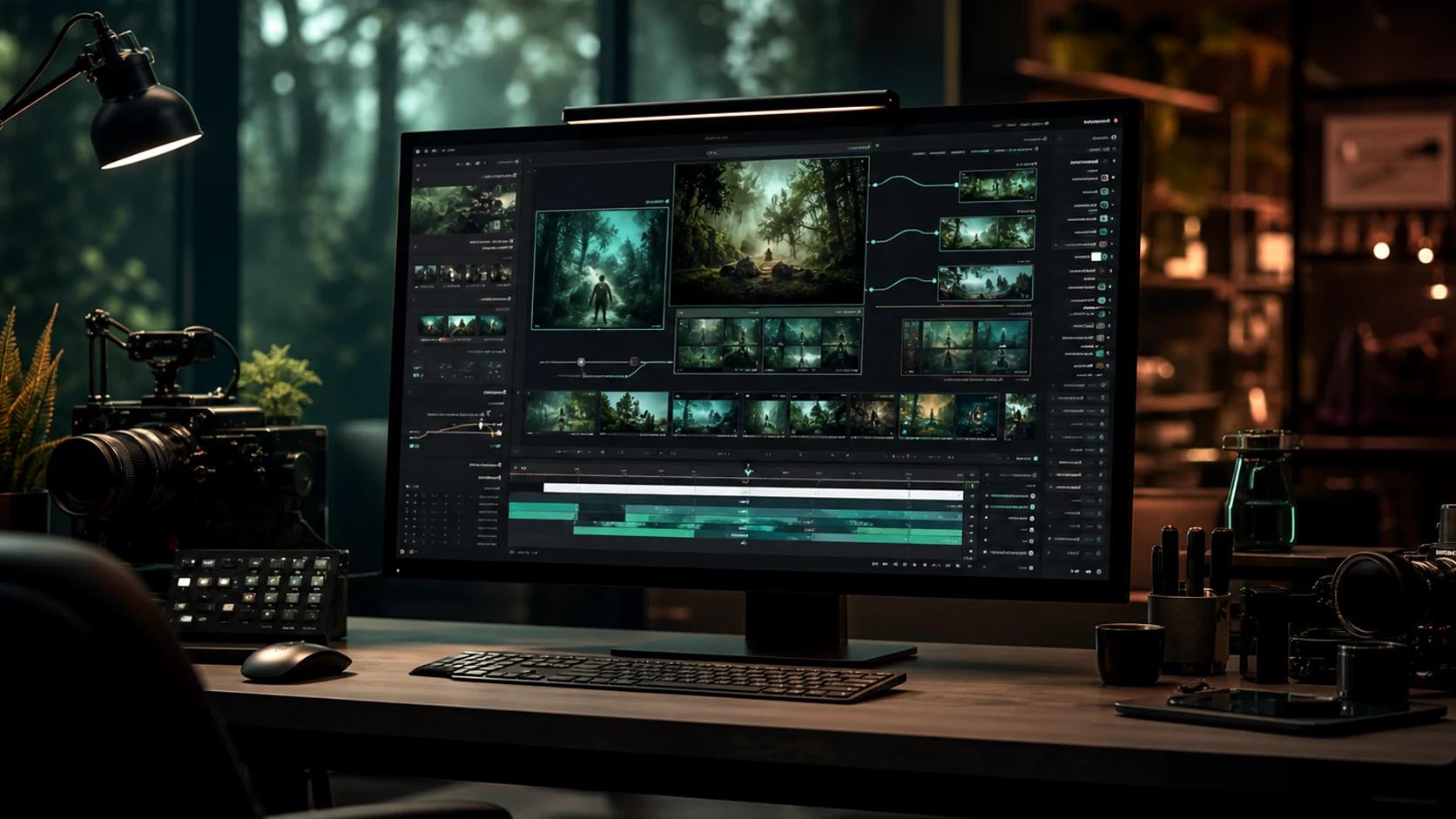
Workflow
A Simple Loop from Gemini Omni Prompt to Finished Video
Write the brief, add references, generate motion options, refine the winner, and export finished clips from one omni ai production flow.
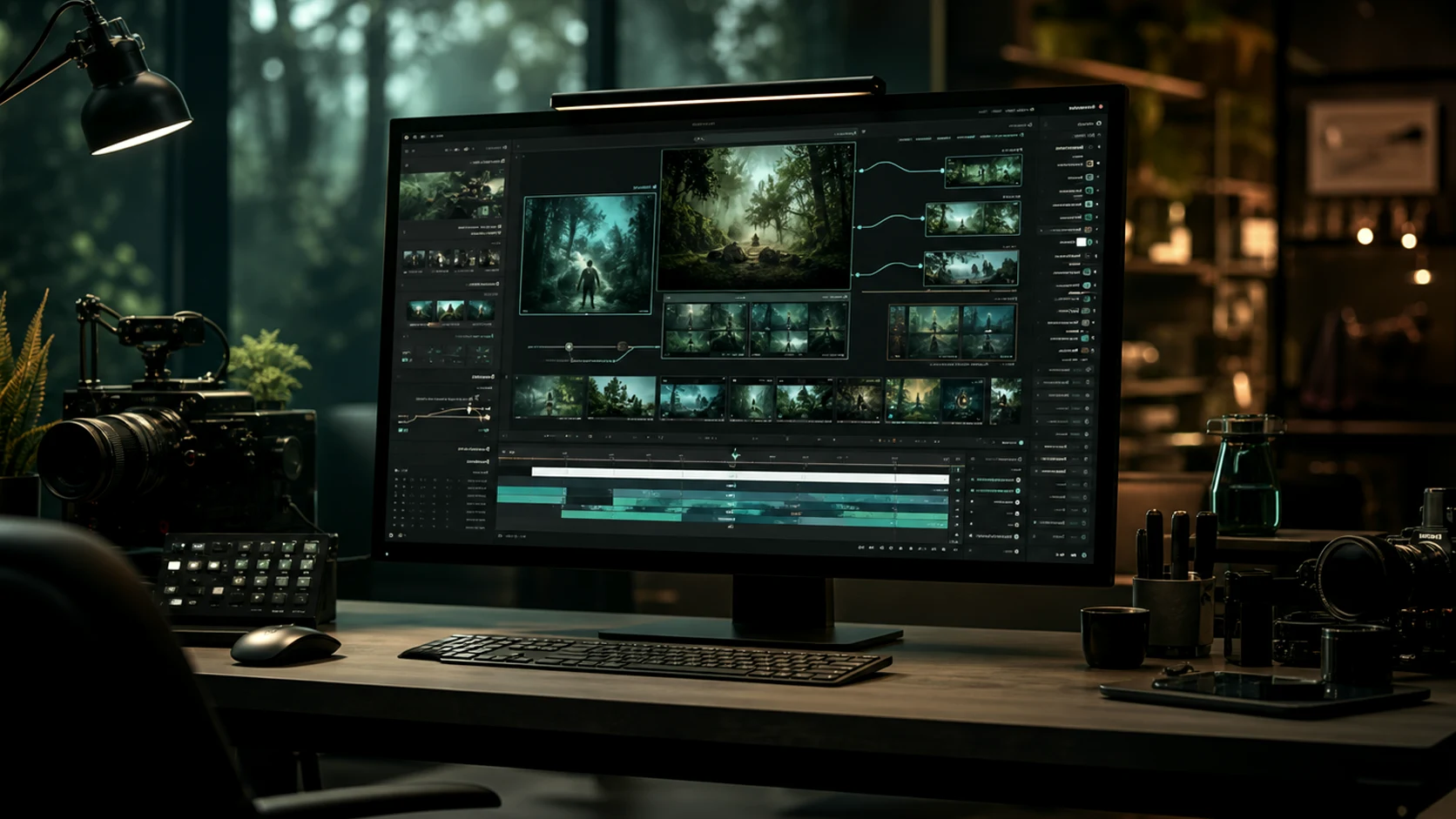
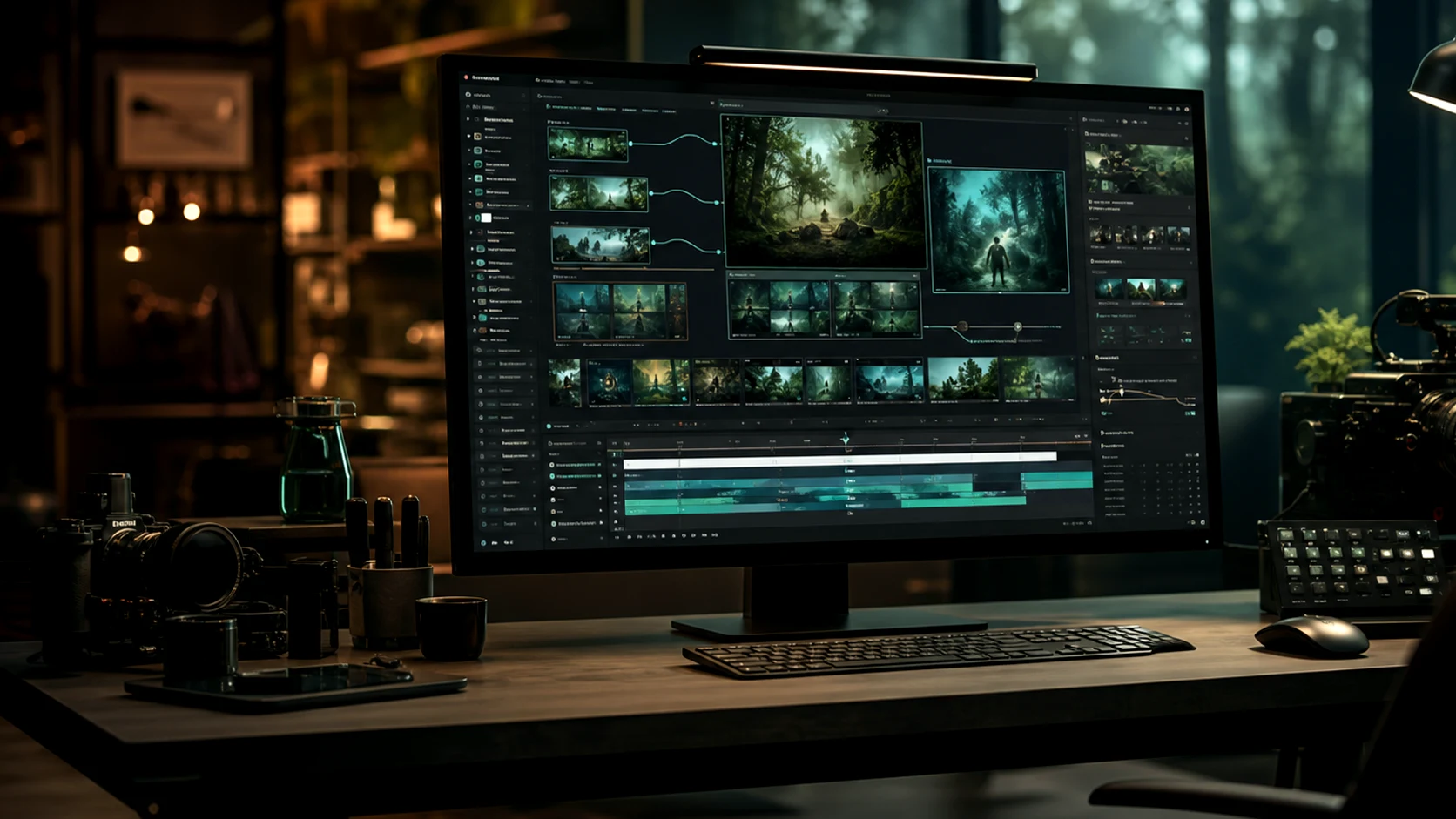
Describe the goal
Set the subject, format, audience, style, motion, and final use case before generating omni video ai outputs.
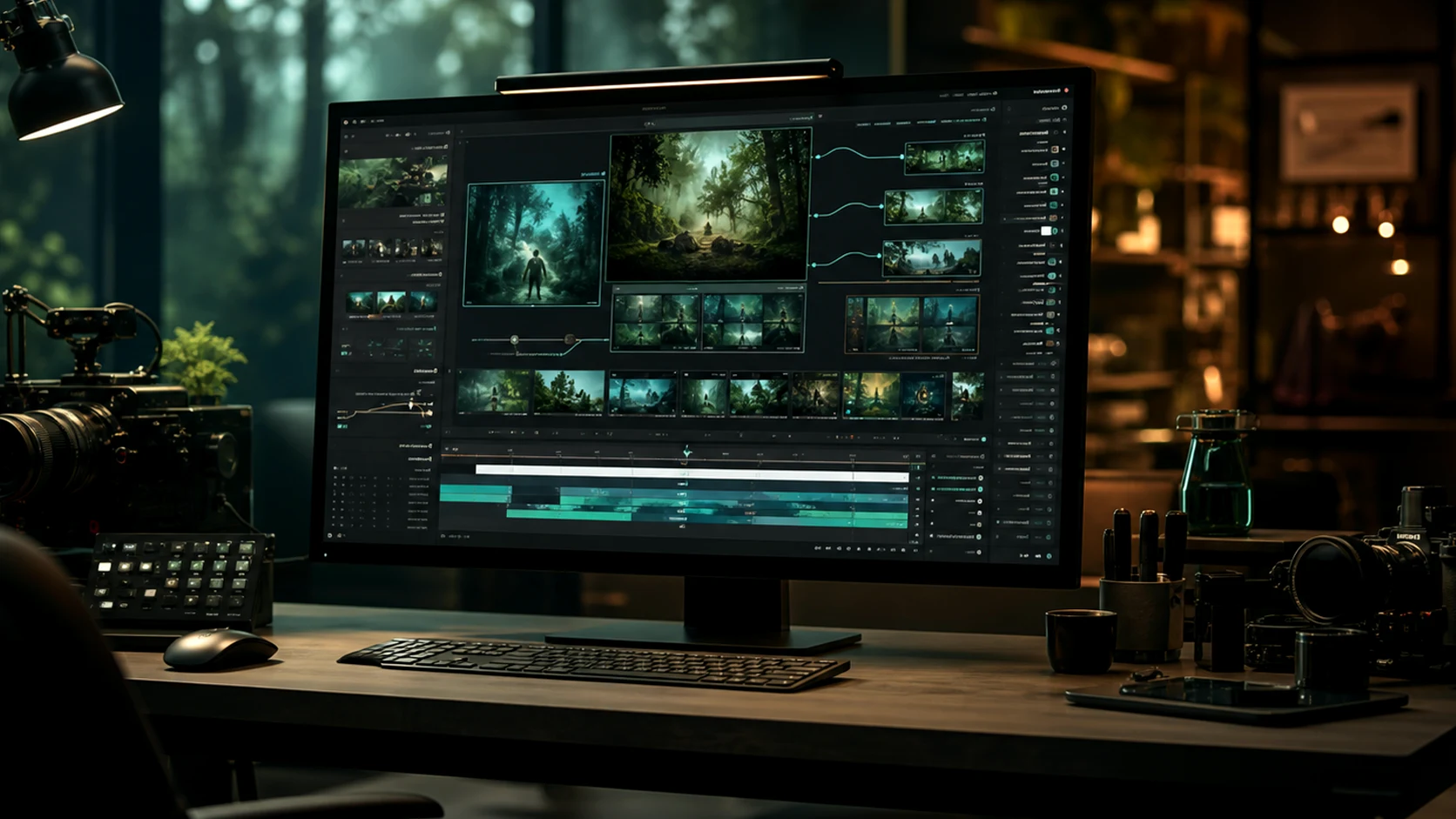
Add visual direction
Upload or reuse references for pose, product details, composition, palette, campaign consistency, and omni ai motion guidance.
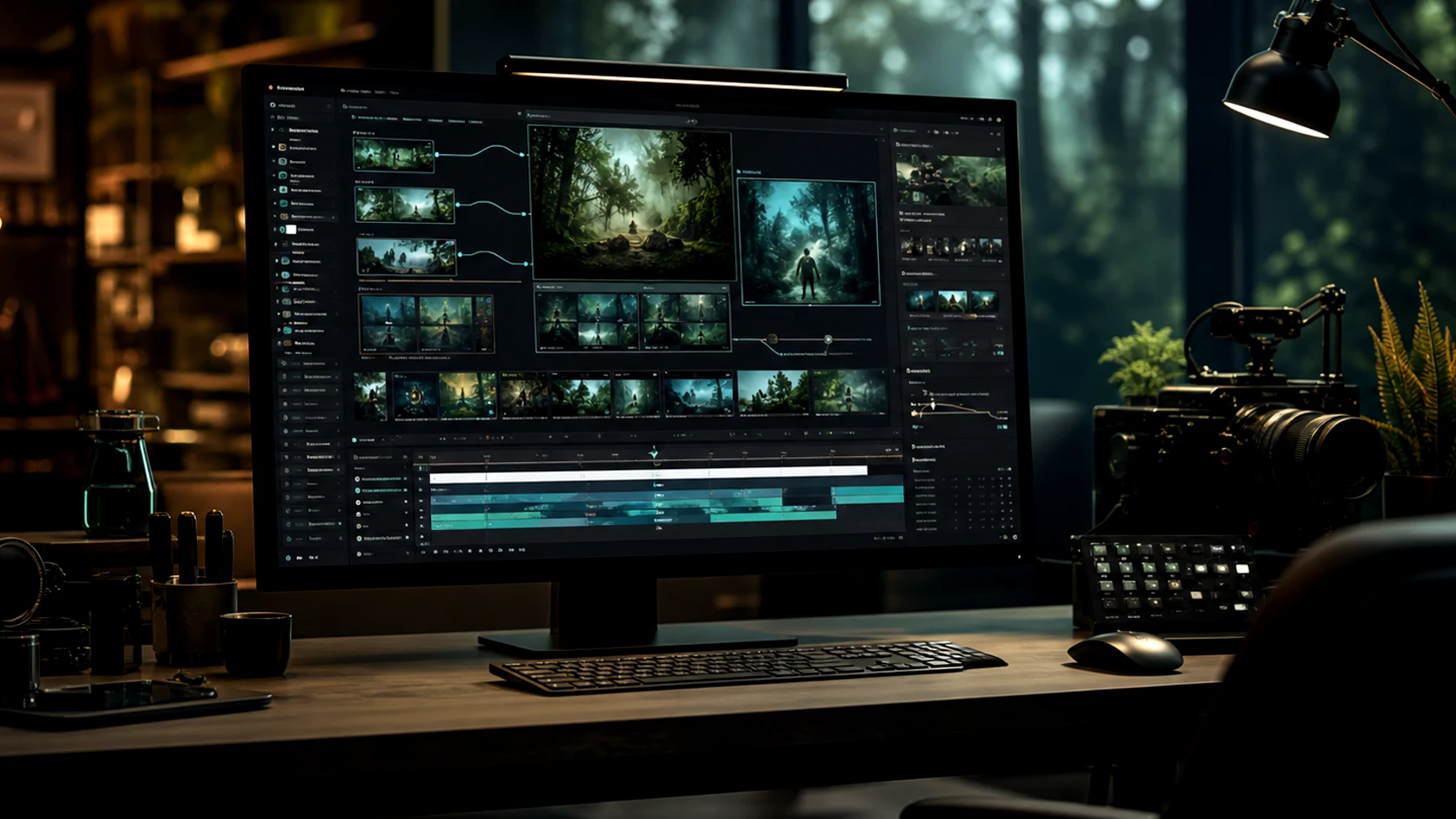
Generate and refine
Compare variations, adjust motion, improve backgrounds, remove distractions, and tighten the best omni video ai result.
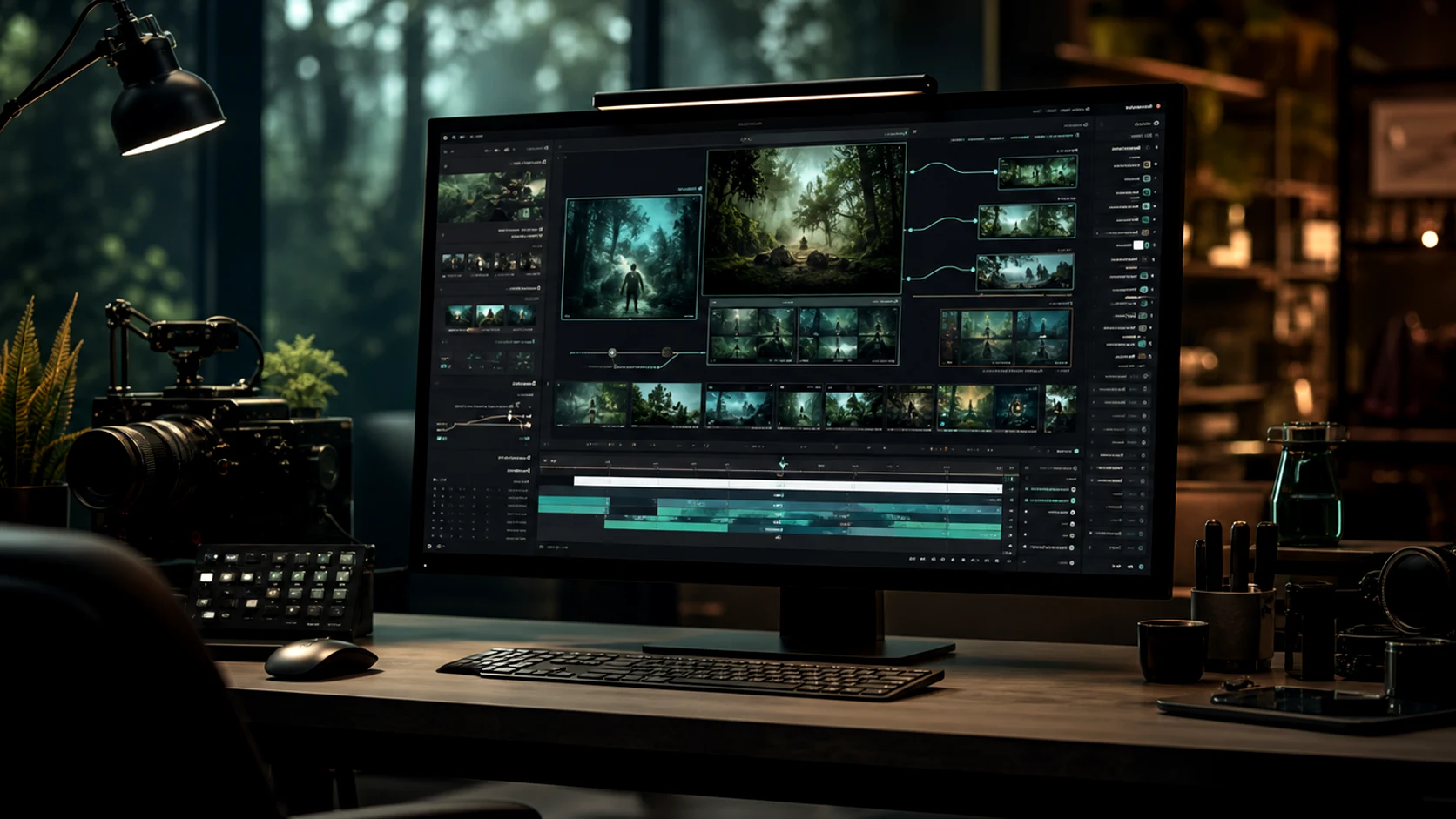
Publish the asset
Use finished omni ai videos across ads, ecommerce pages, social posts, blogs, presentations, and product launches.
Omnivideo Gemini Omni and omni video ai Features
Core omni ai workflows for text-to-video, image-to-video, reference-guided generation, gemini omni prompt refinement, motion control, and publishing-ready exports.
Gemini Omni Video AI Generator
Create new omni video ai clips from prompts for products, stories, ads, social posts, cinematic concepts, and launch creative.
Image-to-video Studio
Turn product shots, character references, thumbnails, and campaign visuals into controlled omni ai motion.
Reference Motion Control
Use visual references to keep style, identity, composition, and product details aligned across video generations.
Prompt Refinement
Improve camera moves, pacing, lighting, style, and negative constraints before spending more credits.
Creative Variations
Explore multiple looks and motion directions while keeping the same Omnivideo omni ai project context.
Export-ready Workflow
Prepare outputs for review, publishing, ads, social posts, landing pages, and product launch assets.
Built for More Than omni ai Experiments
Omnivideo focuses on repeatable gemini omni and omni video ai workflows that creators, marketers, and product teams can use for real campaigns and launches.
Keep briefs, references, generations, refinements, and exports together.
Move from idea to finished omni video ai assets without switching tools.
Support ads, social clips, product motion, and campaign visuals.
Creator proof
What Creators Say About Omnivideo omni video ai
Teams use Omnivideo for gemini omni prompt planning, omni ai video concepts, product motion, social campaigns, and faster production decisions.
Omnivideo keeps concepts, references, motion tests, and review-ready outputs in one omni video ai workflow.
Ingrid Solberg, Creative Lead
Ingrid Solberg
Creative Lead
Our team goes from product references to campaign motion in a fraction of the time inside the omni ai workspace.
Darius Cole, E-commerce Operator
Darius Cole
E-commerce Operator
Rough launch ideas become video directions in Omnivideo without rebuilding the prompt each time.
Camille Fournier, Brand Designer
Camille Fournier
Brand Designer
Characters and product visuals stay consistent across omni ai generations thanks to the reference workflow.
Rafael Duarte, Agency Founder
Rafael Duarte
Agency Founder
Short-form exploration in Omnivideo feels organized instead of scattered across half a dozen tools.
Meera Krishnan, Content Strategist
Meera Krishnan
Content Strategist
The omni video ai flow takes me from brief to reviewable clips quickly, which matters for landing pages and ads.
Owen Gallagher, Independent Creator
Owen Gallagher
Independent Creator
Frequently Asked Questions About gemini omni, omni video ai, and omni ai
Answers about Omnivideo as a gemini omni-friendly prompt workspace, an omni video ai generator, and an all-in-one browser-based omni ai production studio.
Create Your Next omni video ai with Omnivideo
Use Omnivideo to generate, compare, refine, and publish stronger gemini omni and omni ai video assets from one workspace.