


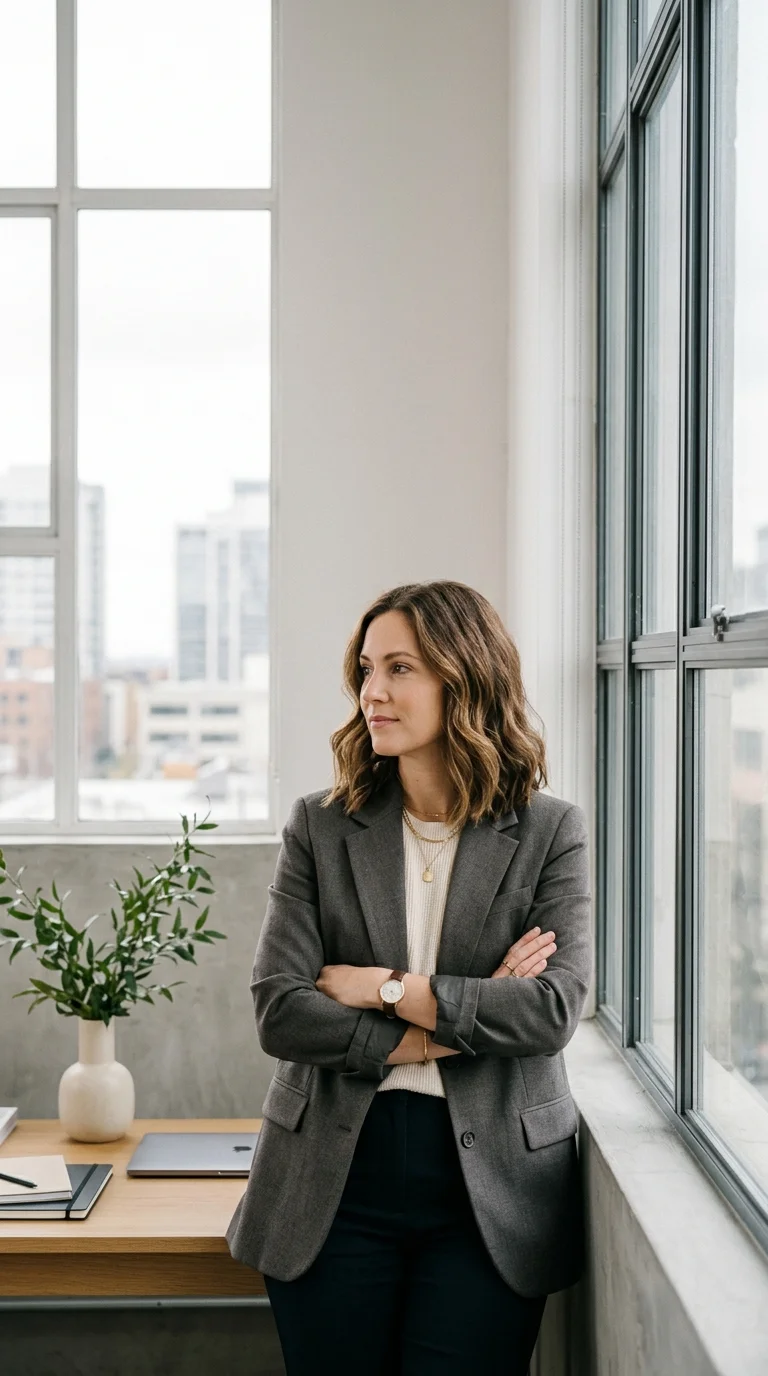
AI Image Generator for Campaign Visuals
Product concepts, social thumbnails, reference frames, character looks, and ad visuals - build them here, then carry the winners into video.
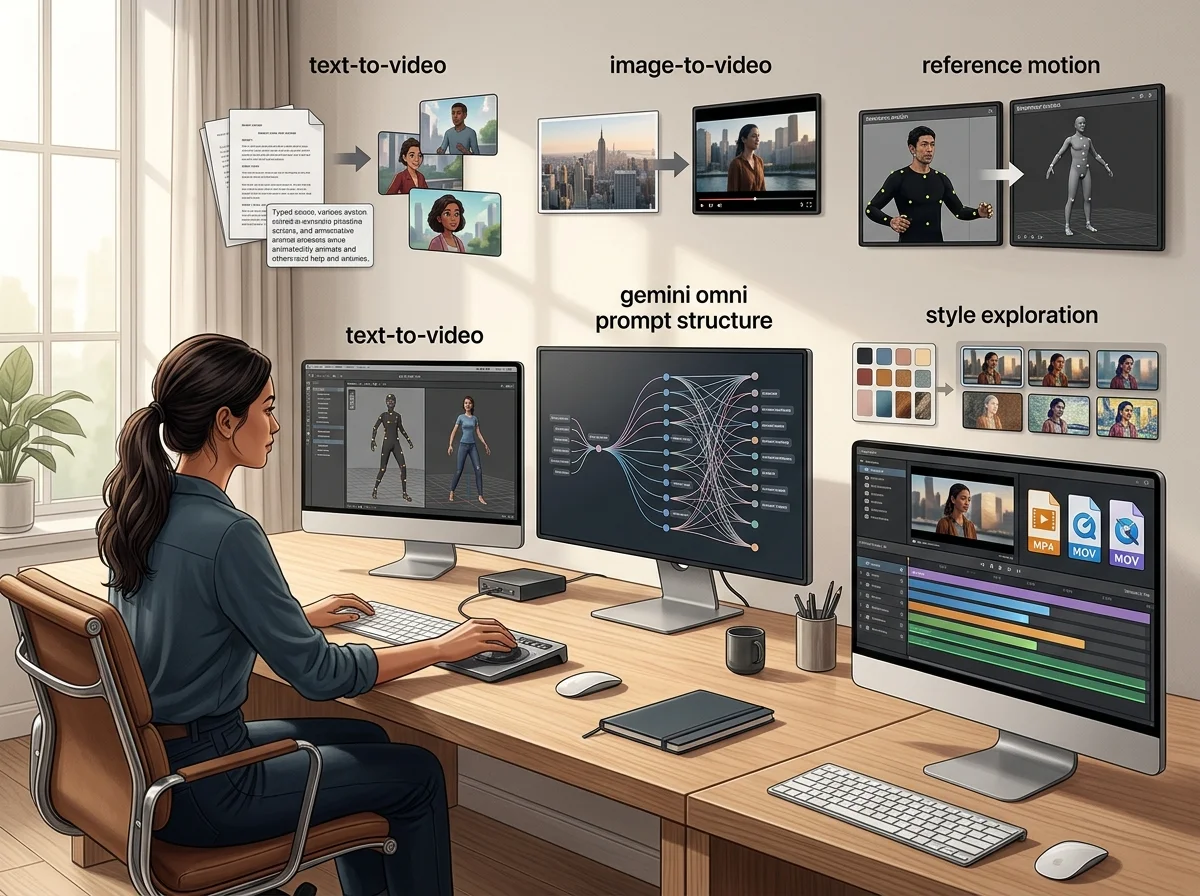
How the image generator fits a campaign
The Omnivideo AI image generator produces the stills a campaign runs on - product visuals, key art, thumbnails and the reference frames that later become motion. It is the still half of the workflow, and its output is built to be animated.
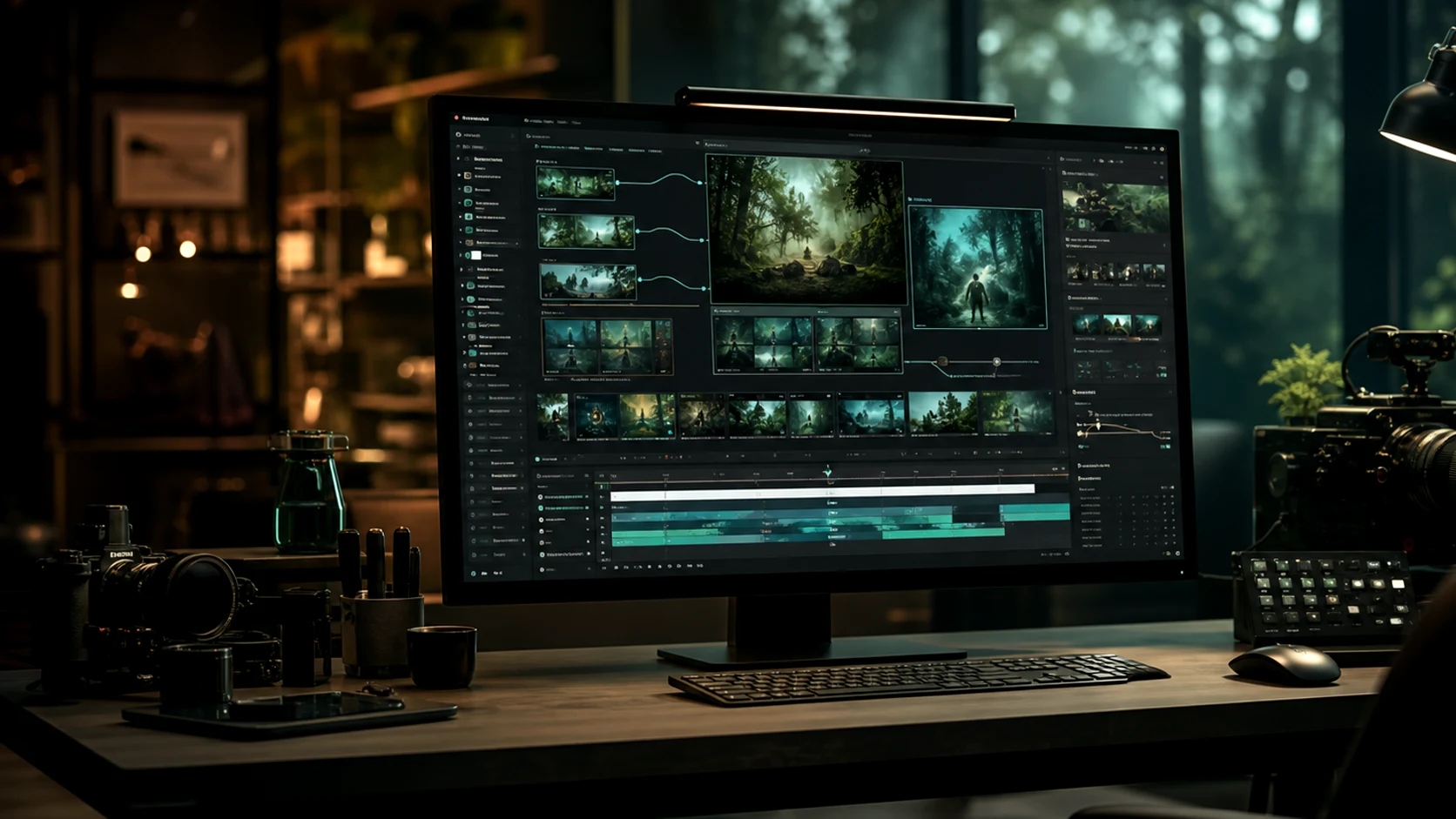
Text to image
Describe the subject, format and treatment and get a finished visual, with no source asset required.
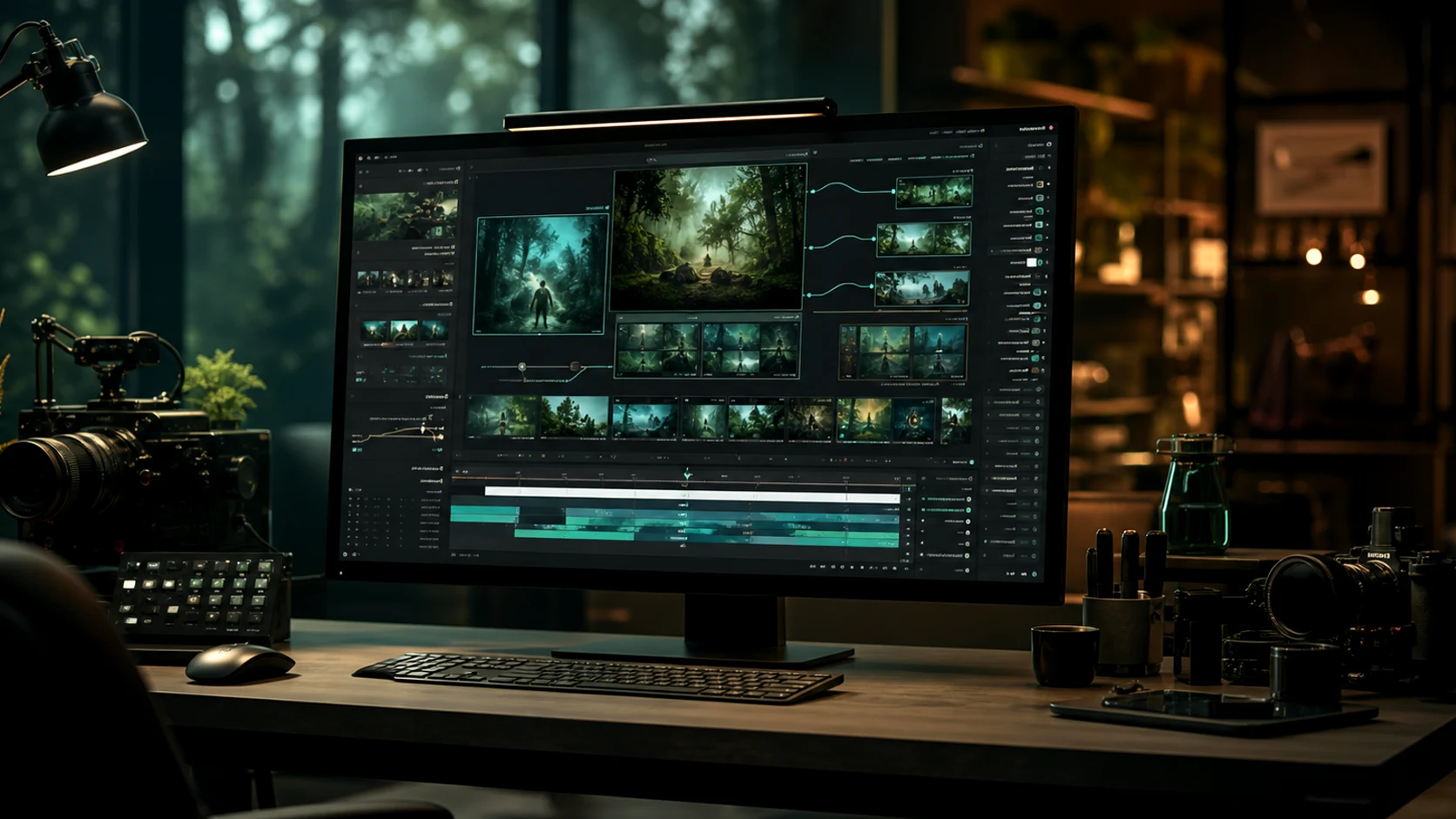
Reference-guided generation
Upload visuals to fix palette, product detail and character rather than describing them and hoping.
Frames intended for motion
Stills generated here are composed to animate, so a key visual can become a clip without a reshoot.
Consistent across a campaign
Shared references keep product lines and campaign sets visually related across every asset.
Why Generate the Still First
Deciding the look before motion is the cheapest place to make that decision.
Workflow
How to Generate a Campaign Visual
Four steps from a brief to a still you can either publish or animate.
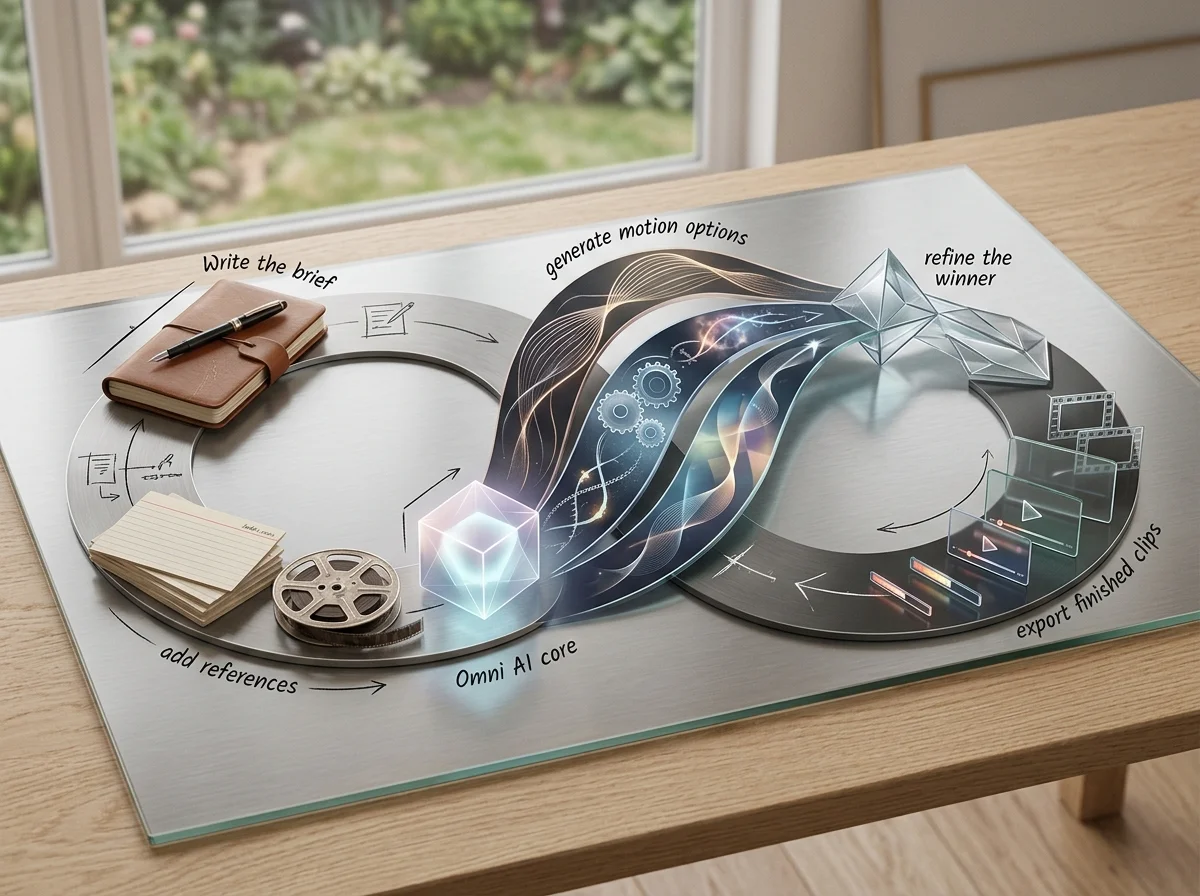
Set the deliverable
Subject, format, audience and placement, before style language.
Add references
Upload the brand visuals that should steer palette, product detail and composition.
Generate options
Compare a set against the brief rather than refining one attempt.
Export, or send it to video
Publish the still, or hand it to the video generator as a first frame.
AI Image Generator Features
What the still side of the workspace accepts and produces.
Text-to-image generation
Finished visuals from a written brief.
Reference image input
Steer palette, product detail and character with uploaded visuals.
Aspect ratio presets
Generate at the placement's ratio rather than cropping later.
Campaign consistency
Reuse references so a set of assets holds together.
Detail refinement
Clean backgrounds and remove distractions before export.
Hand-off to video
Send any generated still into image-to-video as the first frame.
What a run costs and returns
Available in the form today, each priced in the same credits.
Per run, depending on the model and length chosen.
Includes a commercial licence for what you make.
The longest prompt every model on this page accepts.
FAQ
Frequently Asked Questions About gemini omni, omni video ai, and omni ai
Answers about Omnivideo as a gemini omni-friendly prompt workspace, an omni video ai generator, and an all-in-one browser-based omni ai production studio.
Generate the Campaign Still
Write the brief, attach the brand references, and get a visual that publishes or animates.
GPT Image 2.5: will separate stills stay consistent?
No continuity guarantee is documented. Use references and stable descriptions to guide the appearance, then inspect each result before assembling a sequence.