
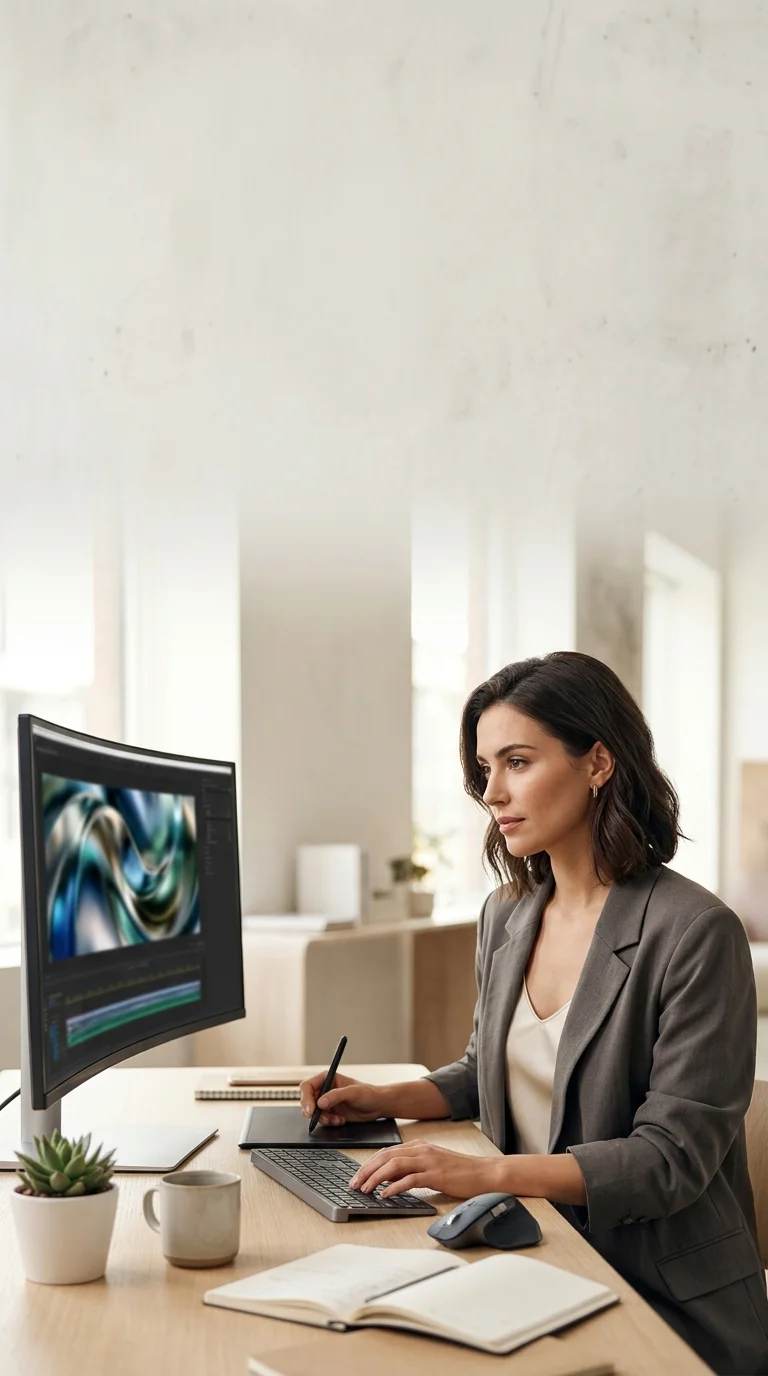
AI Video Generator for Marketing Motion
Omnivideo turns prompts, product images, and briefs into video, keeping prompt planning, generation, and review inside one omni ai workflow.
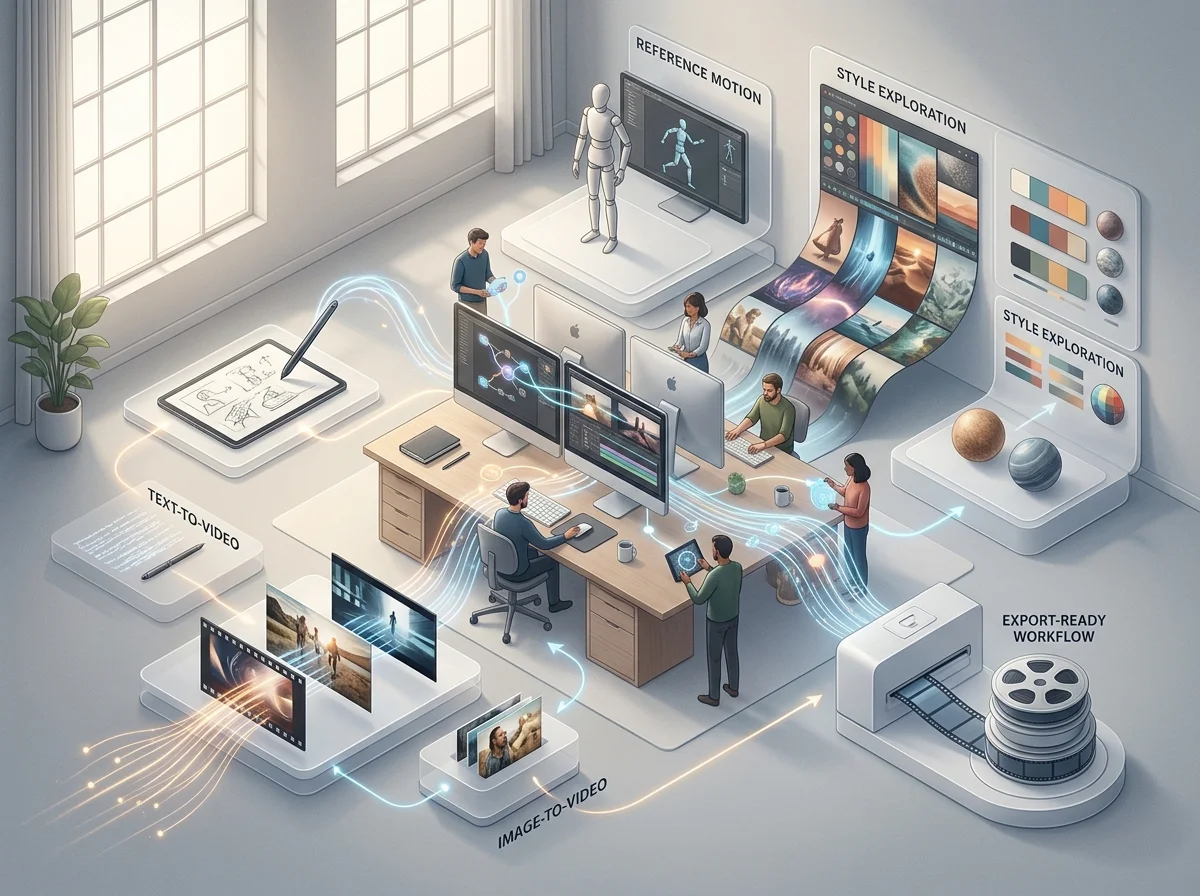
An AI Video Generator Built for Marketing Motion
The Omnivideo AI video generator makes the short clips marketing actually ships - product motion, social cuts, ad variants. It takes a written scene or an approved frame, and the choice between them is really a choice about how much you want to control.
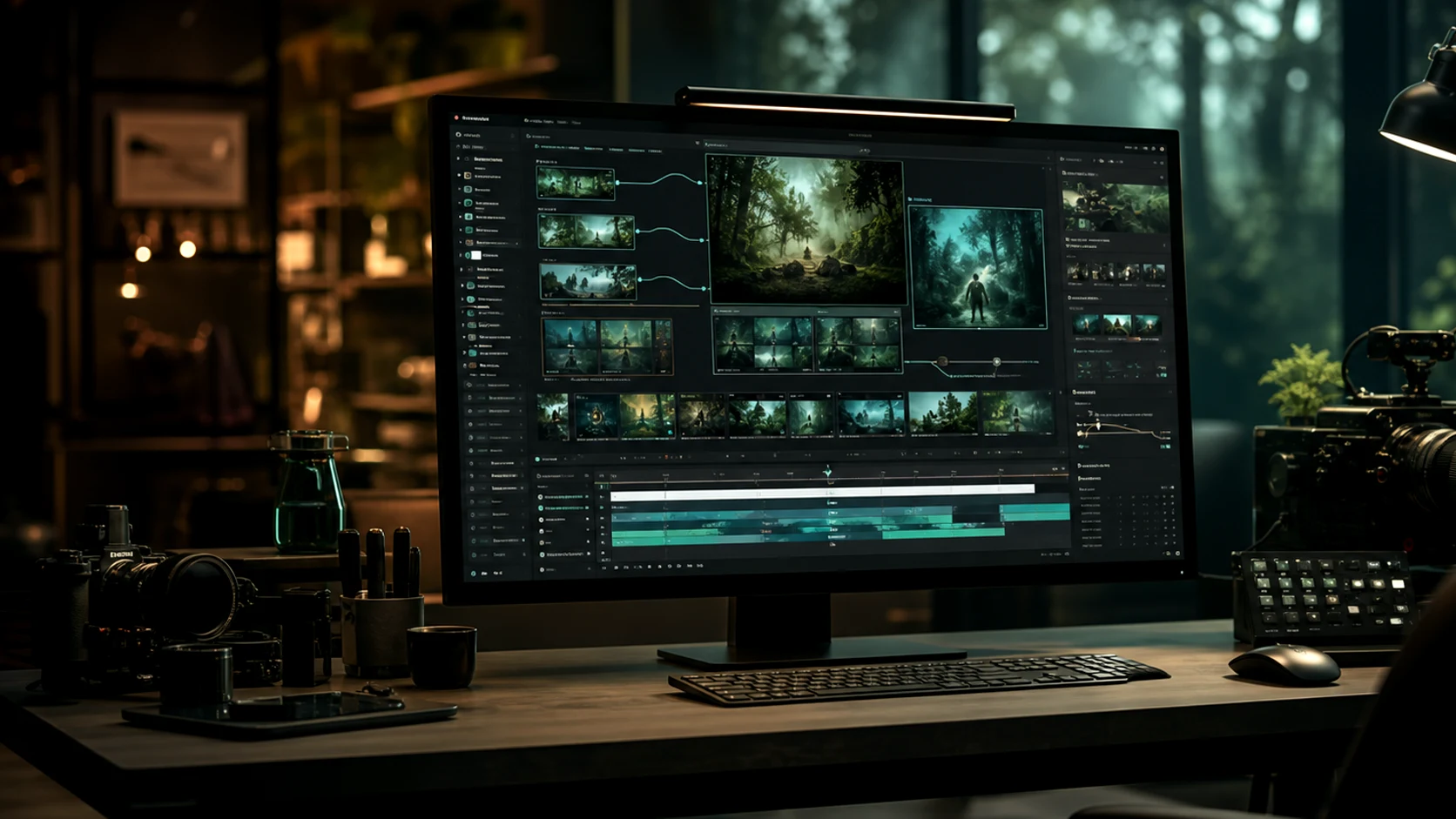
Image to video for approved looks
Start from the key visual that already passed review and spend the whole prompt on movement.
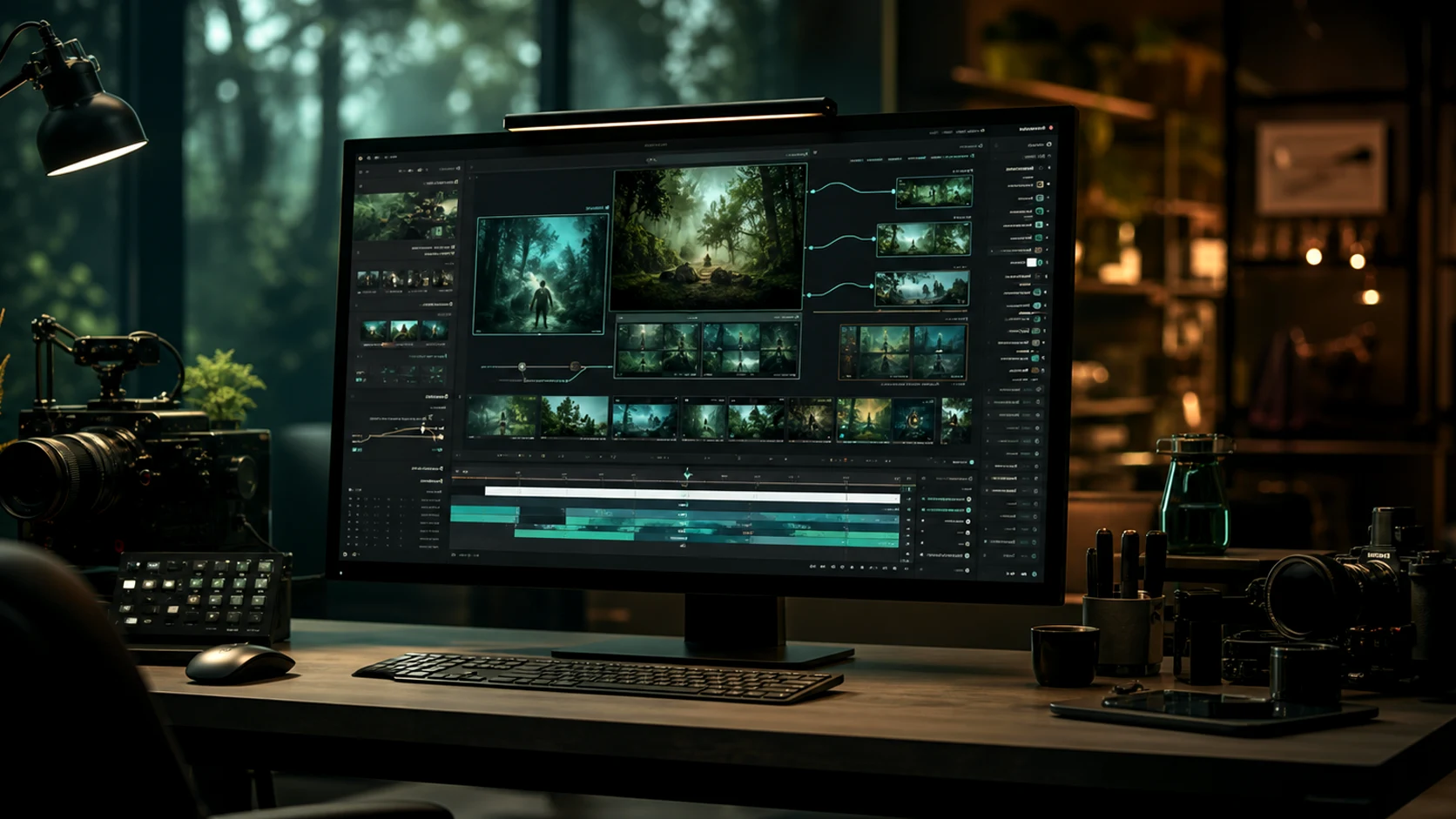
Text to video for exploration
Start from a description when the direction is still open and producing a still first would slow you down.
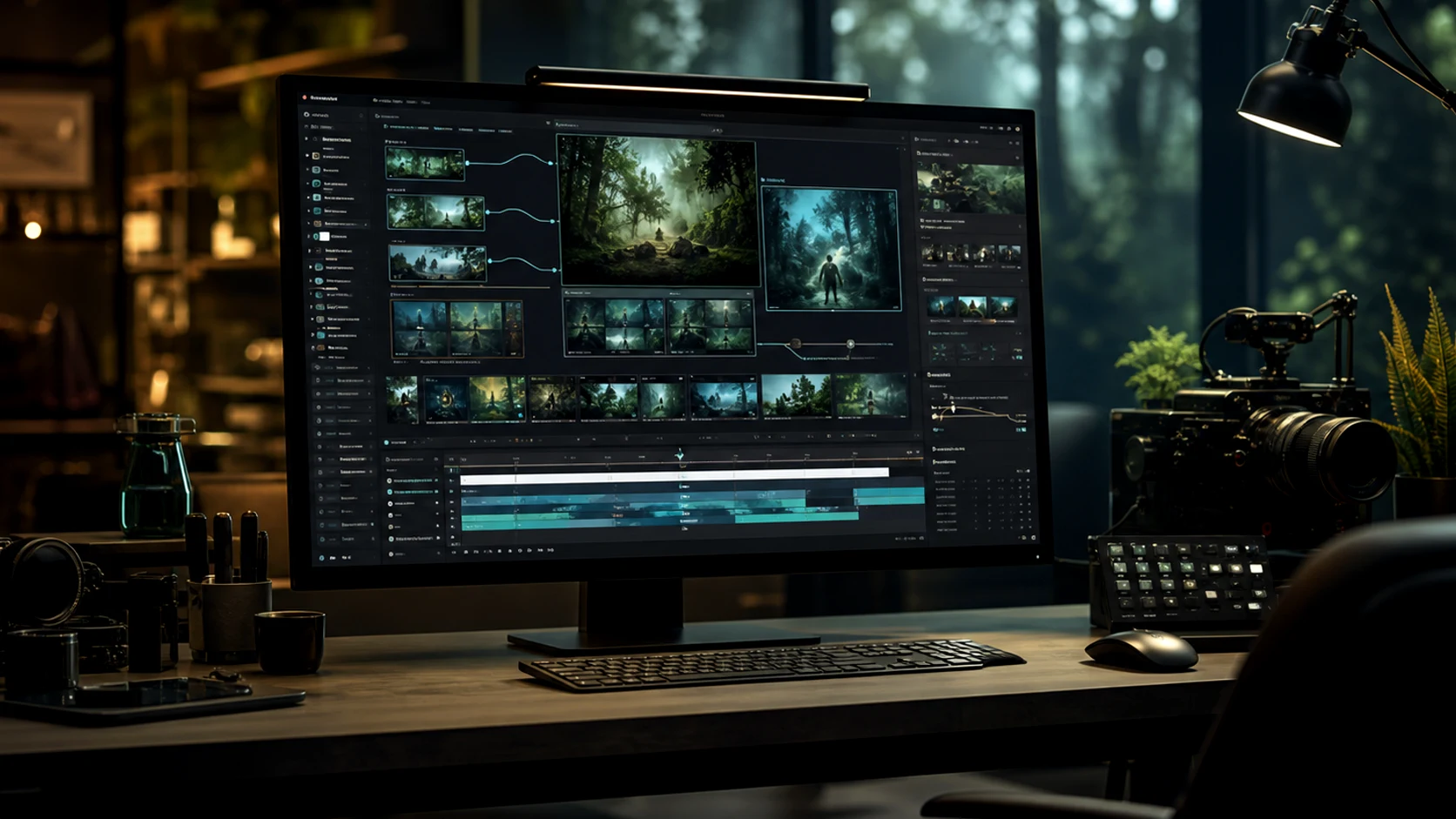
Variants without a reshoot
Generating five versions of an ad concept costs five prompts, which changes what is worth testing.
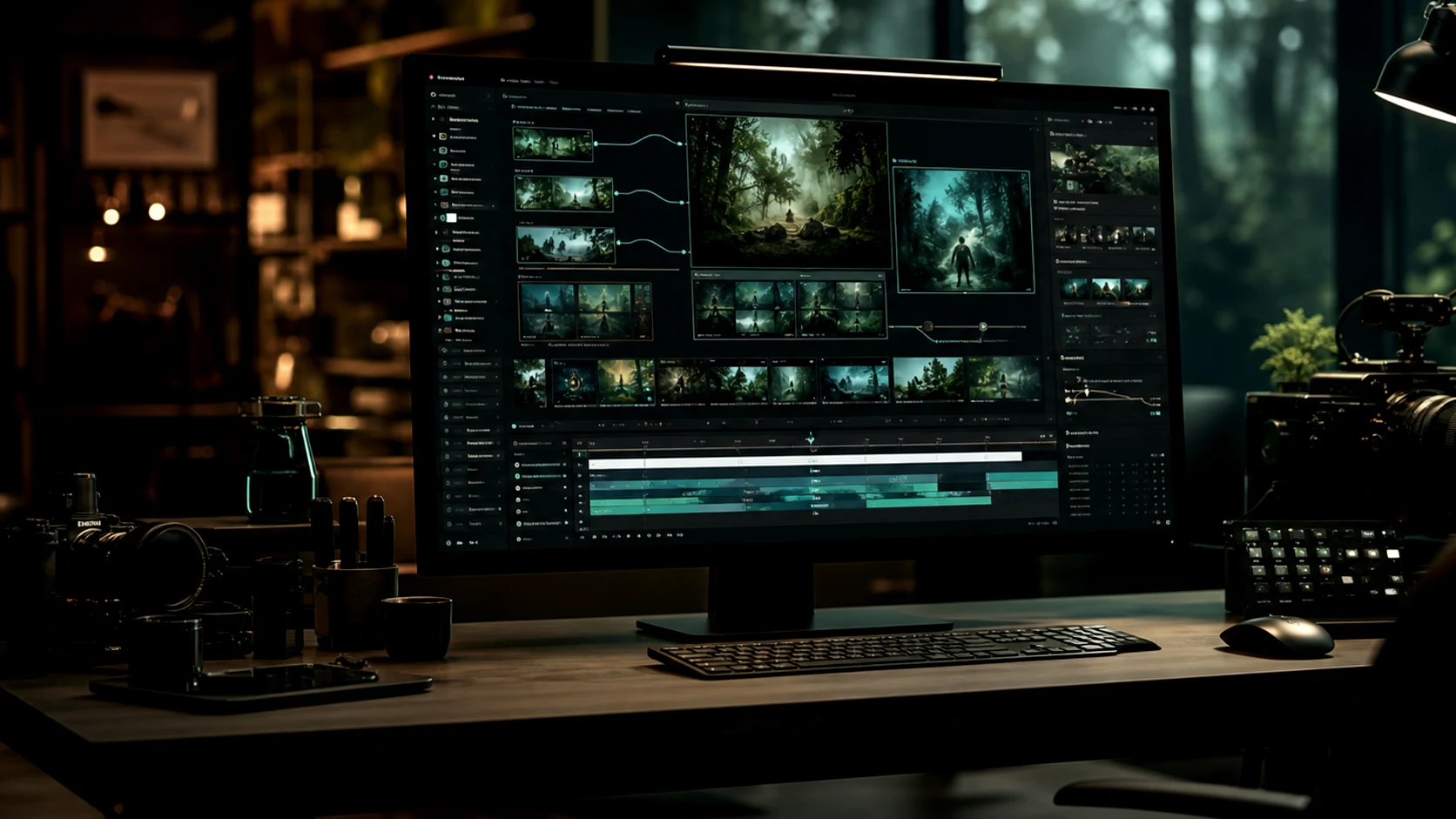
Framed for the placement
Vertical, square and wide chosen before generating, so the clip fits the feed it was made for.
Why Generate Marketing Motion Here
The constraints that matter in marketing are volume, consistency and turnaround.
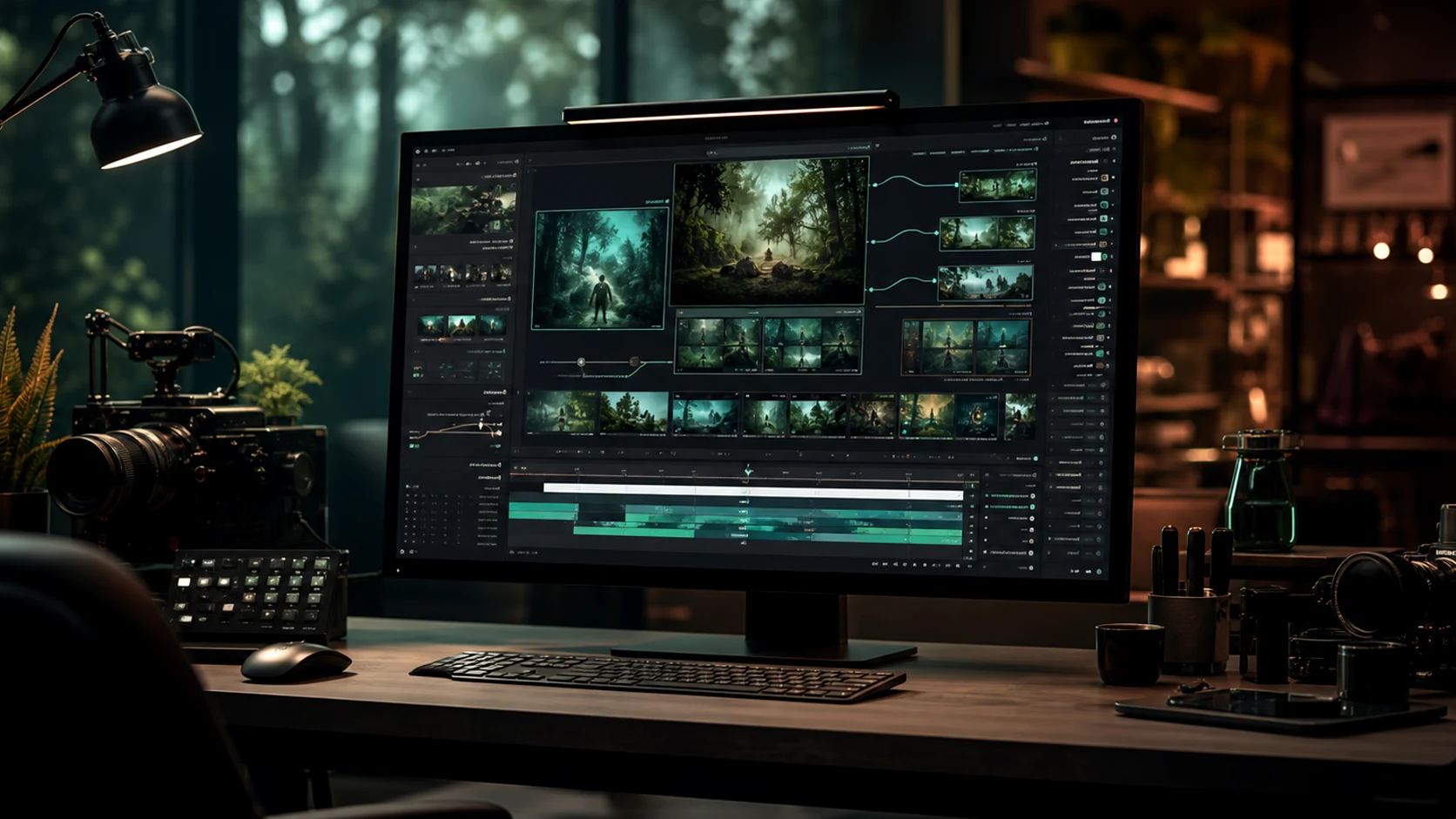
Workflow
How to Generate a Marketing Clip
Four steps from brief to something you can put in an ad slot.
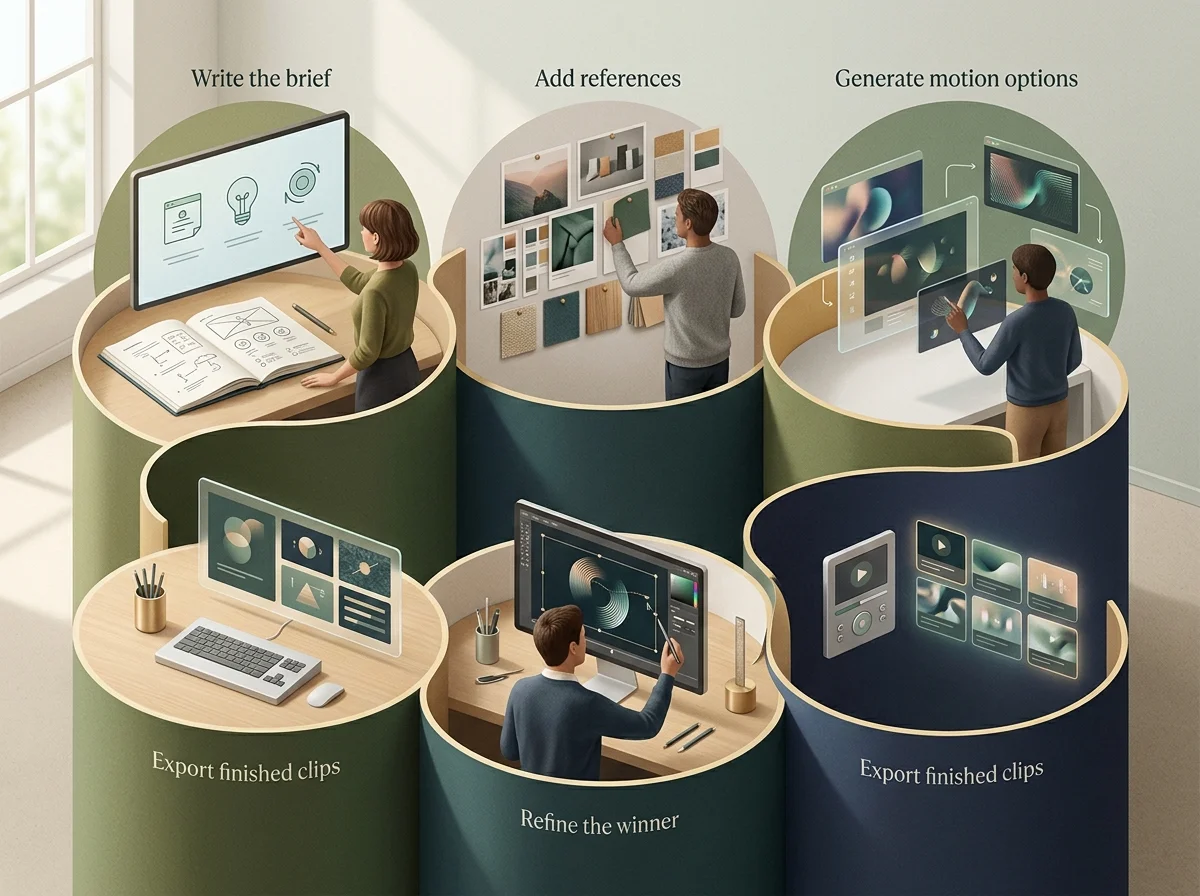
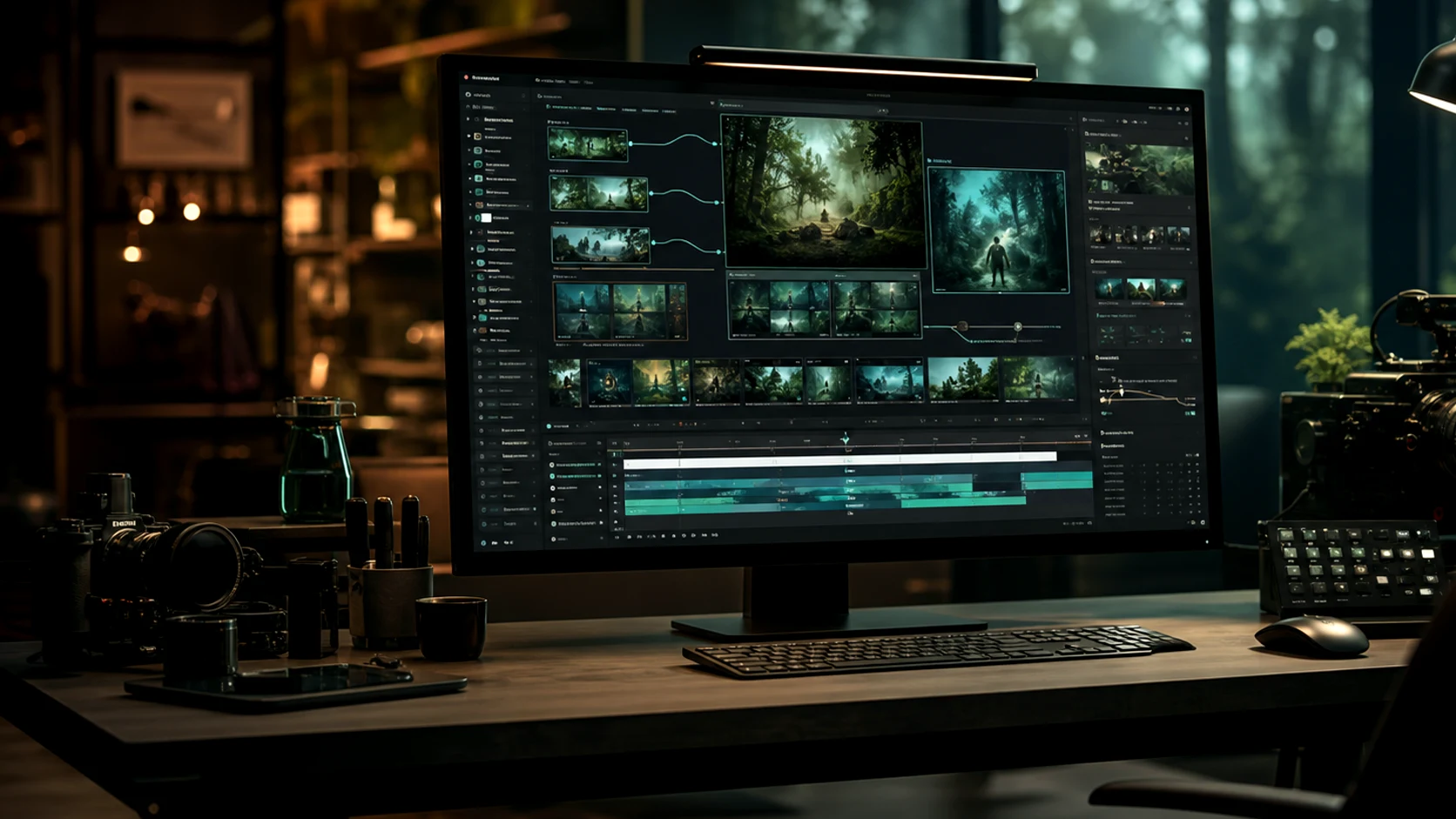
Choose your input
An approved frame if the look is settled; a written scene if it is not. This decides everything about the prompt.
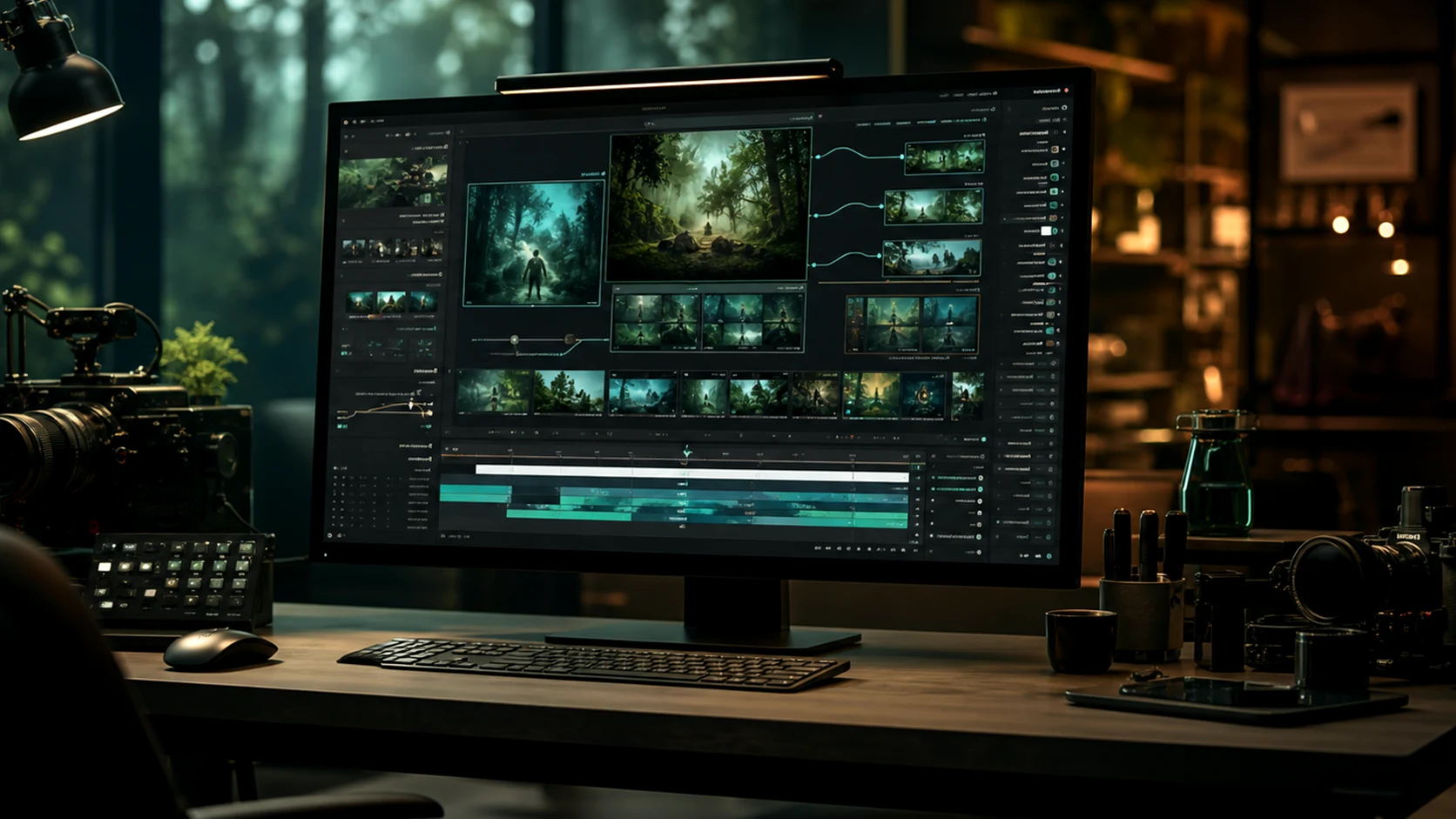
Write subject, action, camera
In that order. Style refines a clear shot and cannot rescue an unclear one.
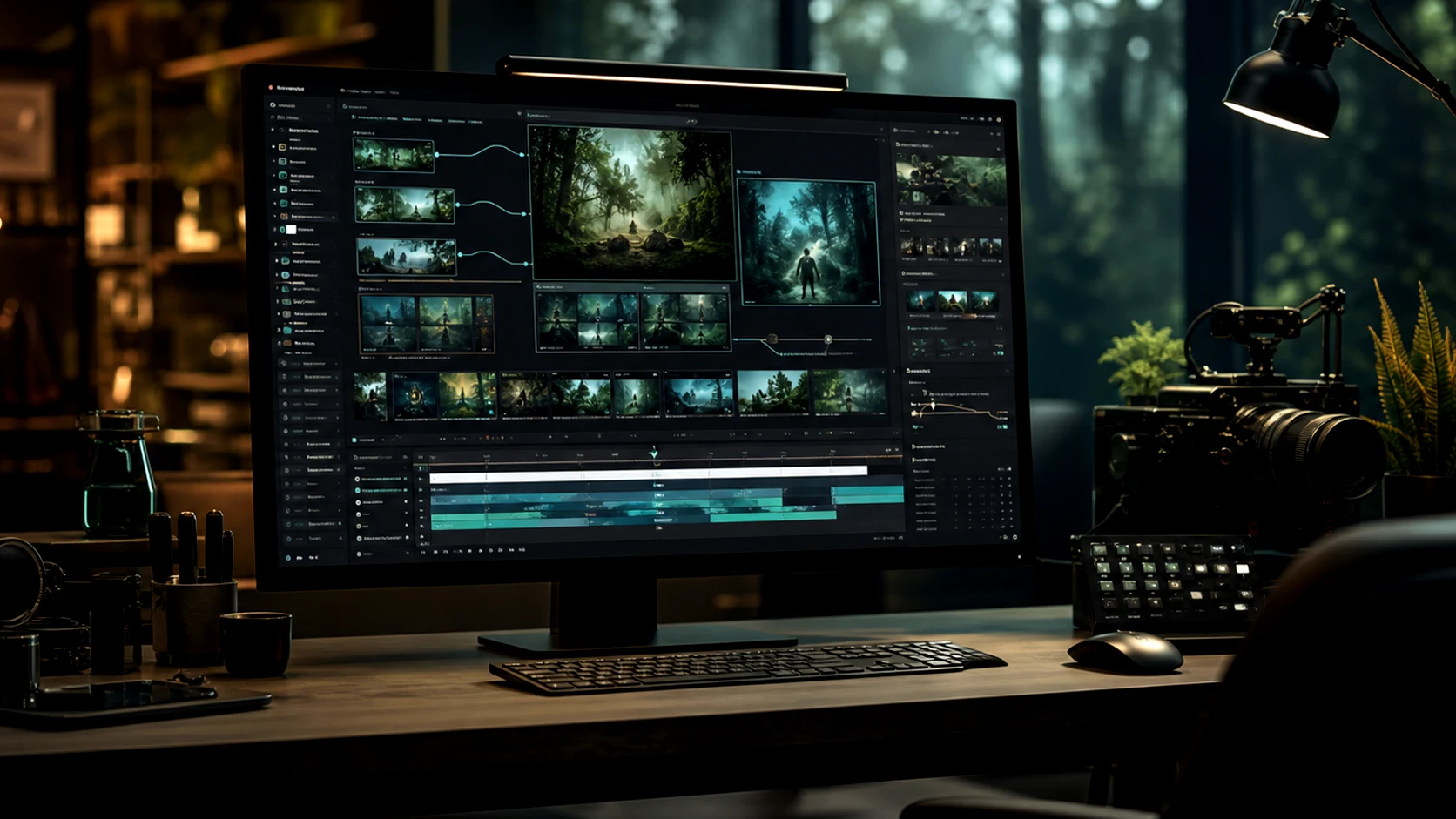
Set ratio and duration first
Both change framing, so choosing after generation means generating again.
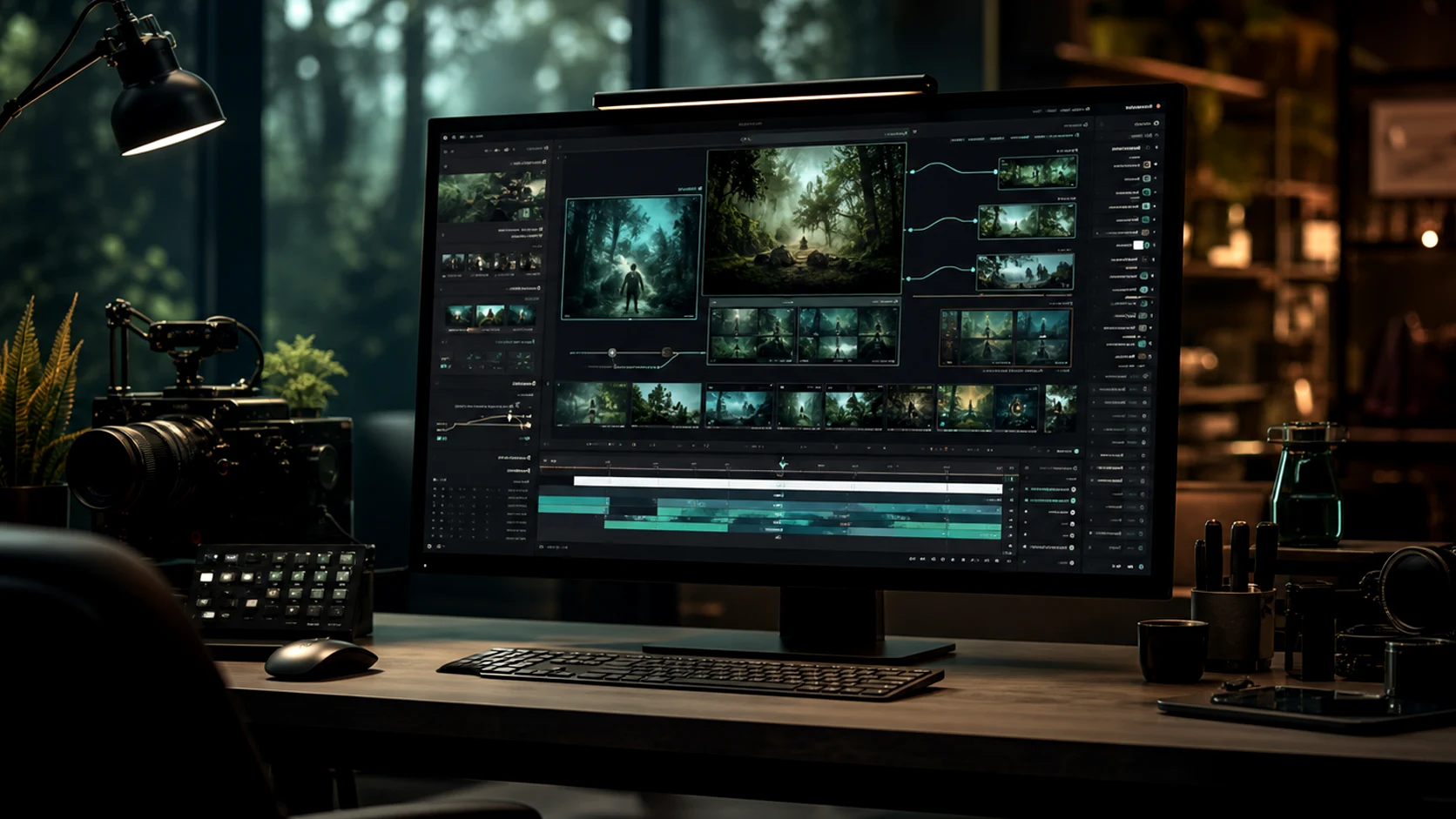
Compare, refine, export
Generate a small set, pick on motion, and export at the placement's ratio.
AI Video Generator Features
The inputs and controls on a motion generation.
Text-to-video generation
A clip from a written scene, no source asset needed.
Image-to-video generation
Animate an approved frame while preserving its composition.
Reference motion control
Hold style, identity and product detail steady across a set of clips.
Camera and pacing direction
Named moves and timing read from the prompt.
Aspect ratio presets
Vertical, square and wide framed from the start.
Export-ready output
Clips prepared for ads, social posts and landing pages.
What a run costs and returns
Available in the form today, each priced in the same credits.
Per run, depending on the model and length chosen.
Video covered per credited run, by model.
Includes a commercial licence for what you make.
The longest prompt every model on this page accepts.
FAQ
Frequently Asked Questions About gemini omni, omni video ai, and omni ai
Answers about Omnivideo as a gemini omni-friendly prompt workspace, an omni video ai generator, and an all-in-one browser-based omni ai production studio.
Generate the Clip
Bring an approved frame or a written scene, set the format, and get marketing motion in minutes.