
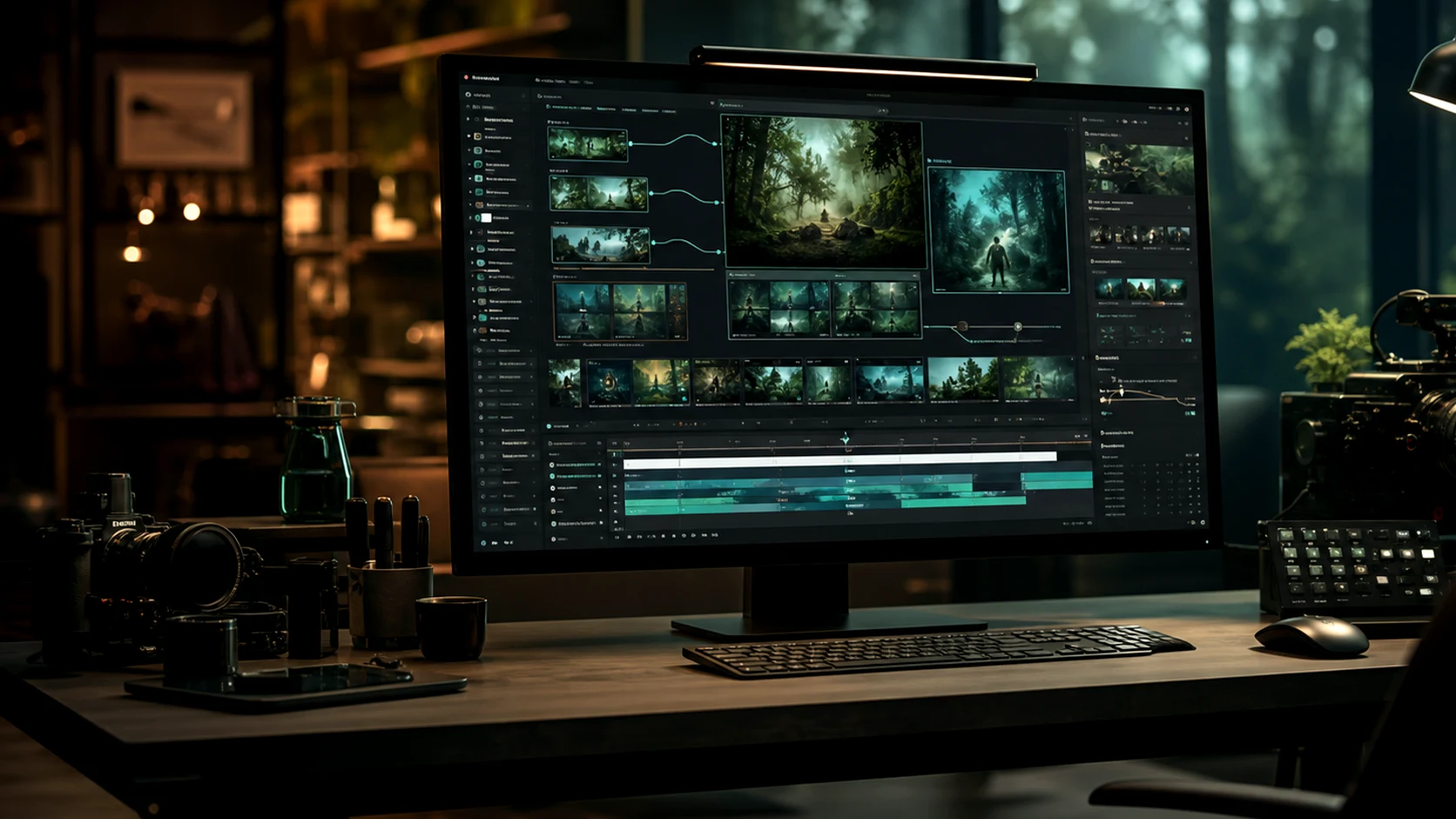
Gemini Omni Prompts for Faster Video Briefs
Use Omnivideo prompt examples to define subject, camera motion, references, lighting, style, format, and audience before spending omni video ai generation credits.
What a Strong Omnivideo Gemini Omni Prompt Includes
Each example helps you brief a specific omni video ai generation job with clearer subject, motion, reference, delivery, and omni ai constraints.
Subject and context
Define who or what appears, where the scene happens, and why the viewer should care.
Motion and camera
Add movement, pacing, lens language, transitions, and framing so video models receive clearer direction.
Reference instructions
Tell Omnivideo how uploaded images, clips, or style references should influence the result.
Delivery format
Specify platform, aspect ratio, duration, hook, CTA, and campaign use case before generation.
No prompts to show
Try a different filter or sort, or sign in to see your favorites.
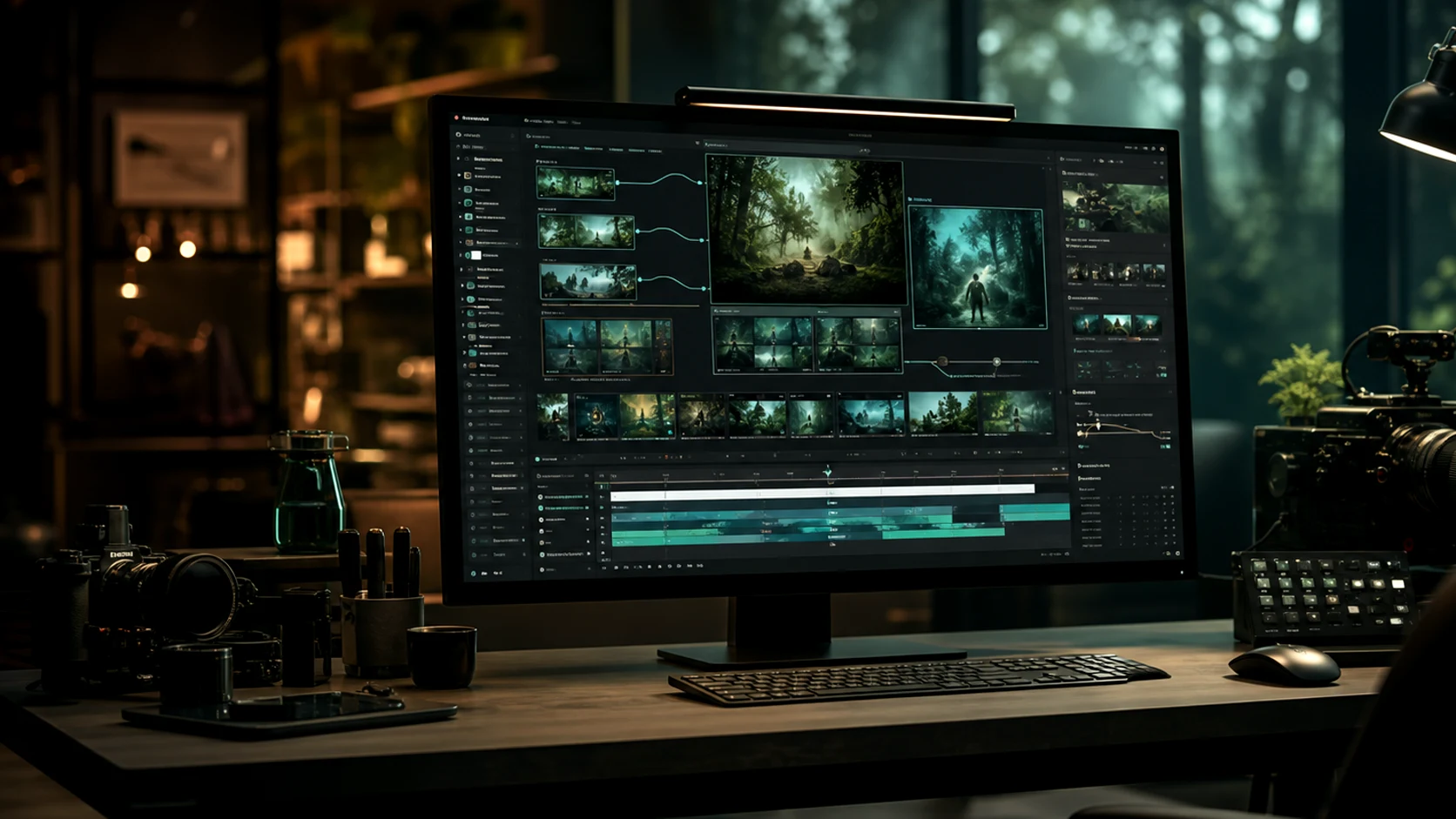
Prompt Topics in the Library
Browse prompt patterns by the job they solve: ads, products, explainers, social posts, reference motion, and storyboard exploration.
Product launch prompts
Write scene and motion prompts for product reveals, feature highlights, and landing page videos.
Paid social hooks
Structure short-form openings, visual contrast, creator-style setups, and benefit-led motion ideas.
Reference-guided prompts
Explain how uploaded assets should control character, product, composition, and visual style.
Storyboard prompts
Break a concept into shots, camera moves, and transitions before generating the first clip.
Gemini Omni Prompt Library FAQ
How to use gemini omni prompt examples with Omnivideo omni video ai and image-to-video generation.
Turn a Gemini Omni Prompt into a Video Draft
Pick a prompt pattern, adapt it to your campaign, then generate omni video ai or image assets in Omnivideo.